10 Best AI Image Upscaler Tools in 2026
Nothing is more frustrating than having a great photo that's too low-res to print or post at full size. AI image upscalers promise to fix that by adding real detail back into your pictures, not just stretching pixels. I tested every major upscaler I could find with the same set of blurry, low-quality images, and these 10 are the ones that truly made my photos look sharper, cleaner, and ready for any screen or print size.
- Cuty AI — Image Upscaler
- Magnific AI — Magic Image Upscaler & Enhancer
- Topaz Gigapixel AI — Image Upscaler & Enhancer
- Icons8 Smart Upscaler — AI Image Upscaler
- Upscayl — Free Open-Source Image Upscaler
- Bigjpg — AI Super-Resolution Image Upscaler
- Cloudinary — Free Image Upscaler
- ImgUpscaler — Online Image Upscaler
- Image-Upscaling.net — Free AI Image Upscaler
- Crystal AI Upscaler — Detail-Focused Upscaler
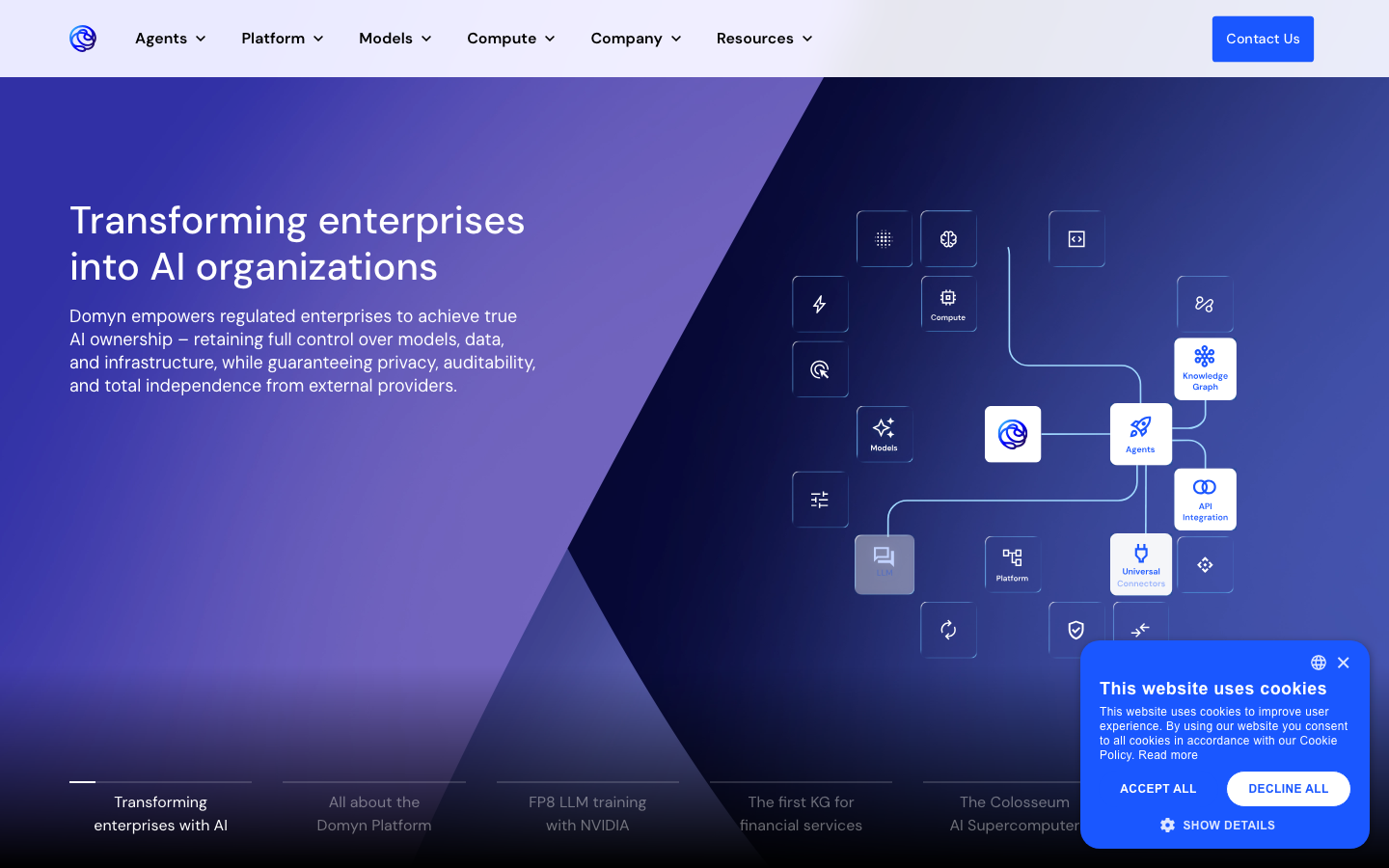
1. Cuty AI — Image Upscaler
Cuty AI's Image Upscaler enhances low-resolution images up to 4x clarity without quality loss. It sharpens details, improves textures and edges, and preserves a natural appearance throughout the process. The tool works on common formats like JPG and PNG, runs entirely in your browser with no installation required, and produces professional-quality results in seconds. I found it especially effective for enhancing product photos, artwork, and portrait images, even from small or compressed source files.
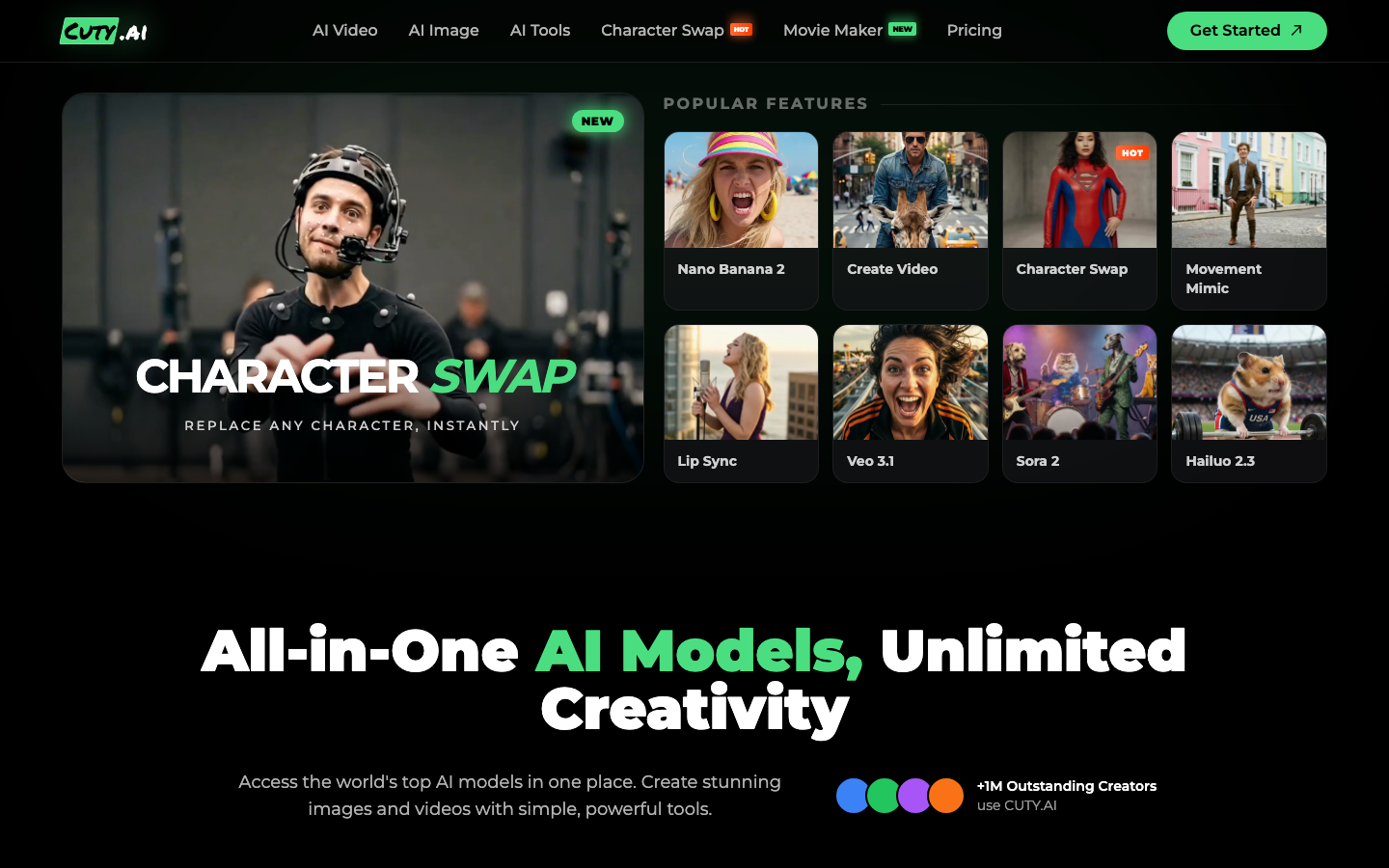
2. Magnific AI — Magic Image Upscaler & Enhancer
Magnific AI is a premium upscaler that actually rebuilds textures and details from scratch rather than just enlarging pixels, which produces remarkably lifelike results. It can scale images up to 16x with support for resolutions up to 10K through its API. What makes it stand out is its creativity slider that lets you control how much the AI adds new detail, along with separate engines like Illusio, Sharpy, and Sparkle for different use cases. It offers optimization modes for portraits, landscapes, art, 3D renders, and more, making it the go-to choice for professionals who demand the highest quality.
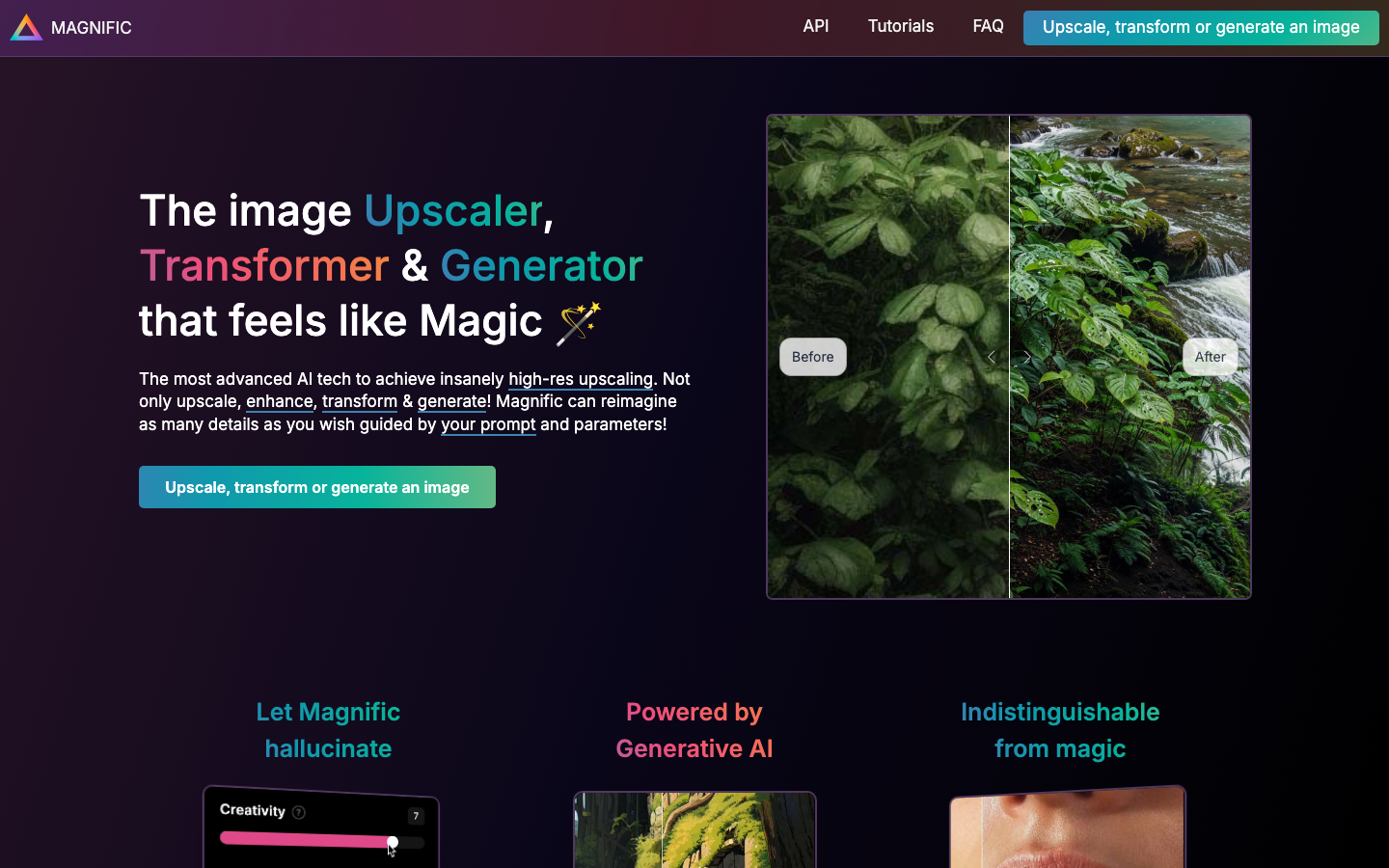
3. Topaz Gigapixel AI — Image Upscaler & Enhancer
Topaz Gigapixel AI is a desktop application that can increase image resolution up to 6x with a maximum dimension of 32,000 pixels on the longest side. It includes three categories of AI models, including Core, Generative, and Legacy, plus an Auto mode that selects the best model for your image. The Face Recovery feature is excellent for restoring portraits and vintage photos. Because it runs locally on your machine, it offers superior processing power compared to most web-based tools, and it's widely used by professional photographers for print-quality enlargements.
4. Icons8 Smart Upscaler — AI Image Upscaler
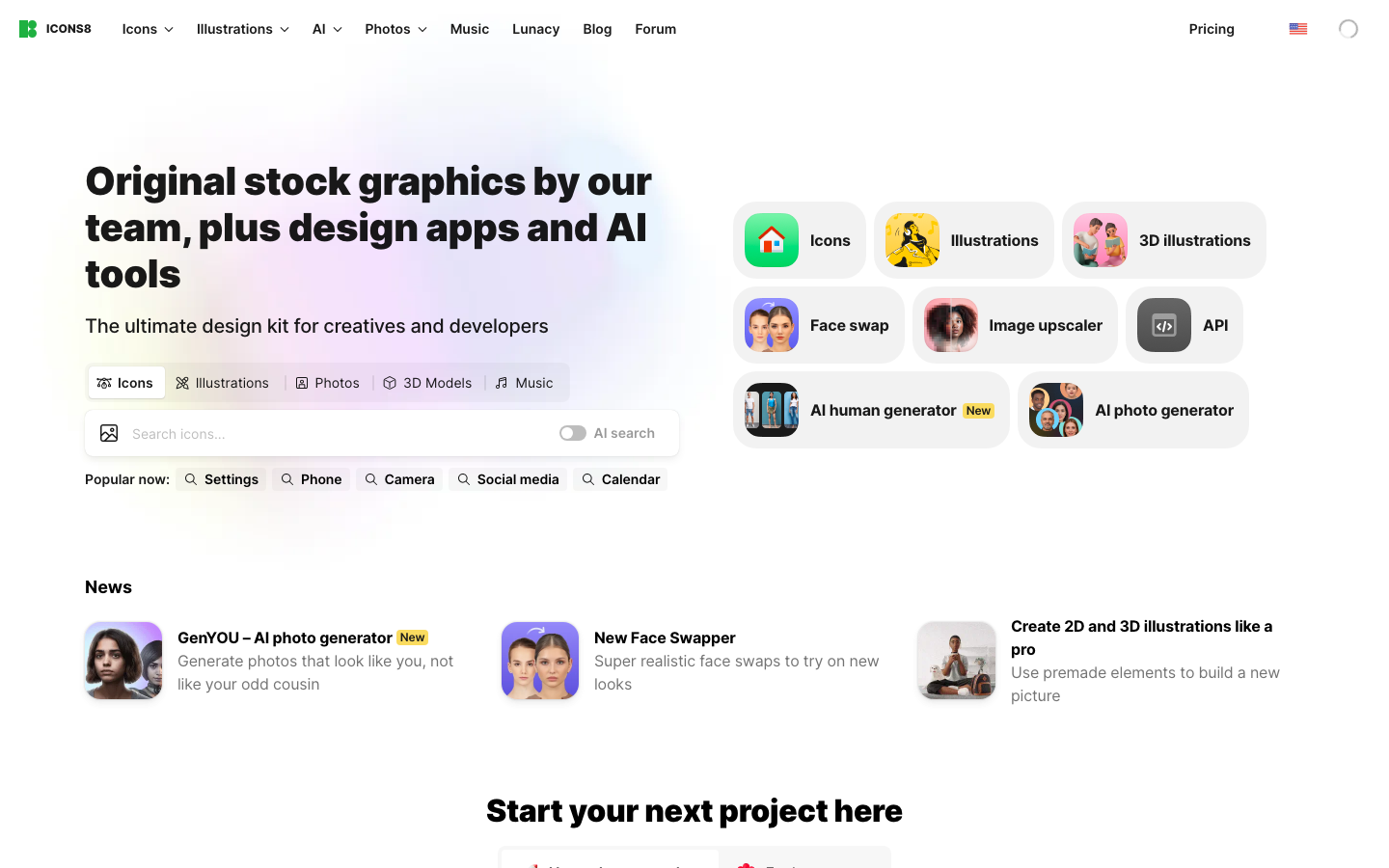
Icons8 Smart Upscaler is an online tool that can enhance images up to 7680 by 7680 pixels without quality loss. It uses deep learning trained on over 5 million images to deliver impressive results through super-resolution technology. One of its strongest features is batch processing, which lets you upload up to 500 images at once for simultaneous upscaling. It also includes noise reduction that works well on photos taken in low-light conditions, and a magnifying mode for comparing results and examining details up close.
5. Upscayl — Free Open-Source Image Upscaler
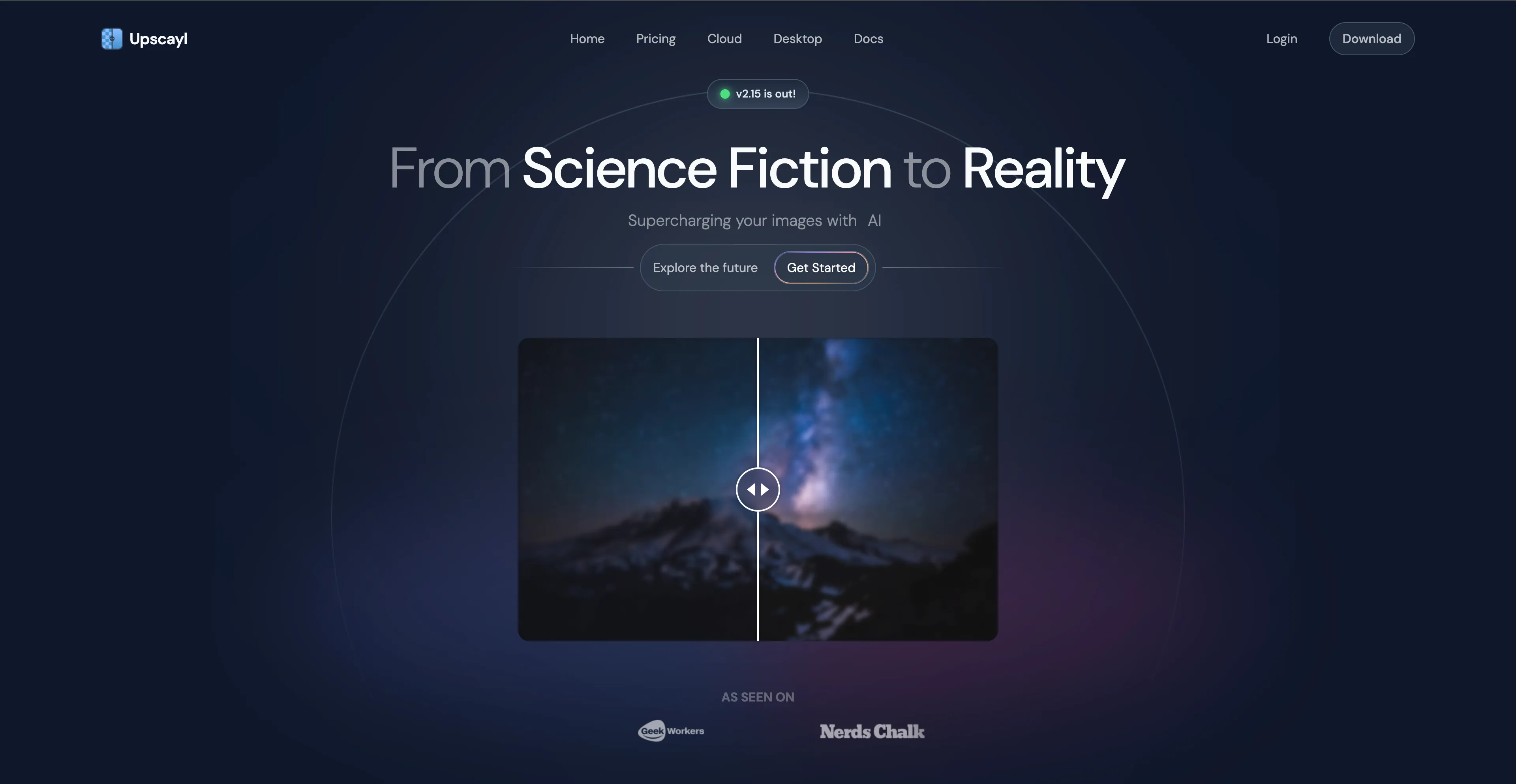
Upscayl is a completely free, open-source desktop application available for Linux, macOS, and Windows, with over 44,000 stars on GitHub. It can enhance images up to 16x resolution and offers multiple AI models to choose from, along with a Double Upscayl feature for even better quality. The software is powered by the NCNN framework and Real-ESRGAN architecture, and it requires a Vulkan-compatible GPU to run. For those who want cloud-based speed, Upscayl Cloud provides 10x faster processing and support for very large resolutions.
6. Bigjpg — AI Super-Resolution Image Upscaler
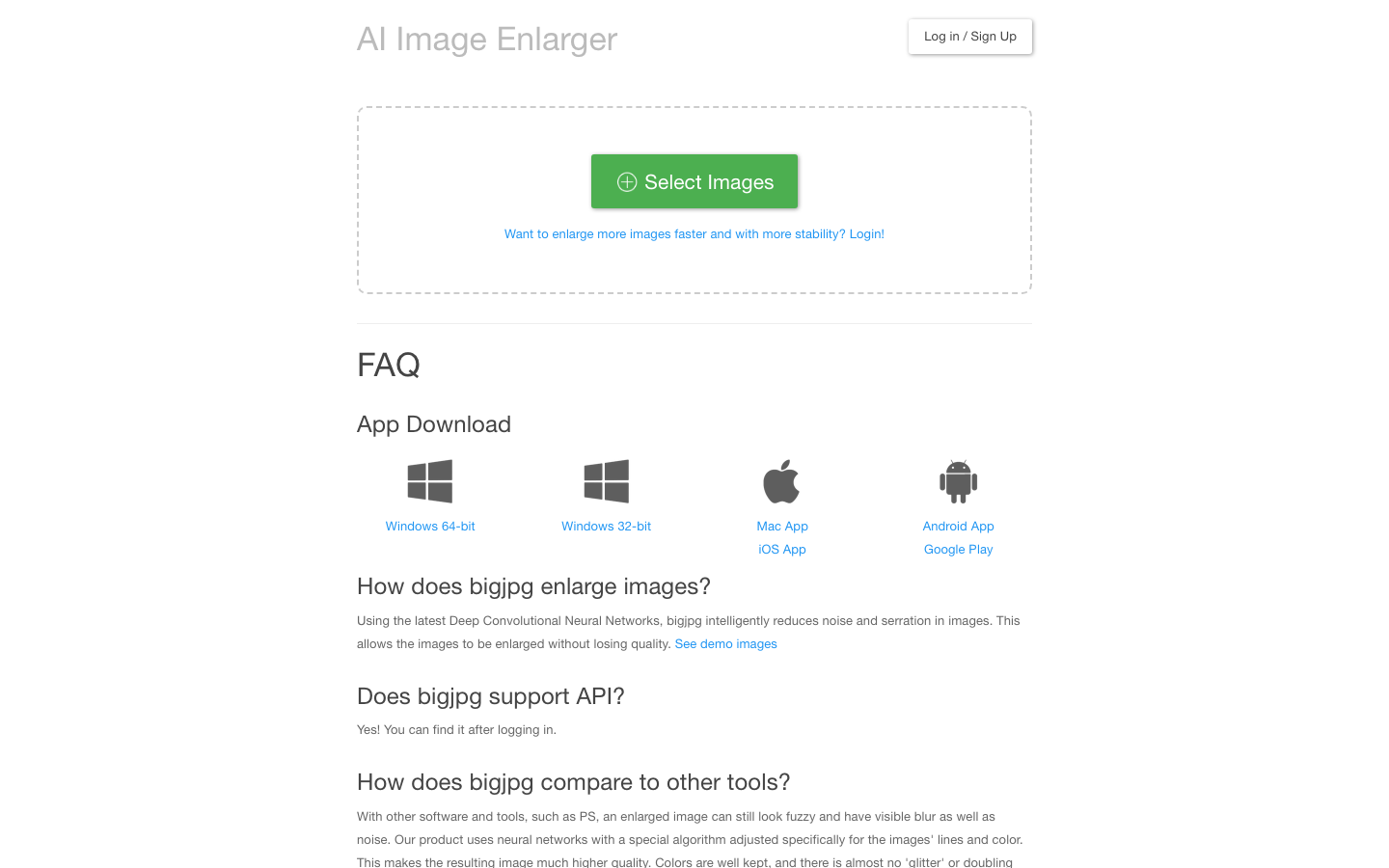
Bigjpg uses Deep Convolutional Neural Networks and is particularly effective on anime illustrations and digital art. Its dedicated artwork mode keeps black lines crisp and maintains vibrant colors without producing the waxy or watercolor effects that other upscalers sometimes introduce. It supports magnification from 2x to 16x and offers multiple levels of noise reduction to remove JPEG compression artifacts. The tool is available as a web app, desktop software for Windows and Mac, and mobile apps for iOS and Android, so you can upscale images from just about anywhere.
7. Cloudinary — Free Image Upscaler
Cloudinary's Image Upscaler is a completely free, browser-based tool that uses AI to enlarge and enhance images without any installation or plugins. It runs securely in your browser without advertisements and supports batch upscaling of multiple images at once. Beyond upscaling, it also offers Generative Fill, Object Removal, and Replace capabilities. Developers can also sign up for a free API to programmatically upscale images, which makes it particularly attractive for businesses and web developers who need automated image processing.

8. ImgUpscaler — Online Image Upscaler
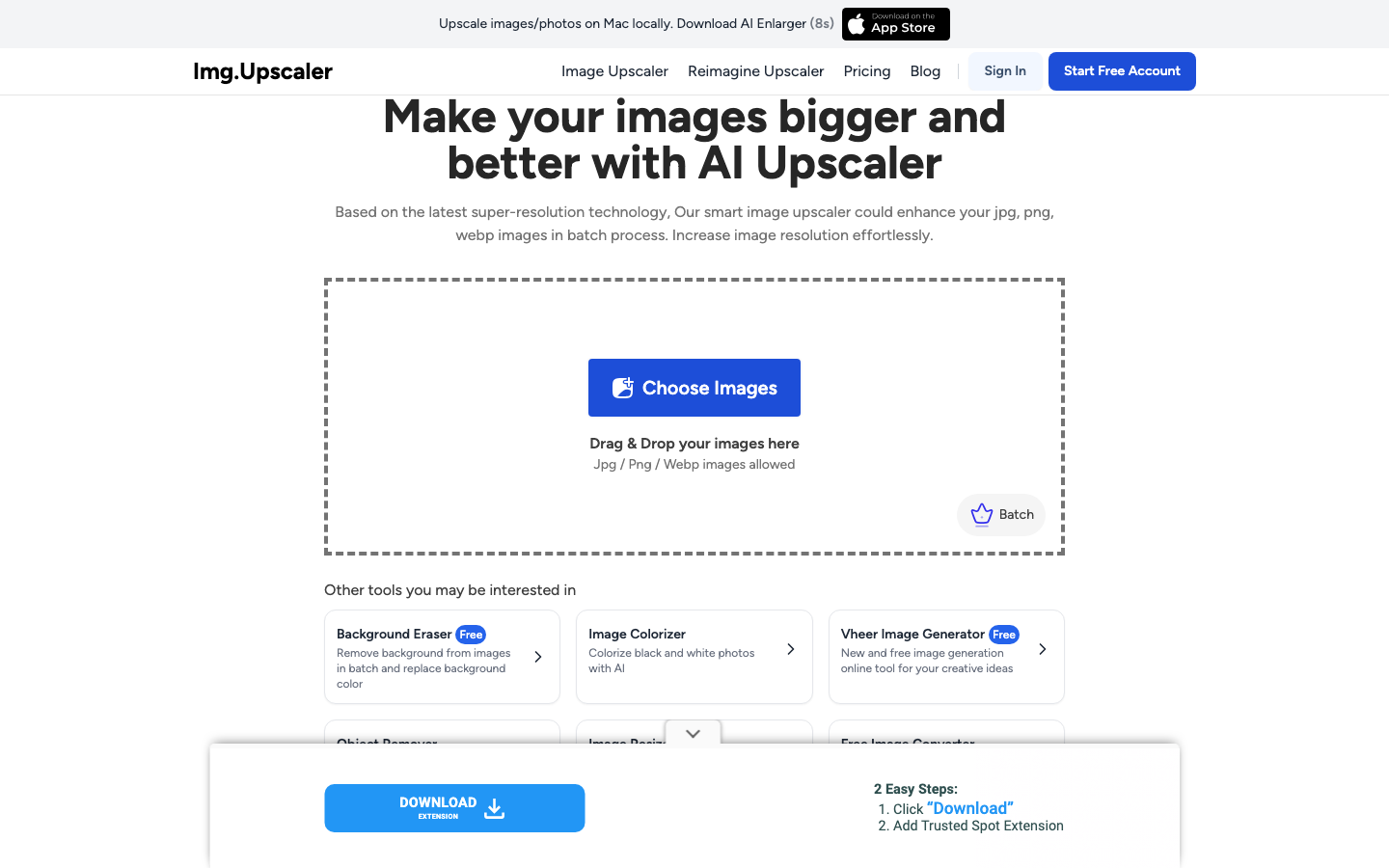
ImgUpscaler is a fast, web-based tool that upscales images by 2x or 4x using advanced AI super-resolution technology. It requires no software installation and processes images quickly in the cloud. I liked that it includes specialized models for face enhancement and anime illustration upscaling, plus a built-in editor with cropping, filters, and annotation tools. It supports a wide range of formats including JPG, PNG, WebP, AVIF, BMP, and TIFF, and images are automatically deleted within 24 hours for privacy.
9. Image-Upscaling.net — Free AI Image Upscaler
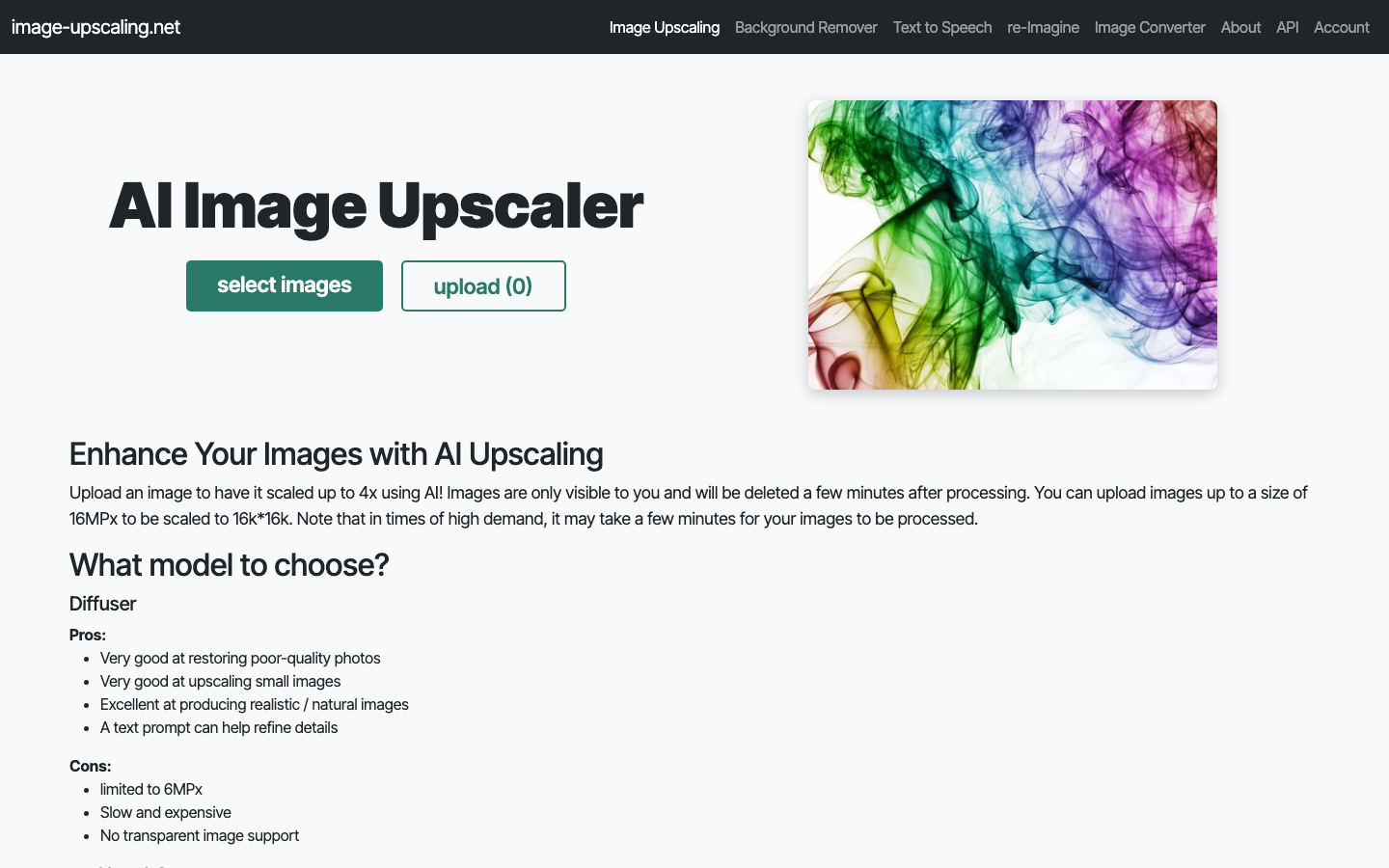
Image-Upscaling.net offers upscaling up to 16K resolution with no sign-up required and no watermarks on the output. It provides multiple AI models suited for different image types, including General, Plus, and Diffuser, along with a face restoration option and creative hallucination setting. The tool supports bulk upscaling and works with PNG, JPG, and WebP formats. It runs on a pay-what-you-want model with daily free quotas, so you can use it without spending anything for casual needs.
10. Crystal AI Upscaler — Detail-Focused Upscaler
Crystal AI Upscaler is a high-precision tool optimized especially for portraits and faces. It solves common upscaling problems like blurry faces, plastic-looking skin, and identity changes by preserving natural skin texture and facial details even from noisy inputs. It supports scale factors ranging from 1x to 100x and can output at 8K ultra HD quality. The tool also recovers hair, fabric, and makeup detail naturally, and it processes images in under 30 seconds on average, making it a strong choice for anyone who works heavily with portrait photography or product imagery.