10 Best AI Video Upscaler Tools in 2026
If you've ever tried to watch an old video only to cringe at how blurry it looks, you know the pain that AI video upscalers are designed to fix. I recently went on a mission to find the best ones, feeding the same low-resolution clips into each tool and comparing the output quality side by side. These are the 10 that genuinely transformed my footage and made the biggest visual difference.
- Cuty AI — Video Upscaler
- TensorPix — AI Video Enhancer & Upscaler
- ModifyVideo.ai — Video Upscaler
- Pollo AI — Video Upscaler
- CapCut — AI Video Upscaler
- Flixier — AI Video Enhancer
- Neural Love — AI Video Upscaler
- VideoProc Converter AI — Video Enhancer
- Artguru — AI Video Enhancer
- HitPaw VikPea — AI Video Enhancer
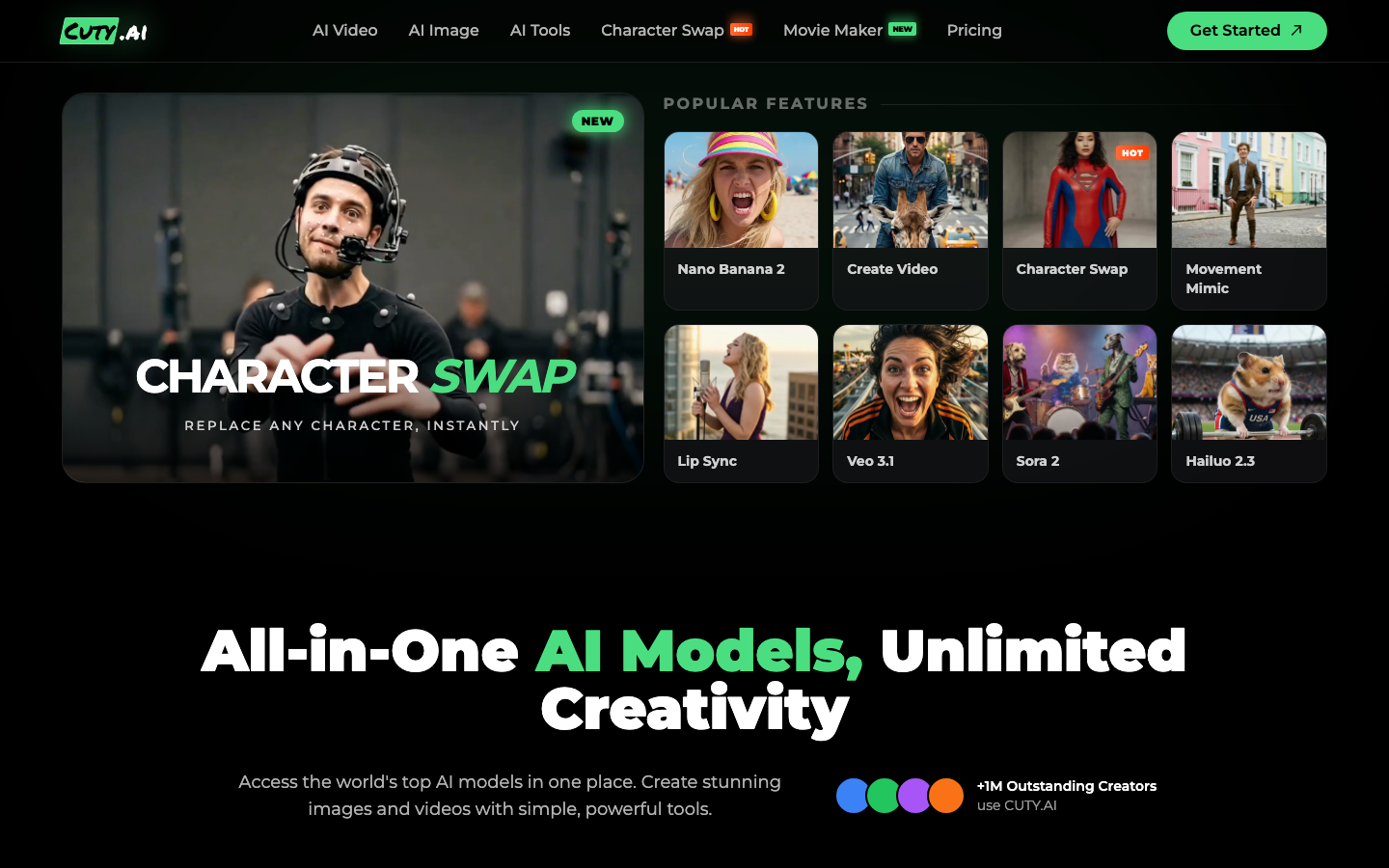
1. Cuty AI — Video Upscaler
Cuty AI's video upscaler is a browser-based tool that transforms low-resolution footage into sharp 1080p or 4K quality using advanced AI. It works frame-by-frame to enhance detail, sharpen edges, and reduce noise, which means your upscaled videos look genuinely improved rather than just stretched. It supports common formats like MP4, MOV, and WEBM, and can handle source videos as low as 360p. The fact that it runs entirely in your browser with no software to install makes it incredibly convenient, and you don't need any technical skills to use it.
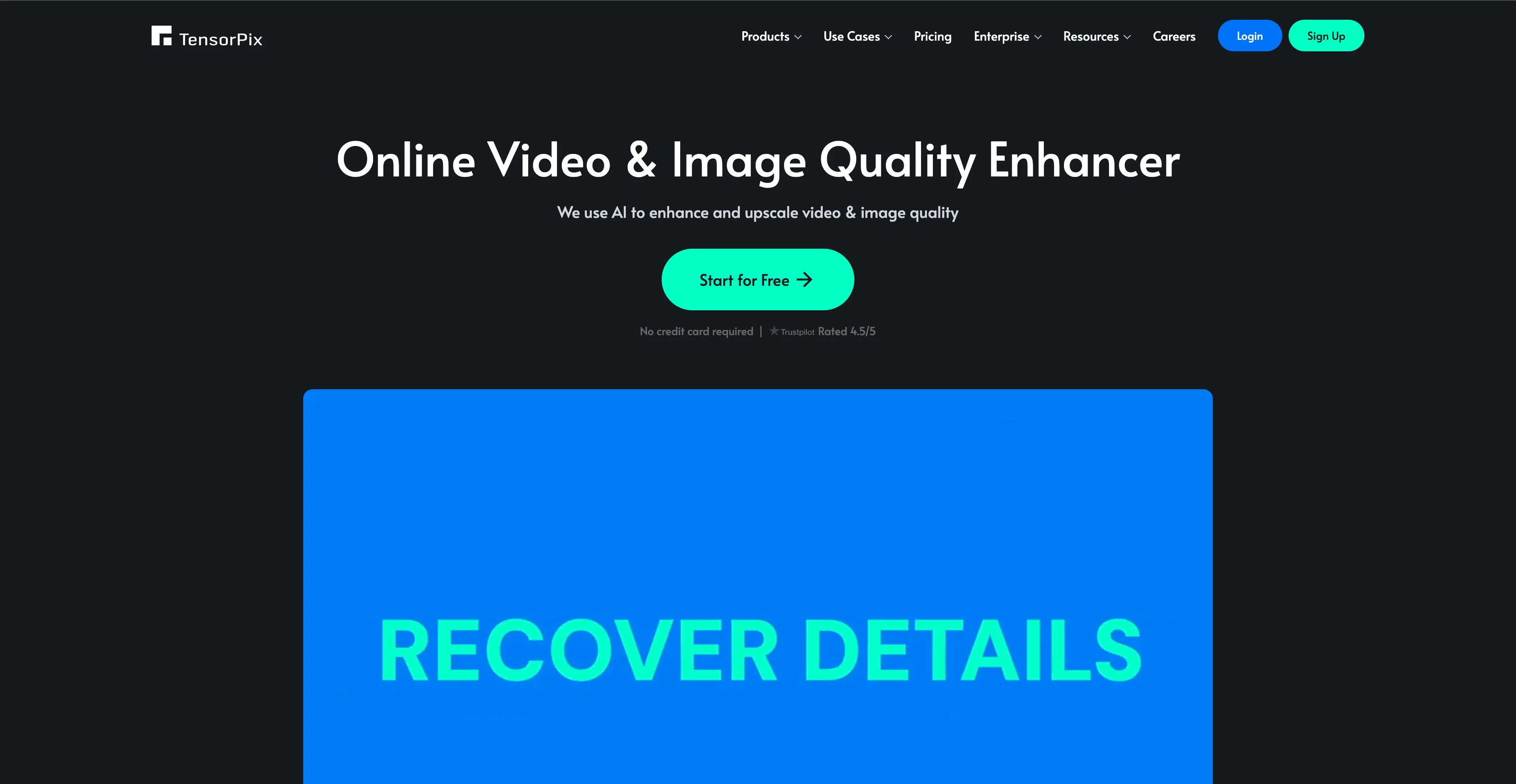
2. TensorPix — AI Video Enhancer & Upscaler
TensorPix is an AI video enhancer trusted by over two million users, and after trying it myself I can see why. It offers up to 4x resolution upscaling, frame rate boosts up to 60 FPS or higher, video stabilization, and automated enhancement filters. Everything runs on GPU-accelerated cloud servers, so even if your computer isn't very powerful, you can still get fast results. The interface is clean and straightforward, and it does a great job on short clips and casual projects where you need a quick quality boost without fussing around.
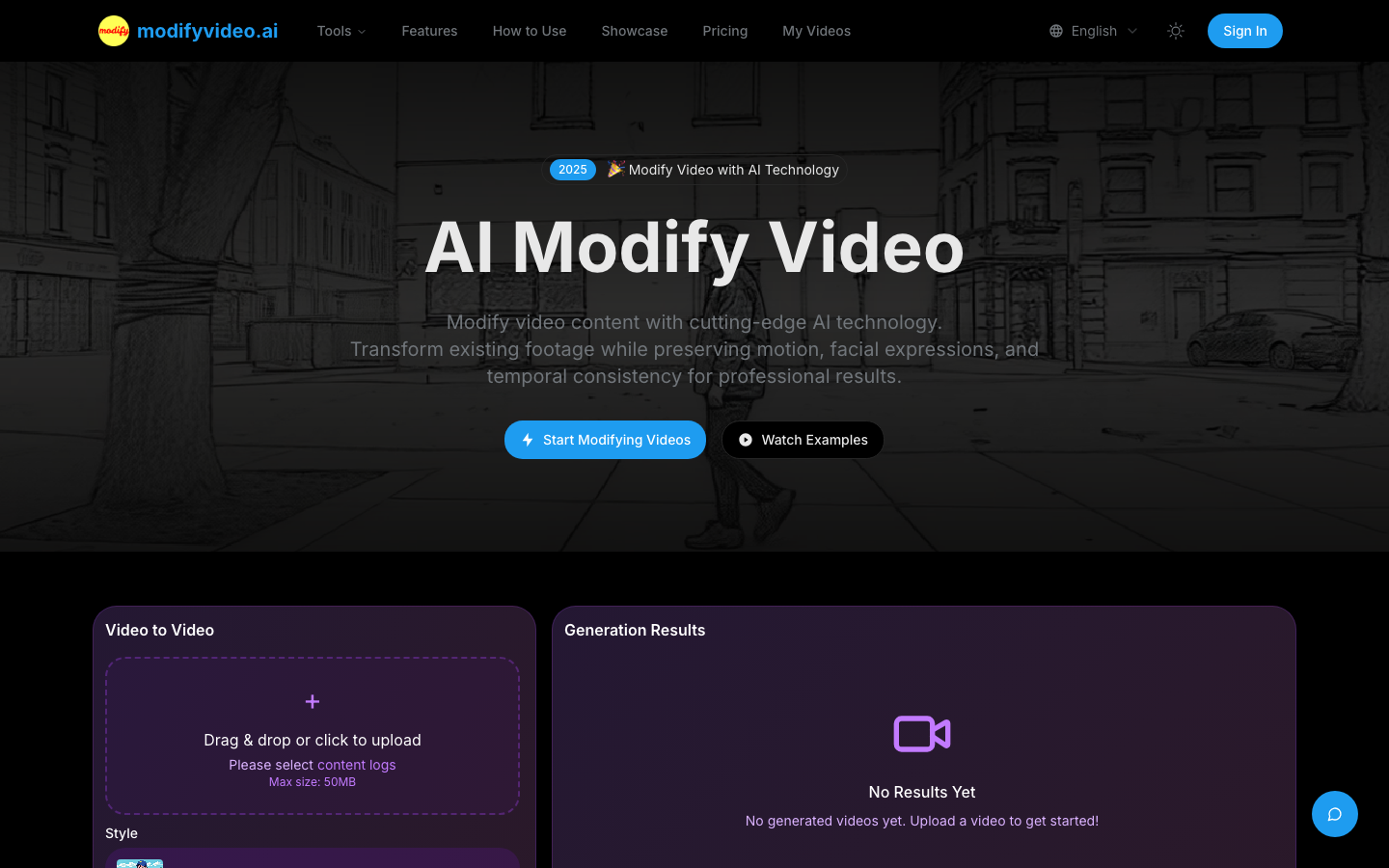
3. ModifyVideo.ai — Video Upscaler
ModifyVideo.ai is a solid online video upscaler that can transform your videos to 720p, 1080p, 2K, or even 4K quality. It was trained on millions of 4K videos, which helps it produce results that look natural with preserved colors and smooth motion. It supports all the major formats including MP4, MOV, WEBM, M4V, and GIF, with a file size limit of 200 MB. The workflow is dead simple too, just upload your video, pick your target resolution, and let the AI do its thing. I was impressed by how well it maintained audio sync throughout the process.
4. Pollo AI — Video Upscaler
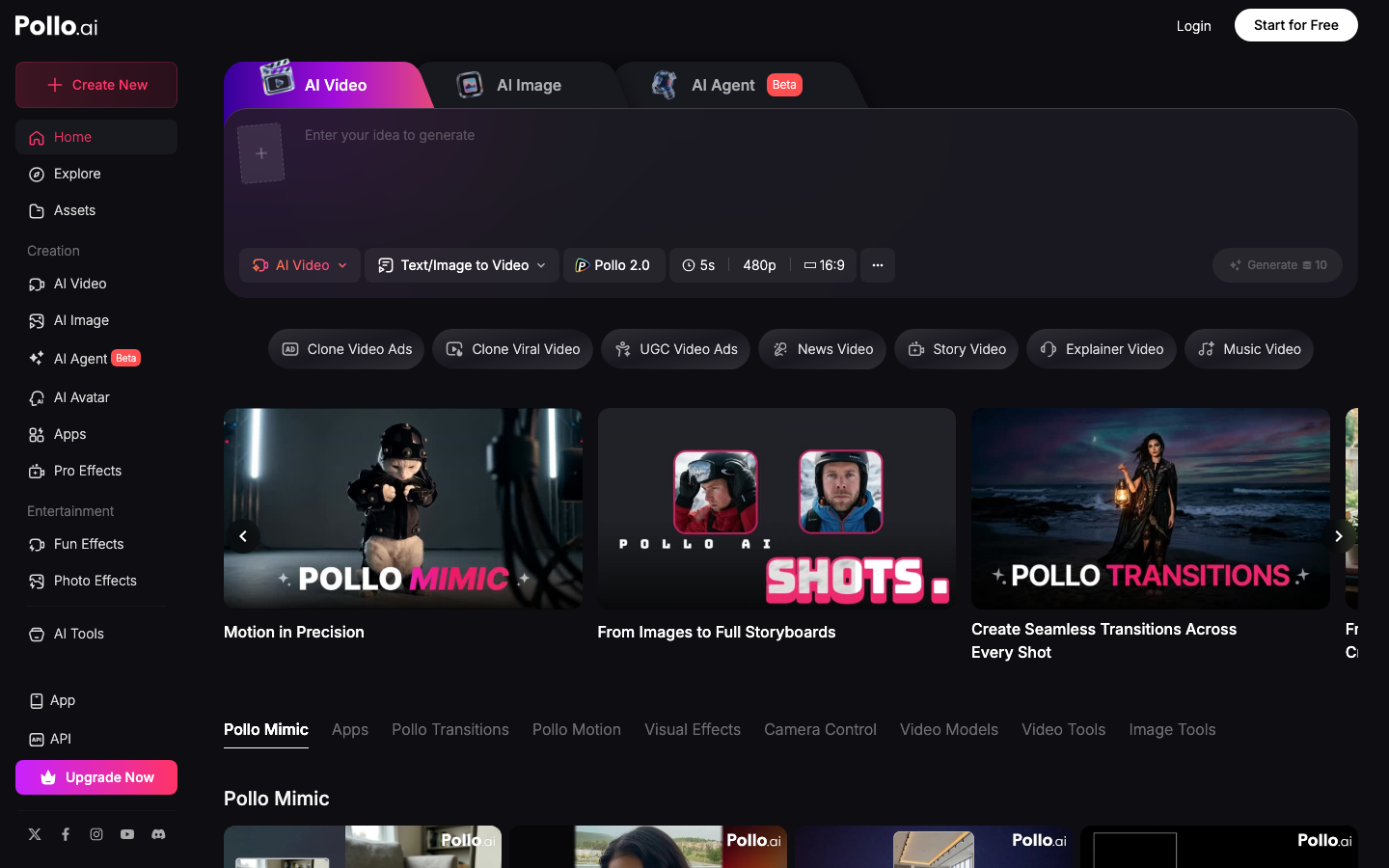
Pollo AI offers a beginner-friendly video upscaler that can push your footage up to 4K resolution with options for 2x or 4x scaling. What I like about Pollo AI is that it bundles upscaling alongside a whole suite of AI video tools, including text-to-video, image-to-video, and various creative effects. The interface requires absolutely no learning curve, and the rendering speed is impressively fast. If you're someone who wants a single platform that handles multiple AI video tasks without jumping between different tools, Pollo AI is a great pick.
5. CapCut — AI Video Upscaler
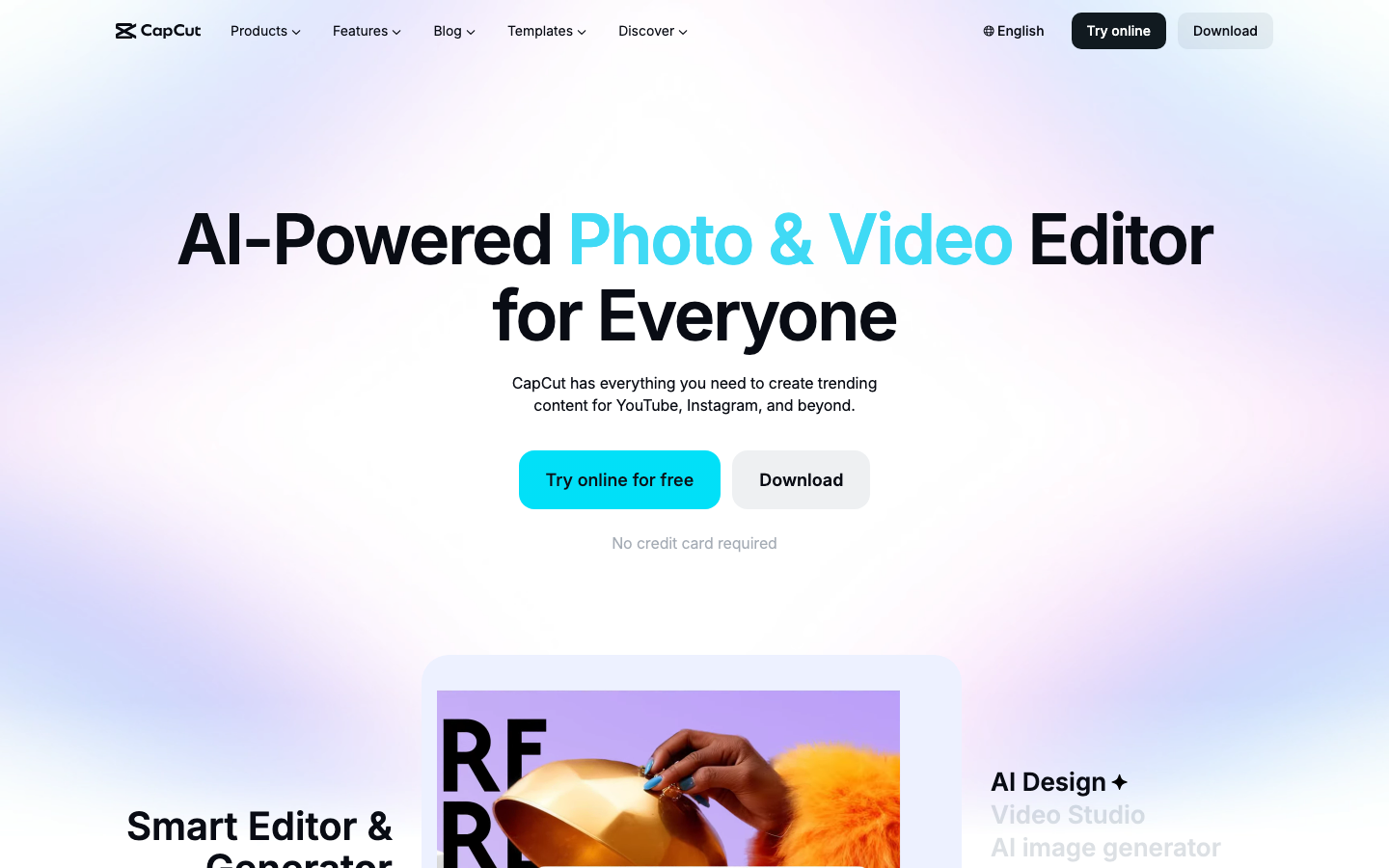
CapCut's AI video upscaler uses its Dreamina Seedance 2.0 model to enhance videos to 4K resolution while adding genuine detail rather than just sharpening. Beyond basic upscaling, it includes deblurring, noise reduction, and color correction features that make a noticeable difference. Processing is quick too, with short videos finishing in about 30 seconds. What makes CapCut stand out is that the upscaler integrates seamlessly into its full video editing platform, so you can upscale and then immediately jump into editing without exporting and re-importing. It is a very practical all-in-one solution.
6. Flixier — AI Video Enhancer
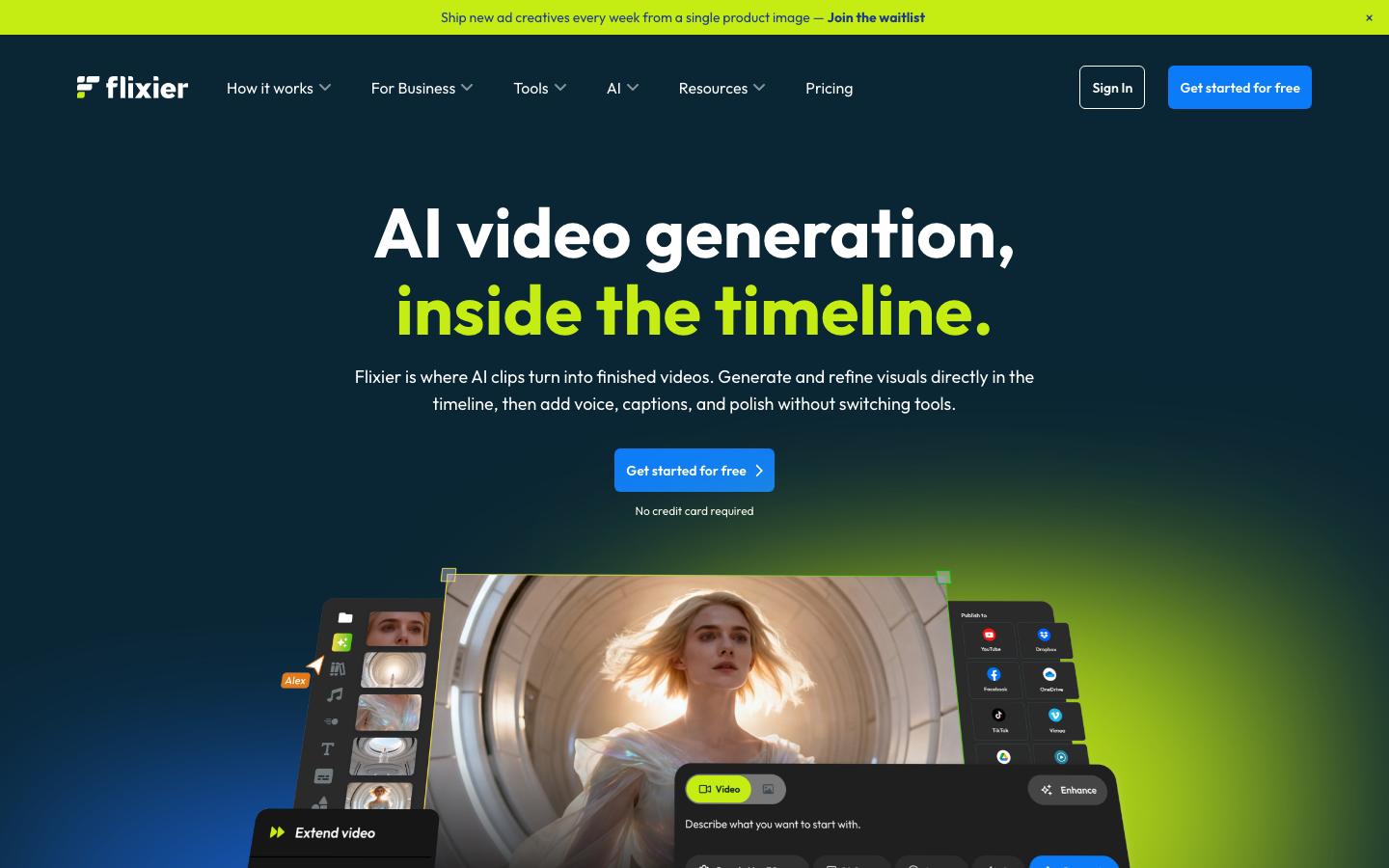
Flixier's AI video enhancer lets you upscale videos by 2x, 3x, or 4x up to a maximum of 4K resolution, all from your browser. It offers four enhancement presets, including Fast Real-Time, Natural Look, Pro Detail, and High Quality, so you can choose the right balance of speed and quality for your project. One feature I really appreciated is the ability to preview a five-second sample before processing the full video, which saves a lot of time. Flixier works best for social media clips and basic video restoration rather than heavy professional-grade work, but for those use cases it is excellent.
7. Neural Love — AI Video Upscaler
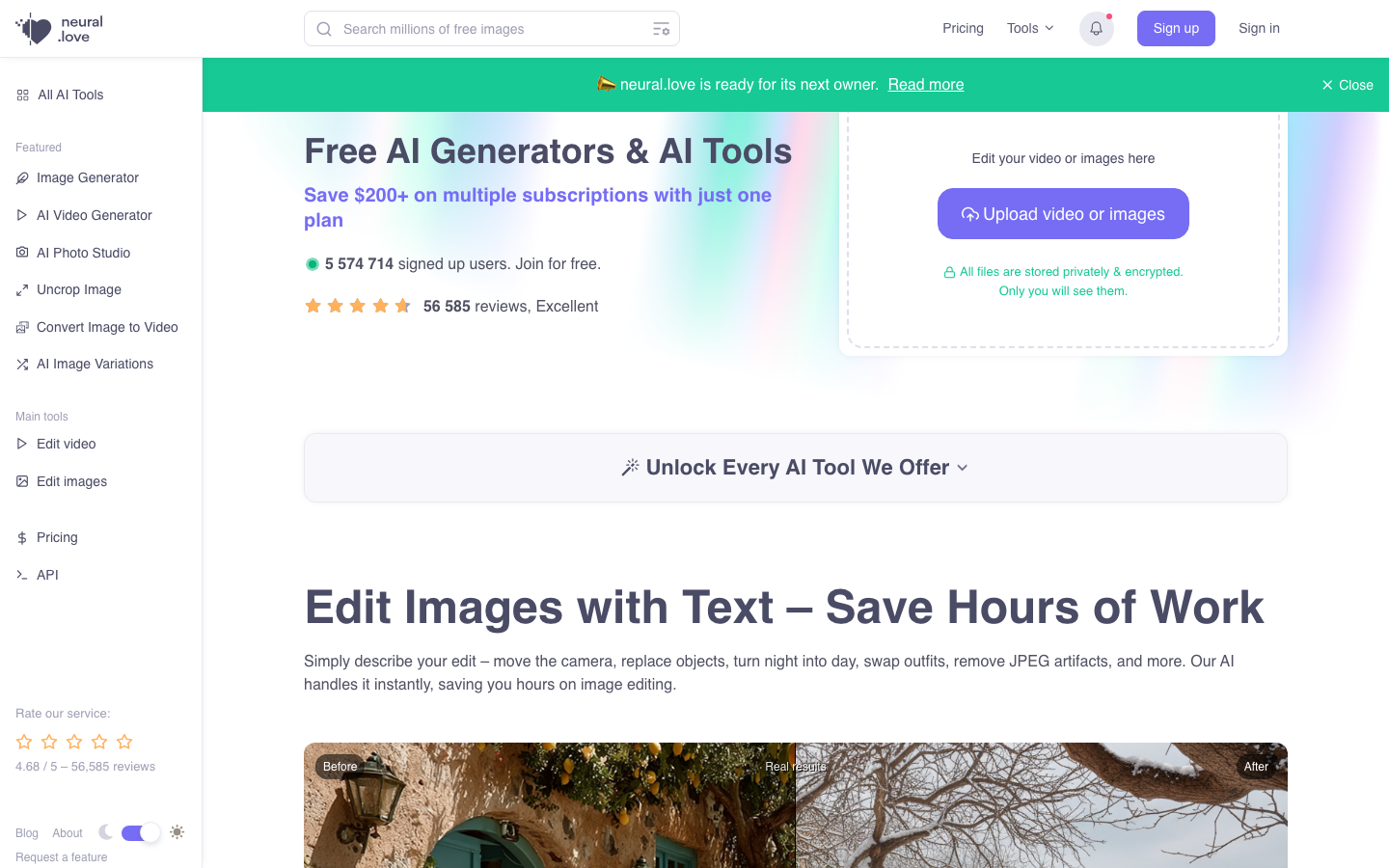
Neural Love is a browser-based AI video enhancer that stands out for its combination of upscaling to 4K and motion smoothing up to 120 FPS. The AI denoising does a solid job of cleaning up artifacts from low-resolution source material, and the real-time preview comparing before and after results is really helpful. It also offers bonus features like colorization and facial restoration that can breathe new life into old footage. No installation is needed, so you just upload, set your preferences, and let it process. I found it particularly effective for reviving older or archived videos.
8. VideoProc Converter AI — Video Enhancer
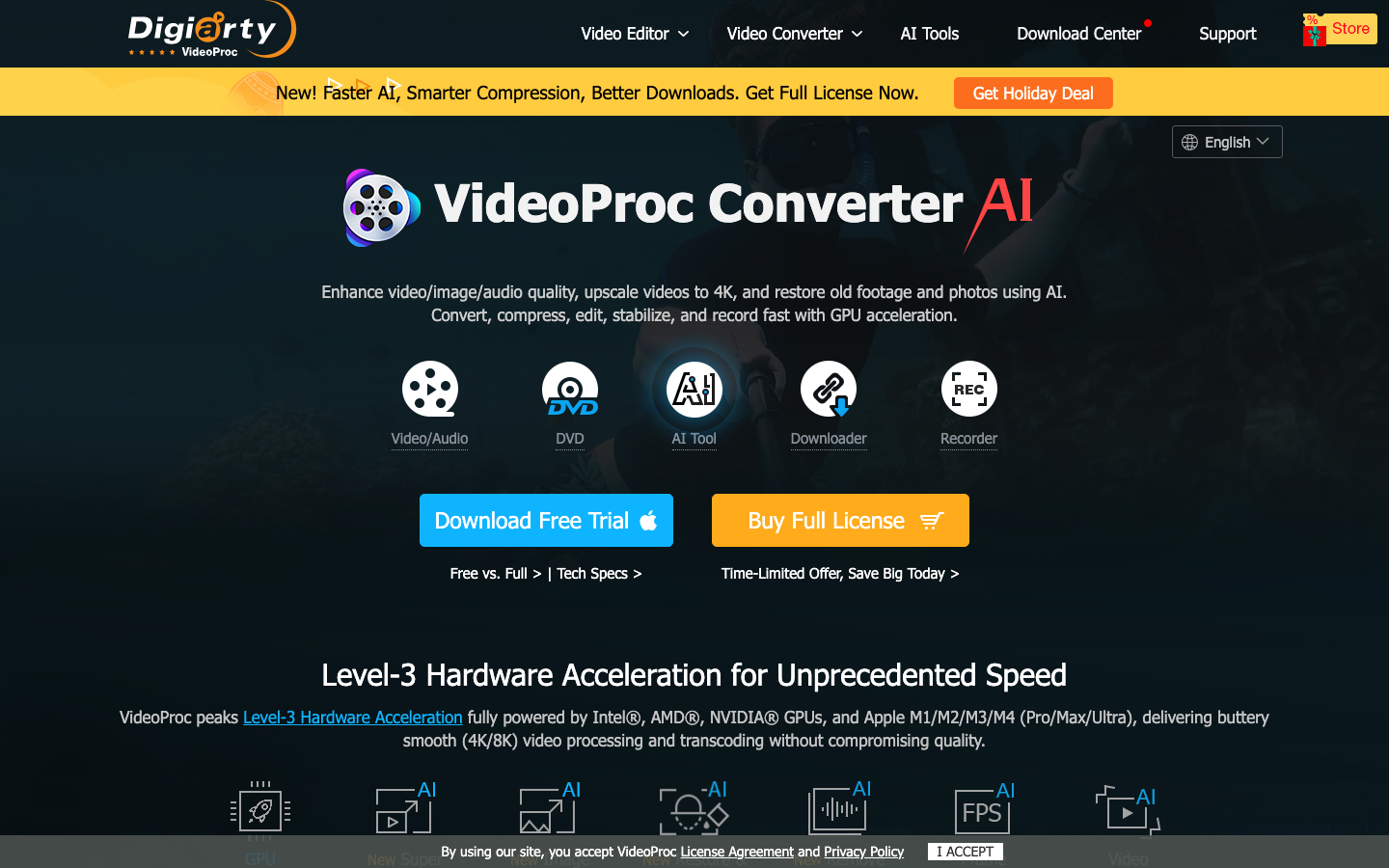
VideoProc Converter AI is a desktop application that has earned a reputation as one of the best AI video enhancers available. It uses advanced AI models for super resolution upscaling to 4K, frame interpolation up to 120 FPS or beyond, video stabilization, and noise reduction. Being a desktop app rather than browser-based means it can take full advantage of your GPU, whether that is NVIDIA, AMD, Intel, or Apple M-series. Over five million users have chosen it, and it is a solid choice if you need serious processing power and don't mind installing software. It also handles format conversion, screen recording, and basic editing, making it a true all-in-one multimedia tool.
9. Artguru — AI Video Enhancer
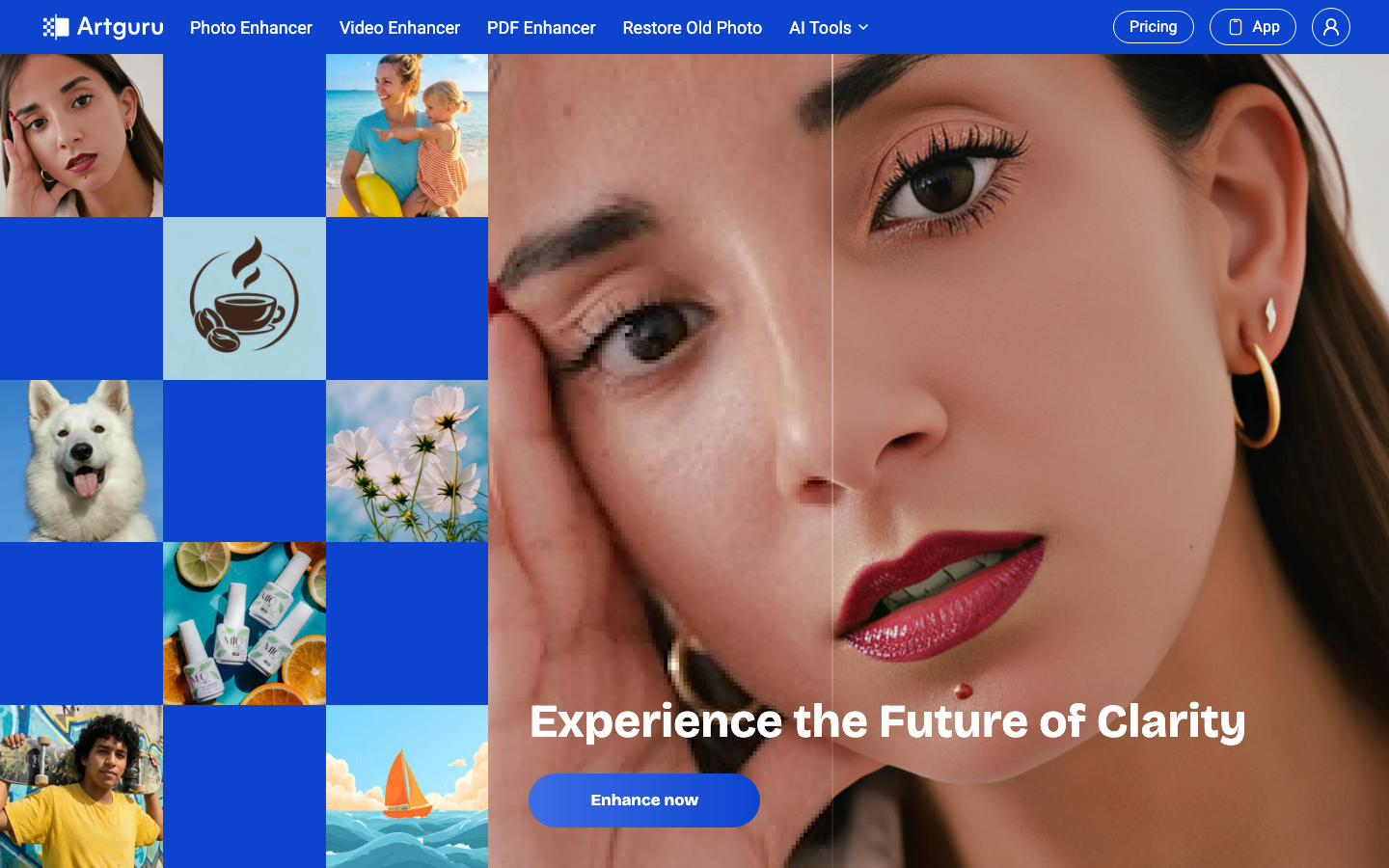
Artguru is an all-in-one AI enhancement platform that includes video enhancement up to 4K alongside image upscaling and photo enhancement tools. It is available as a web app plus iOS and Android apps, so you can work from almost any device. The tool is designed for users of all skill levels, with a straightforward three-step workflow of upload, process, and download. It supports batch processing on paid plans, which is handy if you have multiple videos to enhance. While it may not have the depth of a dedicated desktop solution, its versatility and accessibility make it a solid everyday choice.
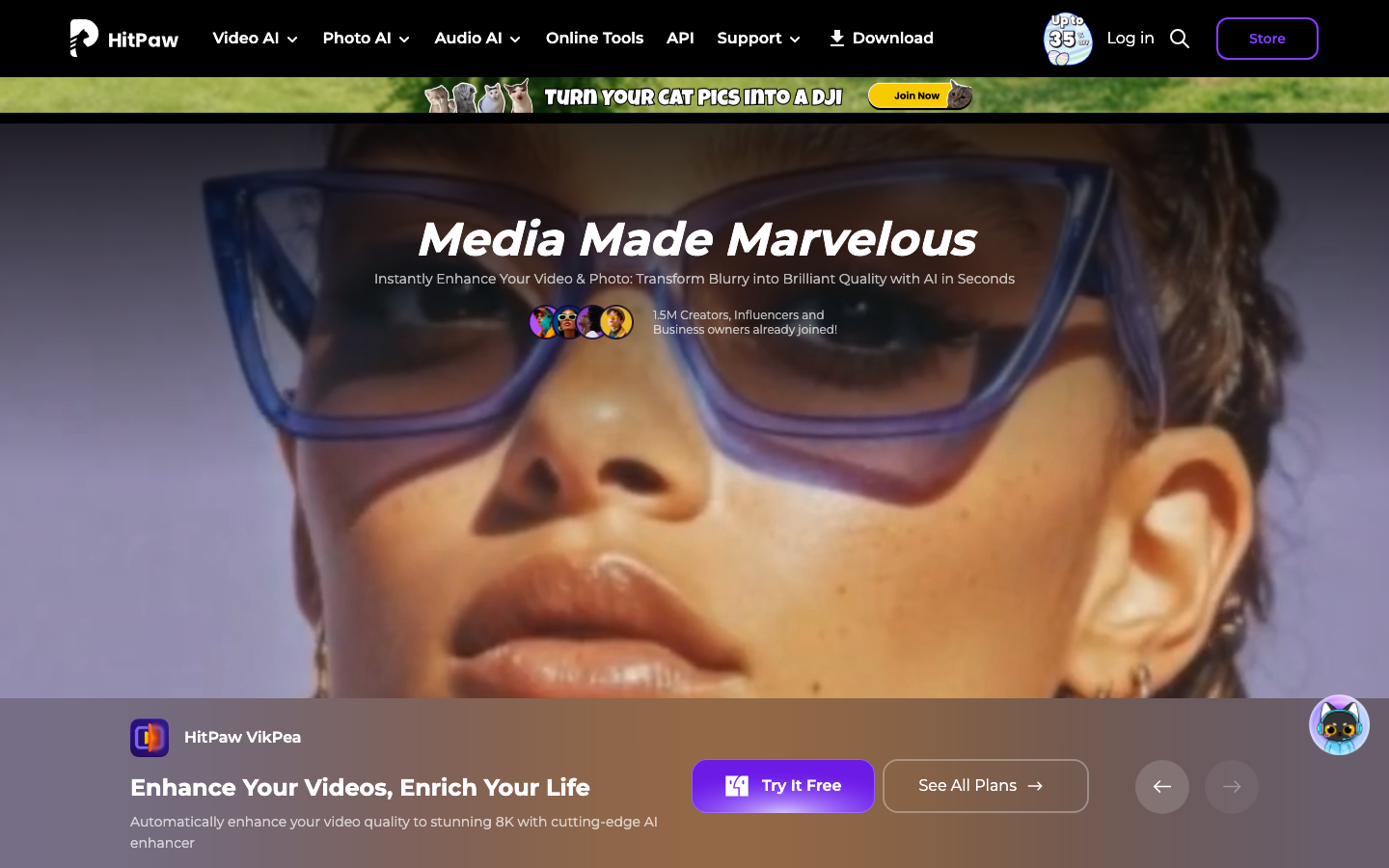
10. HitPaw VikPea — AI Video Enhancer
HitPaw VikPea, formerly known as HitPaw Video Enhancer, is a downloadable video enhancement tool that supports upscaling to 4K and even 8K resolution. What sets it apart is its collection of specialized AI models for different content types, including general video, portraits, anime, and professional footage. It also includes features for video repair, denoising, colorization, and background removal. The interface is clean and minimal with a simple import, select model, preview, and export workflow. Reviewers consistently praise it for producing natural-looking results without over-processing, and it is available on Windows, macOS, Android, and iOS. If you want a powerful desktop tool with a wide range of AI models, VikPea is hard to beat.