10 Best Remove Background Tools in 2026
Whether you're selling products online, creating social media content, or just need a clean cutout for a design project, a good background remover is essential. I went through every popular option out there, throwing all sorts of challenging images at them, from wispy hair to translucent fabrics to complex scenes. These are the 10 tools that handled it all with the cleanest edges and the fewest headaches.
- Cuty AI — Remove Background
- remove.bg — Background Remover
- Canva — BG Remover
- Pixlr — Background Remover
- UltraPic — AI Background Remover
- PixelCutPro — Background Remover
- QuillBot — Background Remover
- SnapResizer — Background Remover
- Photoroom — Background Remover
- PicWish — Background Remover
1. Cuty AI — Remove Background
Cuty AI's Remove Background tool uses AI to automatically detect and remove image backgrounds with impressive precision. It handles complex edges, fine hair, and even translucent objects cleanly, producing transparent PNG outputs that are ready to use. The tool works entirely in your browser with no installation needed, making it ideal for e-commerce product photos, profile pictures, and design projects. You also get access to a background changer that lets you describe desired scenes in natural language for AI-generated replacements.

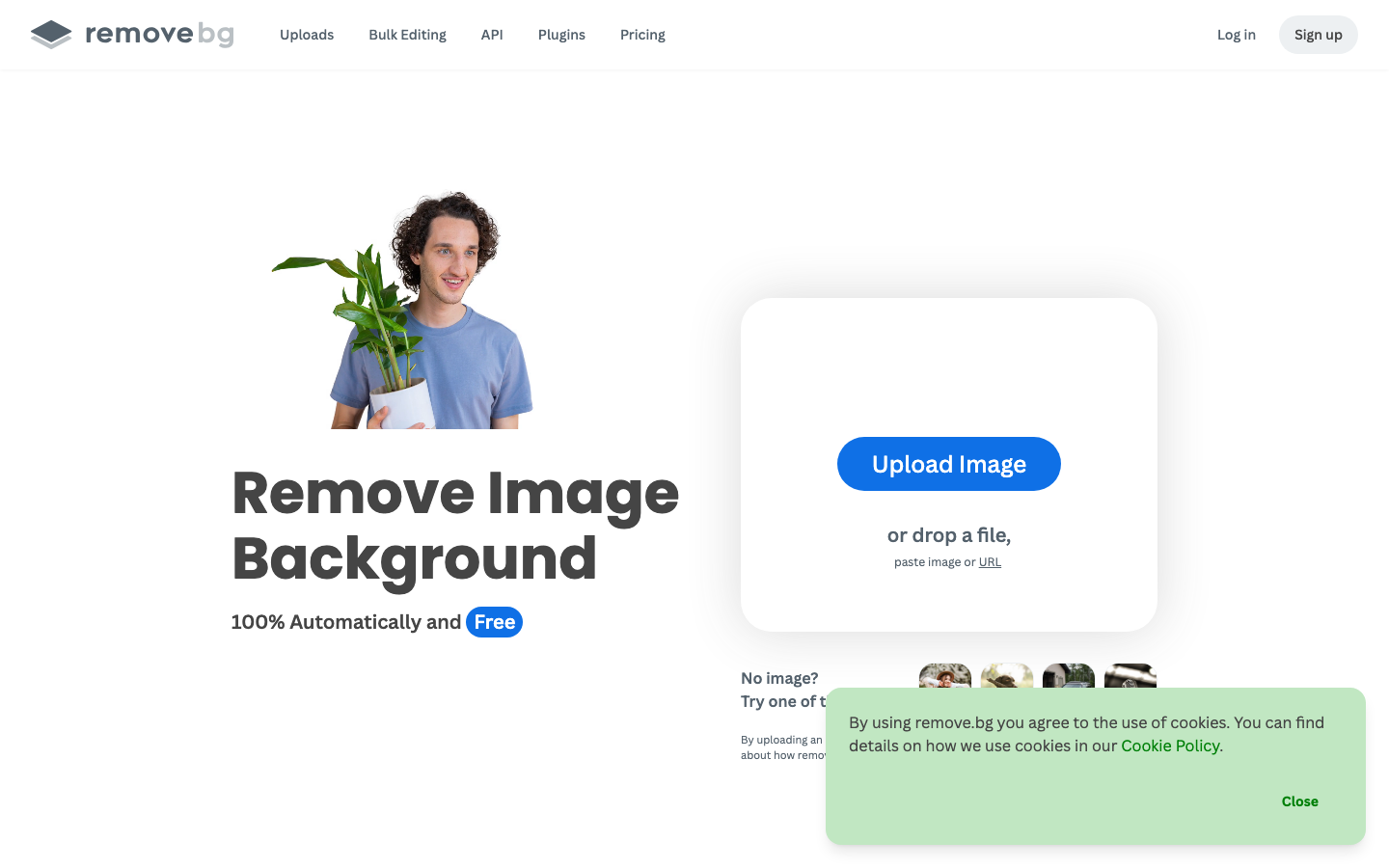
2. remove.bg — Background Remover
remove.bg is widely considered the industry standard for background removal, and for good reason. It removes backgrounds 100 percent automatically and delivers results almost instantly. Beyond basic removal, it now includes a Magic Brush for erasing specific objects, AI-generated replacement backgrounds, and distraction removal that fills in gaps intelligently. It's available as a web tool, desktop app for Windows, Mac, and Linux, a Photoshop plugin, and through an API, so it fits into pretty much any workflow you might have.
3. Canva — BG Remover
Canva's BG Remover tool handles background removal with a single click and is integrated into Canva's massive design platform. After the automatic removal, you get erase and restore brushes for fine-tuning, plus a Pixel Eraser tool for detailed cleanup work. What makes Canva stand out is that once the background is gone, you have immediate access to thousands of templates, text tools, effects, and design elements without switching to another application. It works on both photos and videos, and supports real-time team collaboration.

4. Pixlr — Background Remover
Pixlr offers an AI-powered background remover that supports batch processing of over 100 photos at once, which is a huge time saver for anyone working with large volumes of images. It includes fine-tuning tools like Draw, Magic, and Lasso for manual adjustments where the AI needs a little help. You can choose between transparent, black, or white backgrounds, and the output supports high-resolution formats up to 4K and 8K. The edge refinement features with adjustable softness levels give your cutouts a polished, natural look.
5. UltraPic — AI Background Remover
UltraPic processes images in about 2 to 3 seconds on average and handles complex details like fine hair, translucent objects, and jewelry remarkably well. It supports batch processing for handling large volumes of images efficiently, and includes a built-in editor for adding shadows, adjusting hue, and replacing backgrounds. The AI background generation feature is a nice bonus, letting you create custom backdrops automatically. It works entirely in the browser with no downloads required, making it accessible for anyone who needs quick, professional-looking results.
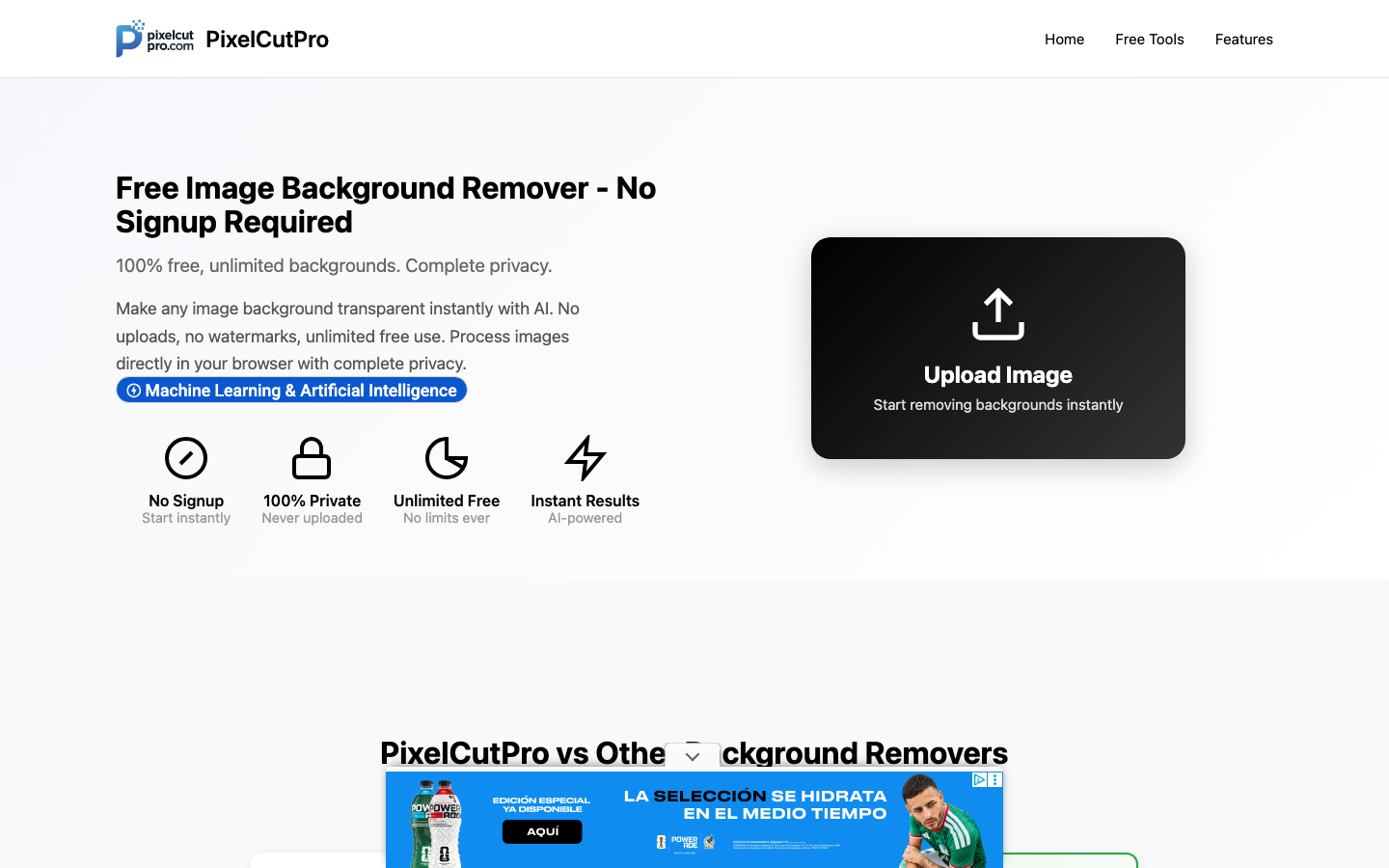
6. PixelCutPro — Background Remover
PixelCutPro takes a privacy-first approach that sets it apart from most other tools. All processing happens entirely in your browser using TensorFlow.js, so your images never upload to any server. It's completely free with no signup required, no watermarks, and no usage limits. After the first load, it even works offline since the AI model gets cached locally. It supports batch processing of up to 50 images and includes a manual refine tool for pixel-perfect edge adjustments. For anyone concerned about image privacy, this is probably the best option available.
7. QuillBot — Background Remover
QuillBot's background remover is a free AI-powered tool that requires no signup to use. It handles challenging details like earrings, soft fabrics, and fingers with solid accuracy and produces clean, natural-looking cutouts. Beyond just removing backgrounds, you can generate AI-created backgrounds, choose solid colors, or upload your own image as a replacement. The tool preserves original image quality throughout the process and downloads results as high-quality PNG files with transparent backgrounds.

8. SnapResizer — Background Remover
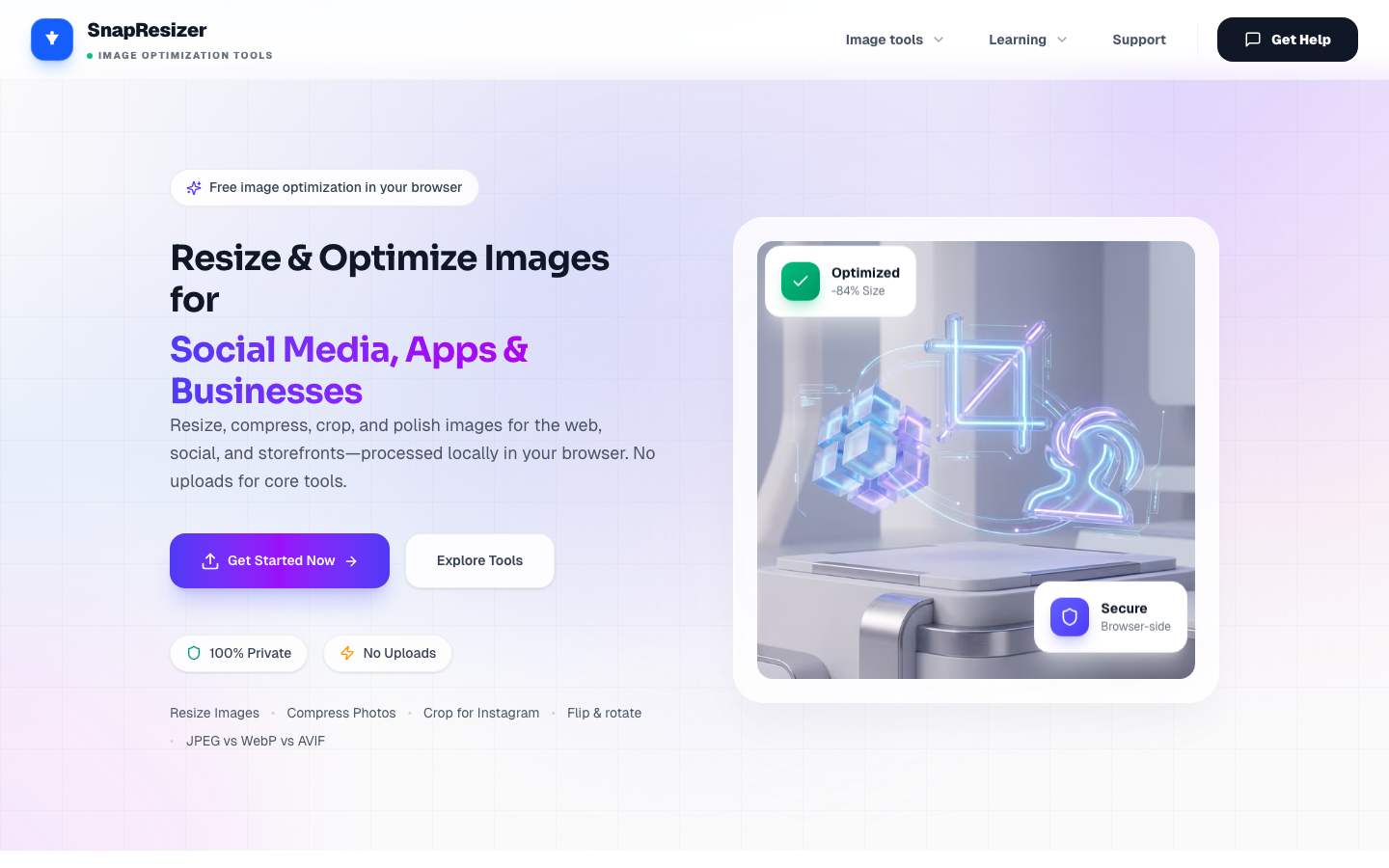
SnapResizer is another privacy-focused option that processes everything locally in your browser using WebAssembly technology. Your images never leave your device or touch any servers, and the company doesn't train models on user images. It features advanced edge detection that handles hair, fur, and cloth well, and supports batch processing for handling multiple images at once. The tool works with PNG, JPG, and WebP formats up to about 5 MB per file, and it's optimized specifically for e-commerce product photos.
9. Photoroom — Background Remover
Photoroom is widely used for e-commerce product photography and offers automatic background removal in seconds. It goes beyond basic removal with options to add new backgrounds, shadows, and professional templates, making it a one-stop solution for product imagery. Batch mode lets you process large volumes of images at once, and there's an API available for automating workflows. It's accessible as both a web tool and mobile app, so you can edit product photos on the go. The platform reports impressive results for its users, including significant improvements in sales metrics.

10. PicWish — Background Remover
PicWish provides one-click background removal that processes images in about 3 seconds while retaining original resolution. Its online version handles up to 30 images at once, while the desktop software can process up to 10,000 images simultaneously for serious bulk work. The AI does a good job with high-precision hair recognition and clean cutouts on products, people, cars, and animals. It also includes background replacement with solid colors or custom images, an AI background generator, and additional tools like object removal and photo enhancement in the same suite.