Top 10 Alternatives To Haiper AI Worth Considering
Haiper AI has shown promise in AI video generation with its focus on creating short-form video content. However, as the platform continues to develop, I've been testing other options that offer more mature feature sets. Here are the alternatives worth considering.
- Cuty AI - An One-Stop Image & Video Creation Platform.
- Dzine AI - An AI-powered design platform that helps users create images.
- SeaArt AI - A free AI art generator that makes art accessible to everyone.
- Runway AI - A creative suite of AI-powered tools for generating and editing images and videos.
- SkyReels - An all-in-one platform for AI video creation and editing.
- Tensor Art - A platform for generating AI art and images with custom models.
- LTX - An AI-powered video production tool that creates HD video from scripts.
- SJinn - An AI-powered video production platform that acts as an automated creative director.
- Ideogram - A text-to-image generator known for rendering readable text in images.
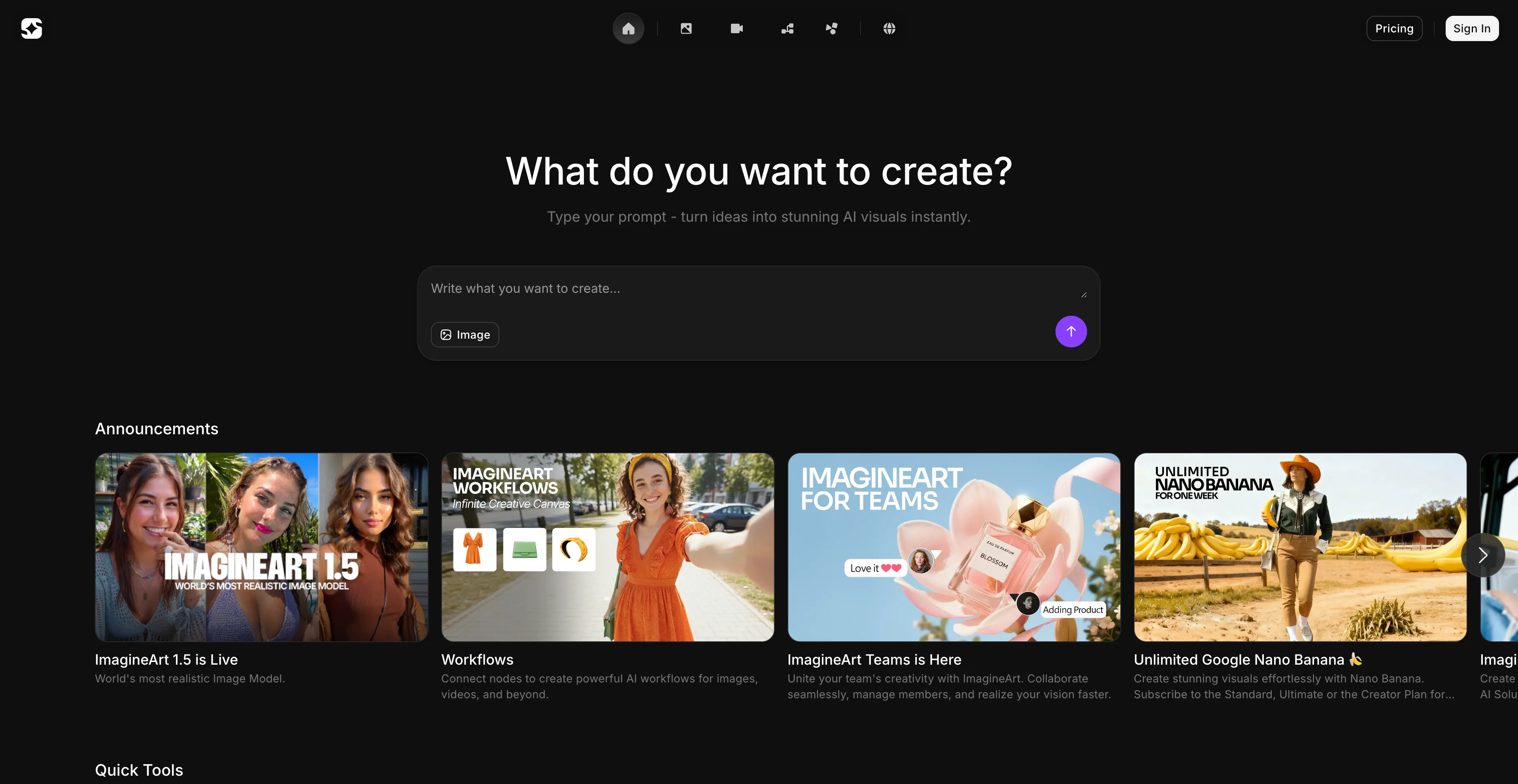
- ImagineArt - An AI-powered creative platform for generating images, videos, and digital content.
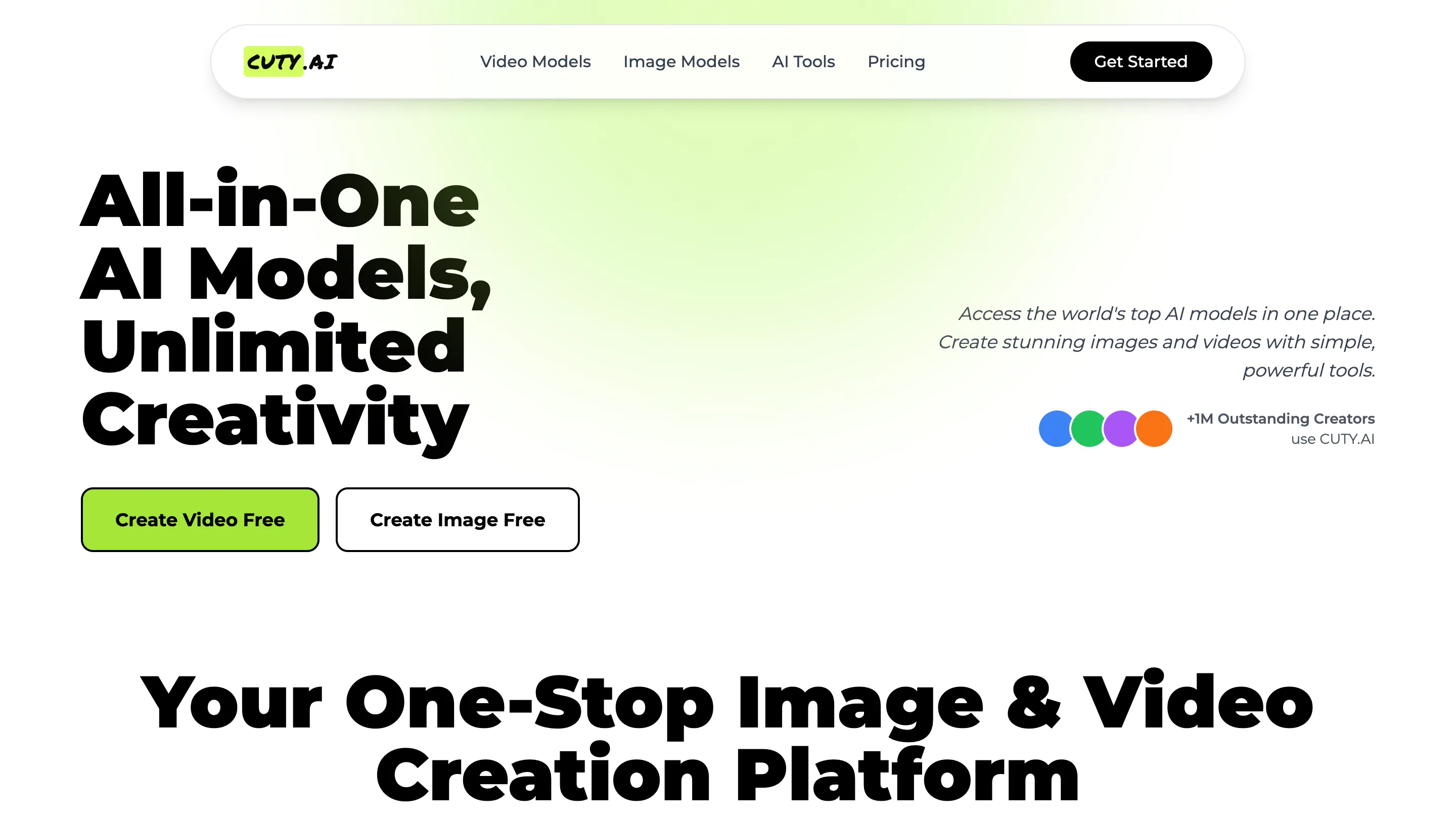
1. Cuty AI
Cuty AI stands out as a comprehensive one-stop platform for both image and video creation. What makes Cuty AI particularly appealing is its unified approach to creative generation—you can access world-class AI models all in one place without jumping between different services. The platform excels at transforming ideas into stunning visuals through its text-to-image feature, which can produce everything from photorealistic images to artistic styles in just seconds. The image-to-image transformation capabilities are equally impressive, allowing you to remix and enhance photos while maintaining consistent details and unlocking endless creative possibilities.
When it comes to video creation, Cuty AI truly shines. Its text-to-video feature converts written prompts into engaging video content that's perfect for marketing campaigns and social media posts. The image-to-video animation tool is particularly useful for bringing static images to life, whether you're working with portraits, avatars, or artwork. The platform offers a free plan that lets you explore its features and create images or videos at no cost, which is great for testing before committing. For users who need more generation credits and advanced capabilities, there are upgrade options available. The seamless integration of multiple AI models means you can handle your entire creative workflow without switching platforms, which significantly streamlines the content creation process.
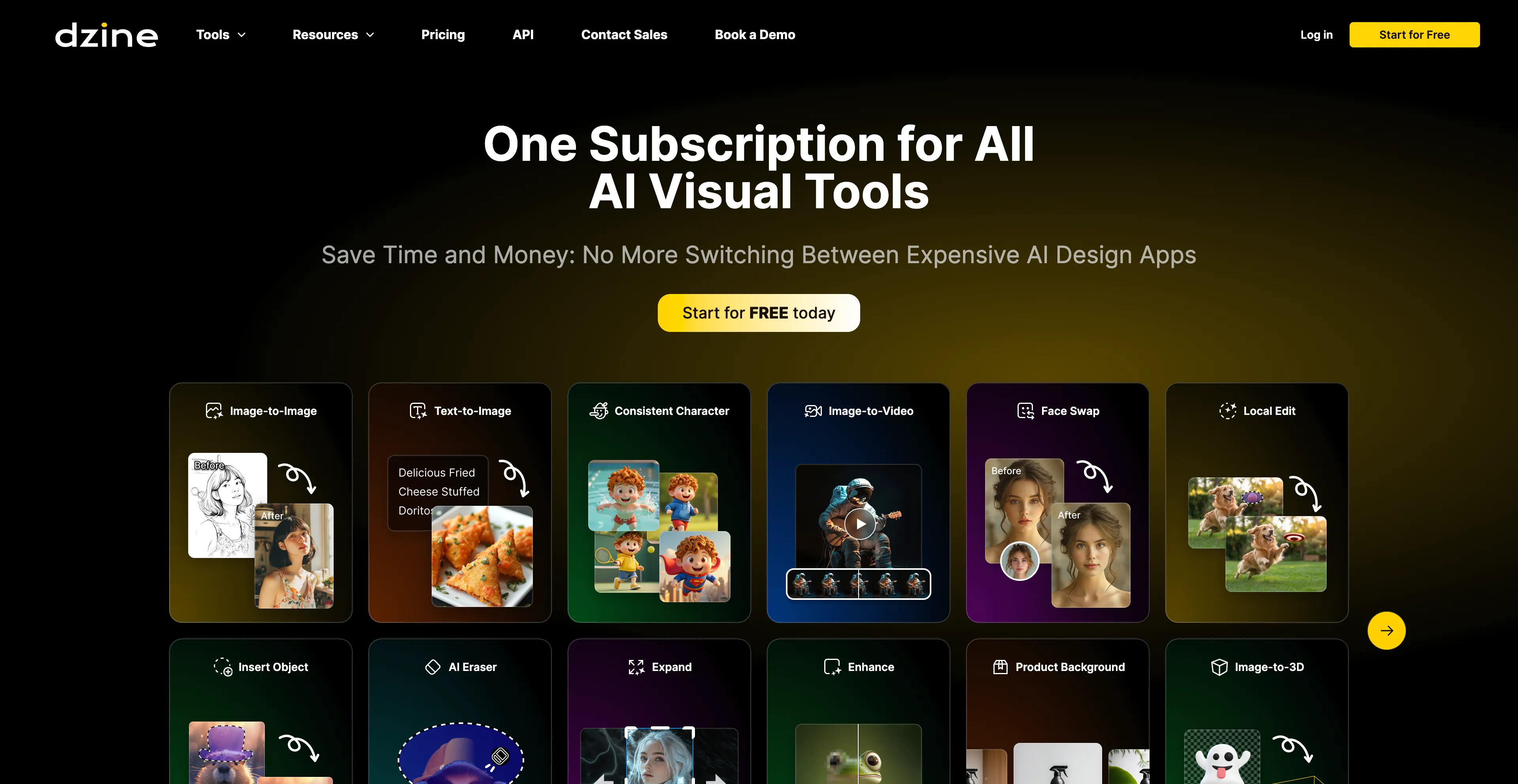
2. Dzine AI
Dzine AI is an AI-powered design platform that helps users create images, graphics, and websites from text prompts or existing images. Previously known as Stylar AI, it offers a suite of tools for tasks like image generation, photo enhancement, and video creation, making it accessible to both beginners and professionals. Key features include AI-powered editing like background removal, image expansion, and specific tools like an AI anime filter and an AI logo designer. Users can create images from text prompts and explore various styles, such as Pixar, anime, or painted looks.
The platform includes tools like Generative Fill to expand images, remove backgrounds, and edit specific objects within a photo. It offers one-click enhancements to improve the quality of photos, fixing issues like blur and low resolution. Dzine AI can convert images into short video clips using different AI models, and it allows users to train the AI to create consistent characters from a set of images or text prompts. The platform can generate new logos or refine existing ones using text and image-to-image functions. However, the advanced features and AI integrations require significant time and effort to master, potentially overwhelming for new users. While AI automates many tasks, professionals might find the lack of detailed manual controls restrictive.
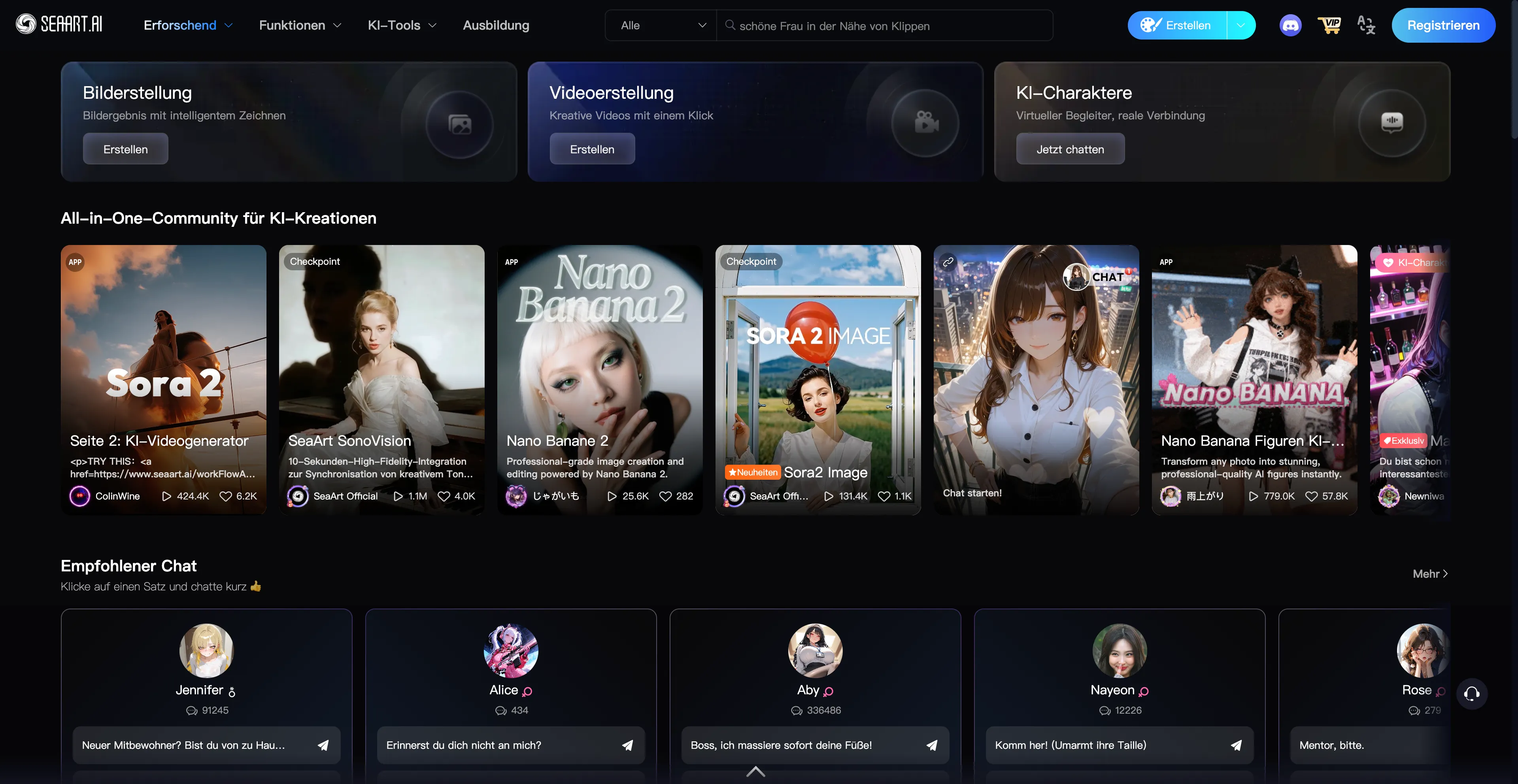
3. SeaArt AI
SeaArt AI is a free AI art generator that makes art accessible to everyone, requiring no professional skills to create and edit high-quality images and videos effortlessly using powerful AI technology. This platform is particularly appealing for users who want to experiment with AI-generated art without financial barriers. The free access model means you can explore various creative possibilities without worrying about subscription costs, which is a significant advantage over many competitors that require paid plans for meaningful functionality.
The platform's user-friendly approach makes it suitable for beginners who might be intimidated by more complex AI art tools. However, there are some considerations to keep in mind. Image outputs may need to be refined manually, which means you might spend additional time post-processing to achieve your desired results. Some features may require a paid subscription, so while the basic functionality is free, advanced capabilities come at a cost. The platform may require some trial and error to achieve desired outcomes, which can be time-consuming. Despite these limitations, SeaArt AI remains a solid choice for hobbyists and those exploring AI art generation.
4. Runway AI
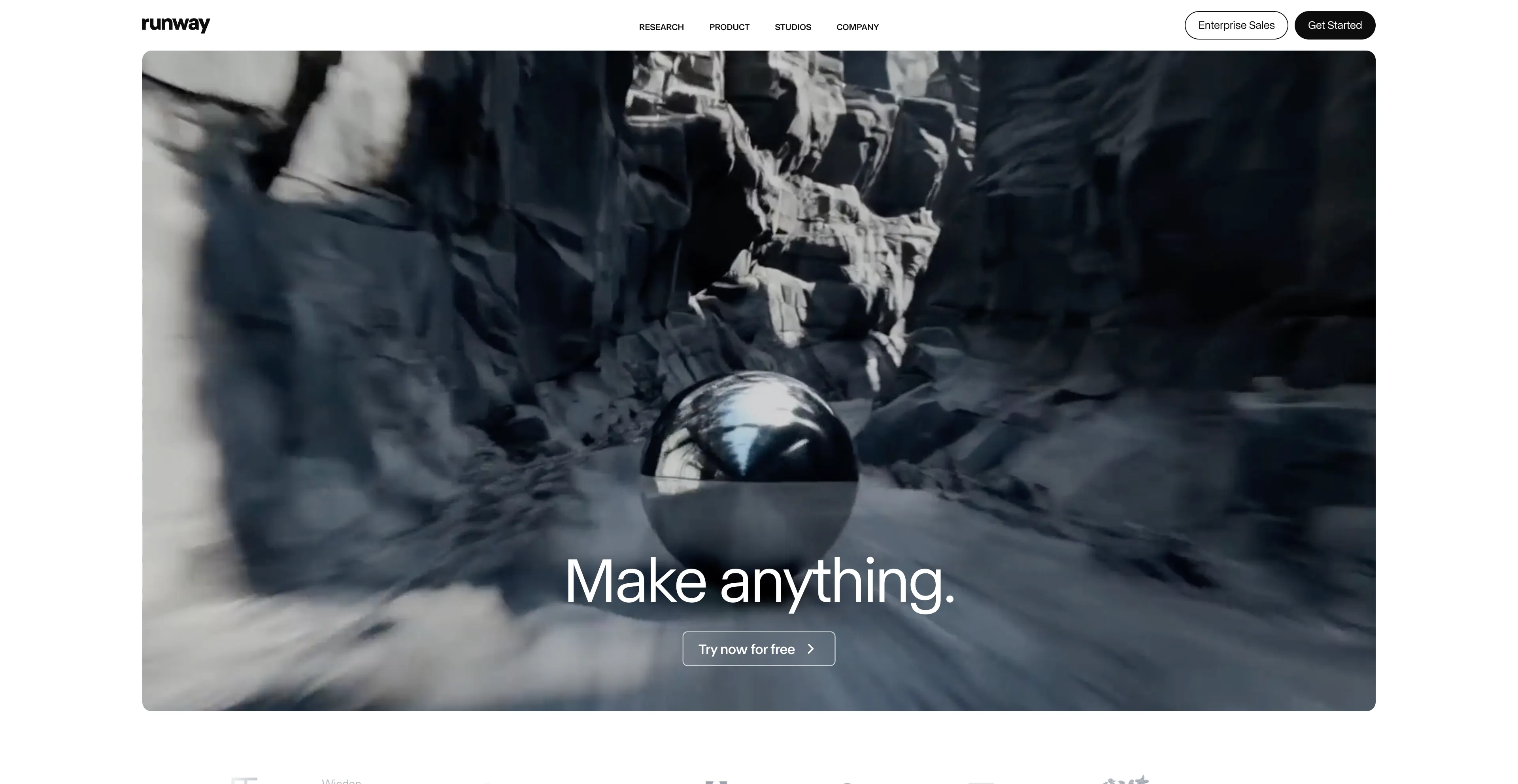
Runway AI is a creative suite of AI-powered tools for generating and editing images and videos in a web browser. It offers a range of features for both beginners and professionals, including text-to-video, image-to-video, text-to-image, and various AI-powered video editing tools like background removal and object removal. The platform uses a credit-based system with a free plan available, and different subscription tiers to remove limitations and access premium features. The free plan includes a limited number of monthly credits, basic access to tools, and 720p video exports.
Paid plans offer more credits, no watermarks, higher resolution exports like 4K, and other premium features. Most generation and editing tasks consume credits, with usage varying based on the operation. However, there's no pure-text video generation on the free plan—you must supply a starting image, and text-only workflows aren't supported without credits. The initial 125 free credits are easy to exhaust, so you'll need to plan usage carefully or upgrade. Despite these limitations, Runway AI remains a powerful and versatile tool for creators who need comprehensive AI-powered editing and generation capabilities.
5. SkyReels
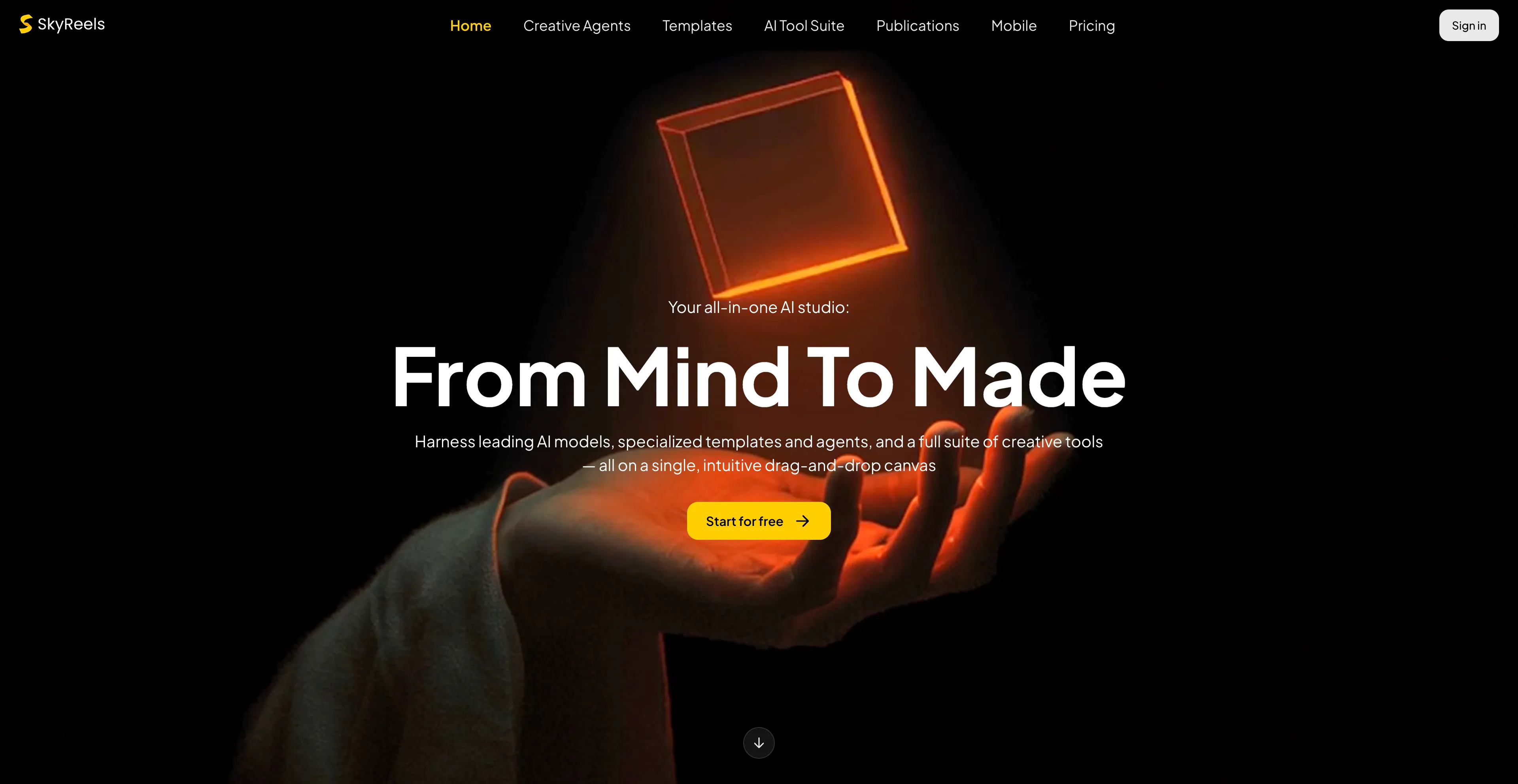
SkyReels AI is an all-in-one platform for AI video creation and editing, offering tools to generate video from text, images, or scripts. It includes features like video extension, character lip-syncing, and a built-in video editor, and has also released open-source video models that can generate longer-form, seamless content. Its purpose is to provide creators with a comprehensive suite of tools for producing professional-quality videos, from short clips to full-length films. The platform can generate video content directly from a text prompt, animate static images into dynamic videos, and create full-length AI movies from a script, text file, or novel.
SkyReels includes a built-in, web-based editor that allows for post-generation editing, and it offers a variety of tools like video extension, lip-syncing, text-to-speech, and sound effect generation. The platform allows users to train their own custom video effects, styles, and characters by uploading consistent video examples. SkyReels has open-sourced foundational models such as SkyReels-V1, V2, and V3 that can generate unlimited-length, high-quality video. However, the effectiveness of SkyReels' AI recommendations depends heavily on the accuracy and completeness of user data, which means you need to provide good input to get good output. This data dependency can be a limitation if you're working with incomplete or inconsistent information.
6. Tensor Art
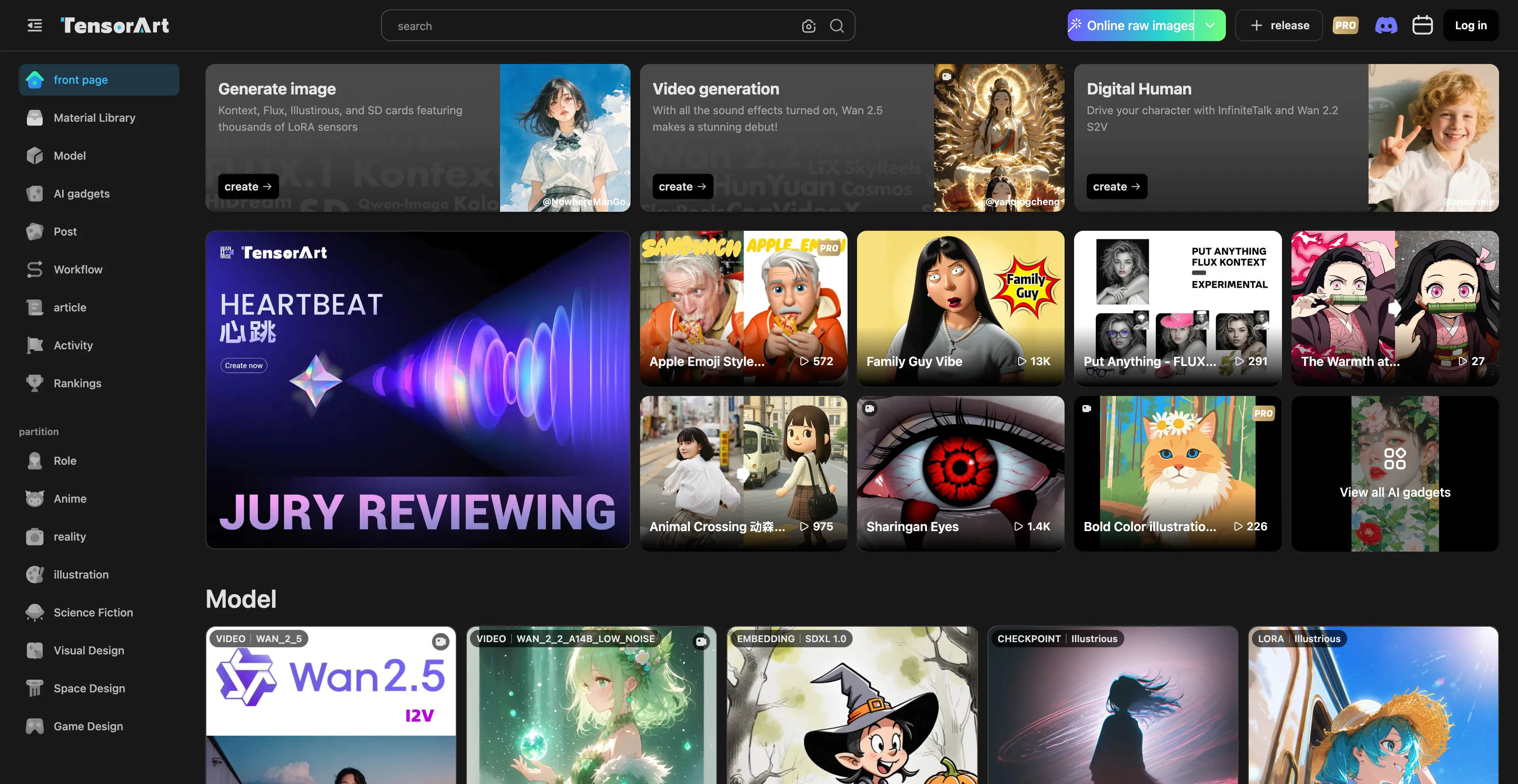
Tensor Art is a platform for generating AI art and images, which allows users to create visuals from text prompts or custom models and also provides tools for training and hosting their own AI models. It supports various features like text-to-image, image-to-image, and text-to-video generation, and integrates tools like background removers and upscalers to enhance the final output. The platform also includes advanced customization options, such as the ability to use a custom Comfy UI workflow, and offers free daily credits to users.
Users can create images and videos using text-to-image, image-to-image, text-to-video, and image-to-video features. The platform enables users to train their own AI models by uploading images and setting parameters like epochs and repeats. Users can host and share their trained models within the community or monetize them through the integrated marketplace. It includes a variety of tools to refine images, such as background removal, face swapping, and upscaling. Tensor Art integrates a custom Comfy UI workflow, allowing for advanced customization and exploration of models without requiring a local setup. The platform offers 100 free credits daily to all users to facilitate exploration. However, while users can upload custom models, fine-tuning and adjusting core parameters of pre-existing AI models is restricted. High-quality image generation and model hosting demand significant computational resources, which may affect performance.
7. LTX
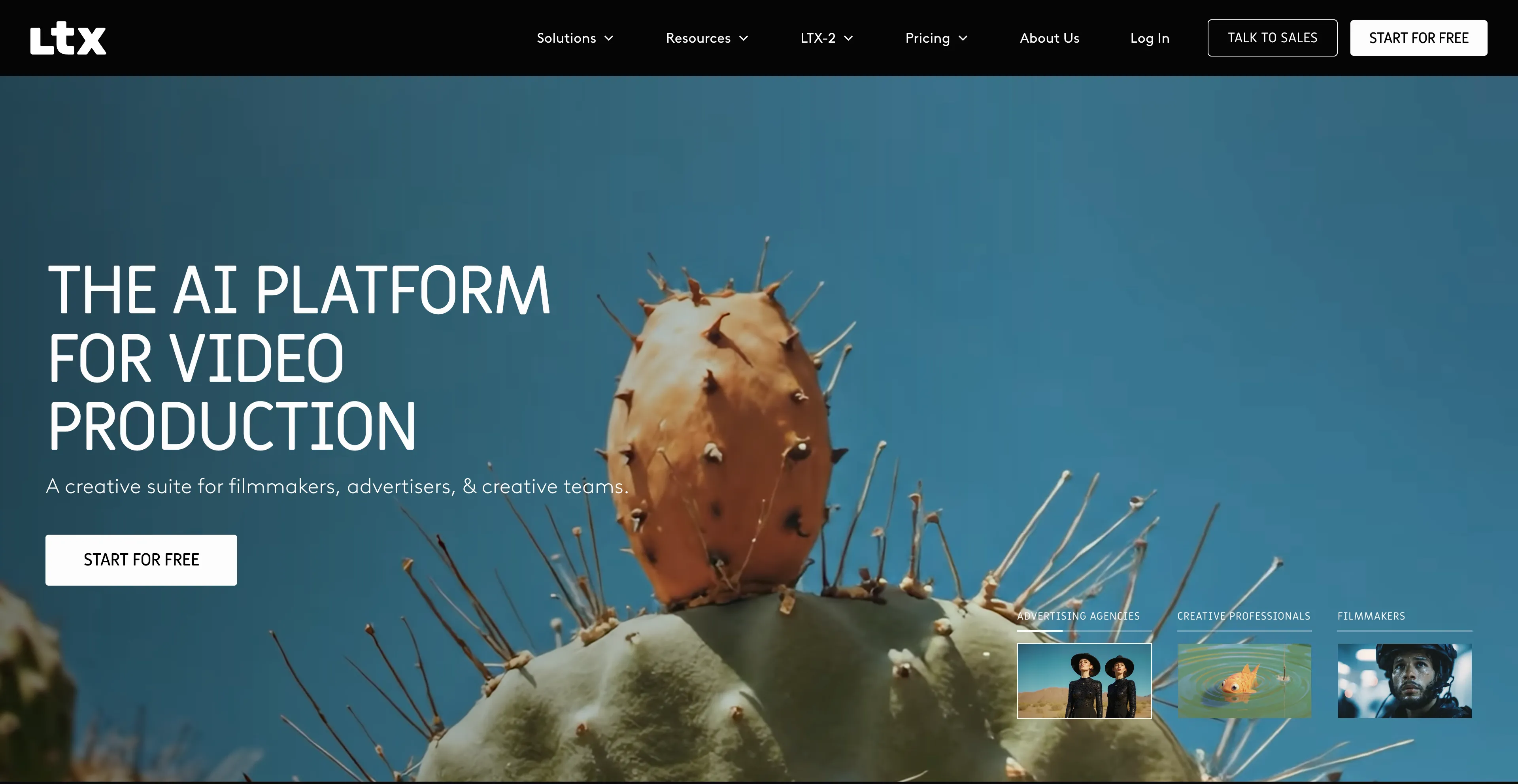
LTX Studio is an AI-powered video production tool that creates high-definition video content from scripts. The platform is designed to help users create professional-quality videos by converting scripts into visual content using artificial intelligence. This makes it particularly useful for content creators, marketers, and businesses that need to produce video content quickly without extensive video production experience.
The platform uses AI to interpret scripts and generate corresponding video content, which can significantly speed up the video production process. However, users note the inaccuracies and limitations of AI in LTX, affecting detail accuracy and realism in videos. There are animation issues and unnatural movements that can detract from the final output. The platform can be difficult to use, with a steep learning curve that may be challenging for beginners. Some users report poor design quality and performance issues that can impact the user experience. Despite these limitations, LTX Studio remains a viable option for users who need to create video content from scripts and are willing to work with its limitations.
8. SJinn
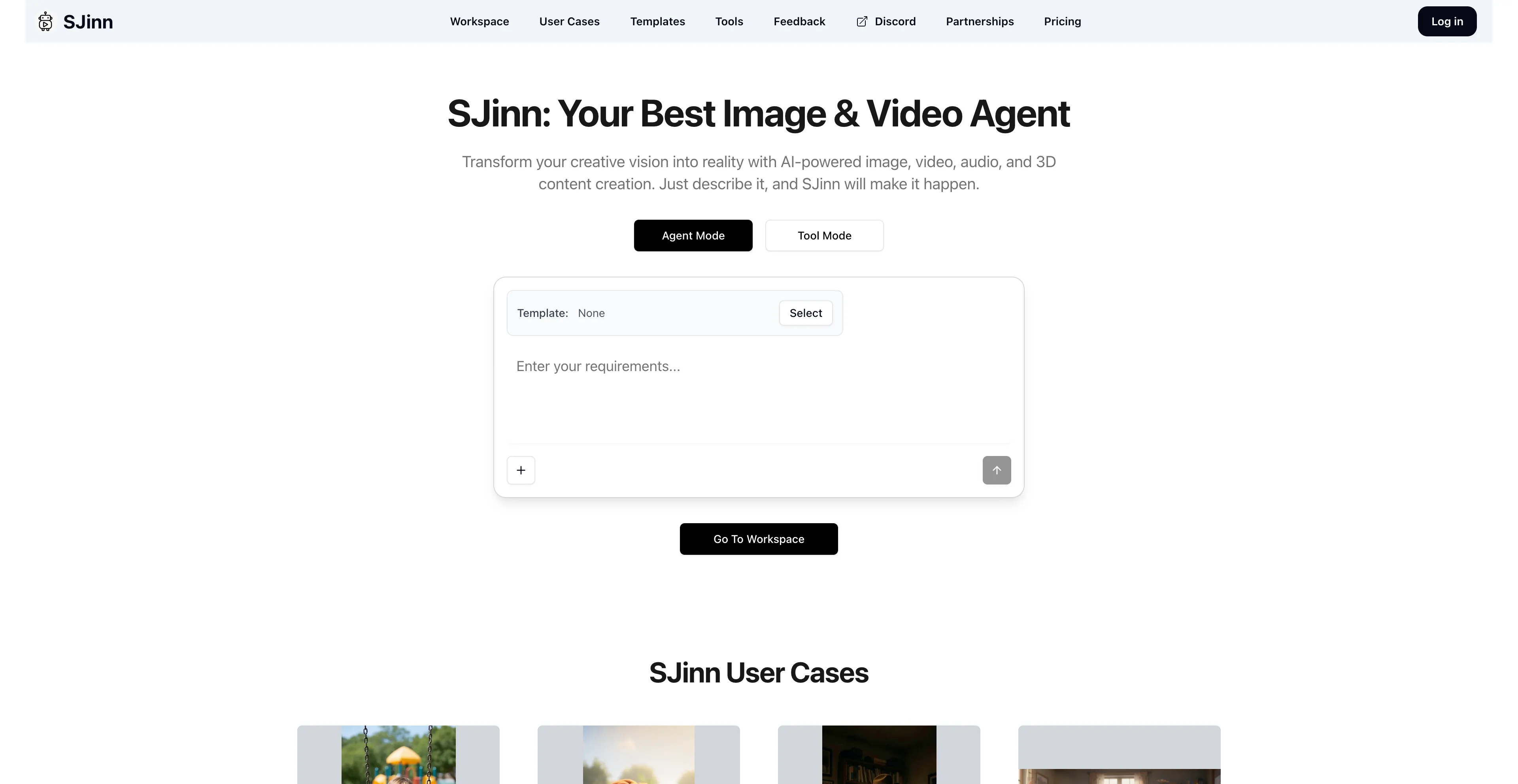
SJinn AI is an AI-powered video production platform that acts as an automated creative director, turning text prompts and ideas into video content. It is designed to be an all-in-one tool for creating marketing videos, commercials, and narrative shorts, and it can generate videos up to one minute long with consistent characters. The platform integrates models like Sora2 and Veo3 to achieve character and style consistency, and it can also perform other tasks like removing watermarks from videos.
Users can describe their vision, and the AI generates video, image, and audio content from a single prompt. The platform ensures that characters and visual styles remain consistent throughout the video, a significant improvement over previous AI limitations. It can produce videos up to a minute in length, moving beyond the typical sub-10-second AI clips. Instead of using multiple separate tools, SJinn combines the functions of scripting, image generation, and video production into a single workflow. It is designed to be accessible to beginners, with a focus on a chat-based experience. However, pricing details are not clearly displayed, and it requires stable internet to access all features, which might be limiting for some users.
9. Ideogram
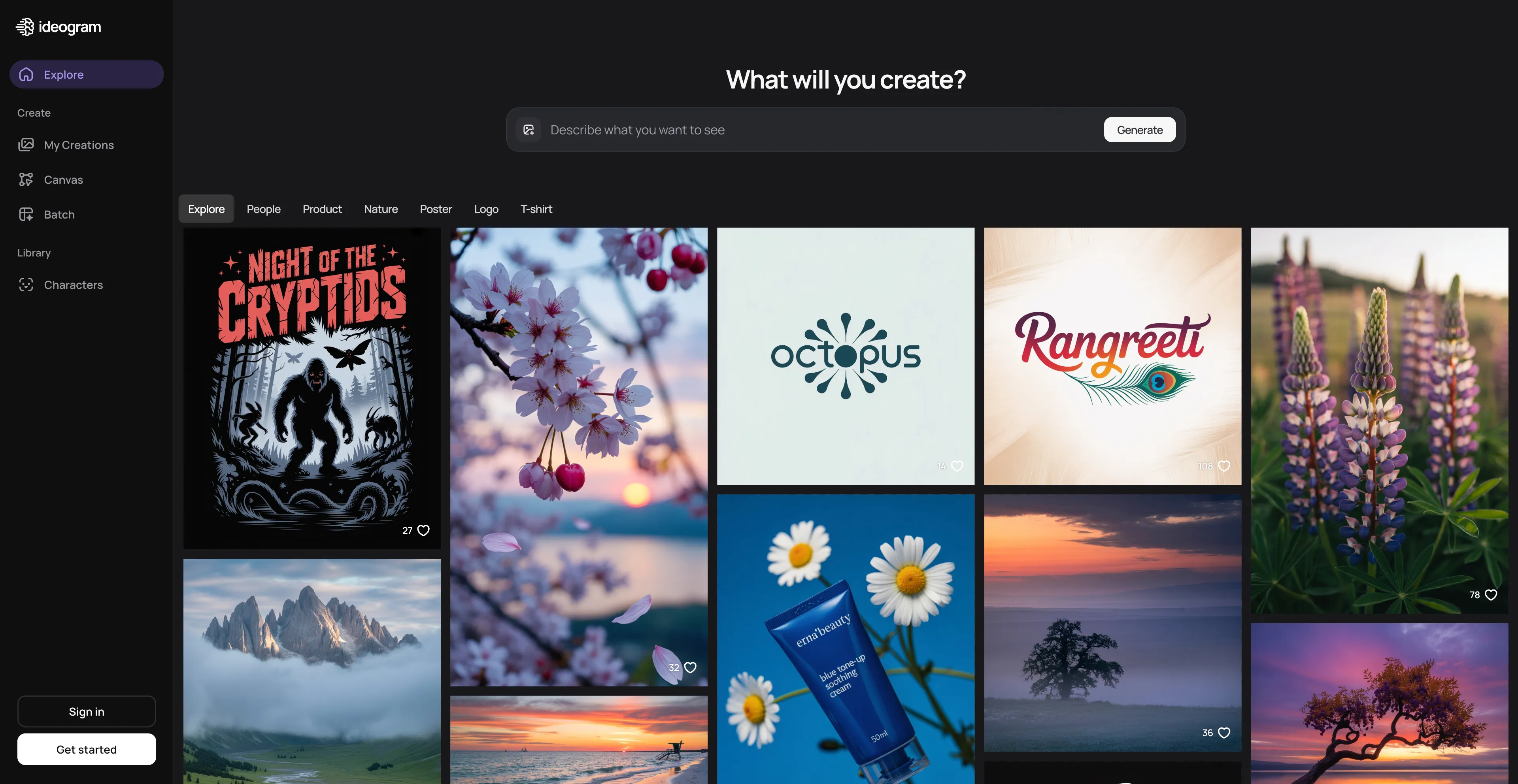
Ideogram is an AI image generator that creates images from text prompts, known for its ability to render readable text within images. The platform excels at accurately placing and stylizing text within generated images, such as logos, posters, or stickers. It includes features like creating realistic images, editing and remixing images, removing backgrounds, and generating images in bulk. The platform offers a free tier with daily limits, and paid subscriptions provide more features and faster generations.
The platform is particularly useful for creating designs that require text elements, which is a significant advantage over many other AI image generators that struggle with text rendering. This makes Ideogram ideal for creating logos, posters, social media graphics, and other designs where text is a key component. However, the generated images depend on AI's ability to interpret prompts accurately, so results may vary. If you're looking for ultra-specific adjustments, the customization options might not fully meet your needs, which can be limiting for users who need precise control over their designs.
10. ImagineArt
ImagineArt is an AI-powered creative platform for generating images, videos, and other digital content from text prompts. The platform uses generative AI to create visuals like images, logos, and videos based on text descriptions and other inputs. Users can generate images from text prompts, create videos from text prompts, design logos including a free watermark-free option, and edit images and videos with AI tools. The platform allows users to customize various aspects like resolution and aspect ratio, making it flexible for different project needs.
ImagineArt offers both free and paid plans with varying features and usage limits. The platform is designed to be accessible to users who want to create professional-looking visuals without extensive technical skills. However, users express frustration over forced spending without a trial option, facing challenges in obtaining refunds. There are image errors and inconsistent output that can be frustrating. The platform has a learning difficulty that might be challenging for beginners, and it's not completely free—advanced features require a paid subscription. Despite these limitations, ImagineArt remains a useful tool for creating various types of digital content.