Top 10 Alternatives To Easemate AI I've Tried And Found Useful
AIGC
Tutorial
I've been making good use of EaseMate AI in my AI creation work lately, and it's been a great asset. Having said that, there are some areas where it falls short. I've been trying different alternatives recently, and I'd like to share the ones that have proven most effective.
- Cuty AI - An One-Stop Image & Video Creation Platform.
- Freepik - An online marketplace and design resource that offers a vast.
- Krea AI - A comprehensive AI design platform that creates, enhances, and edits.
- Lovart - An AI-powered design agent that allows users.
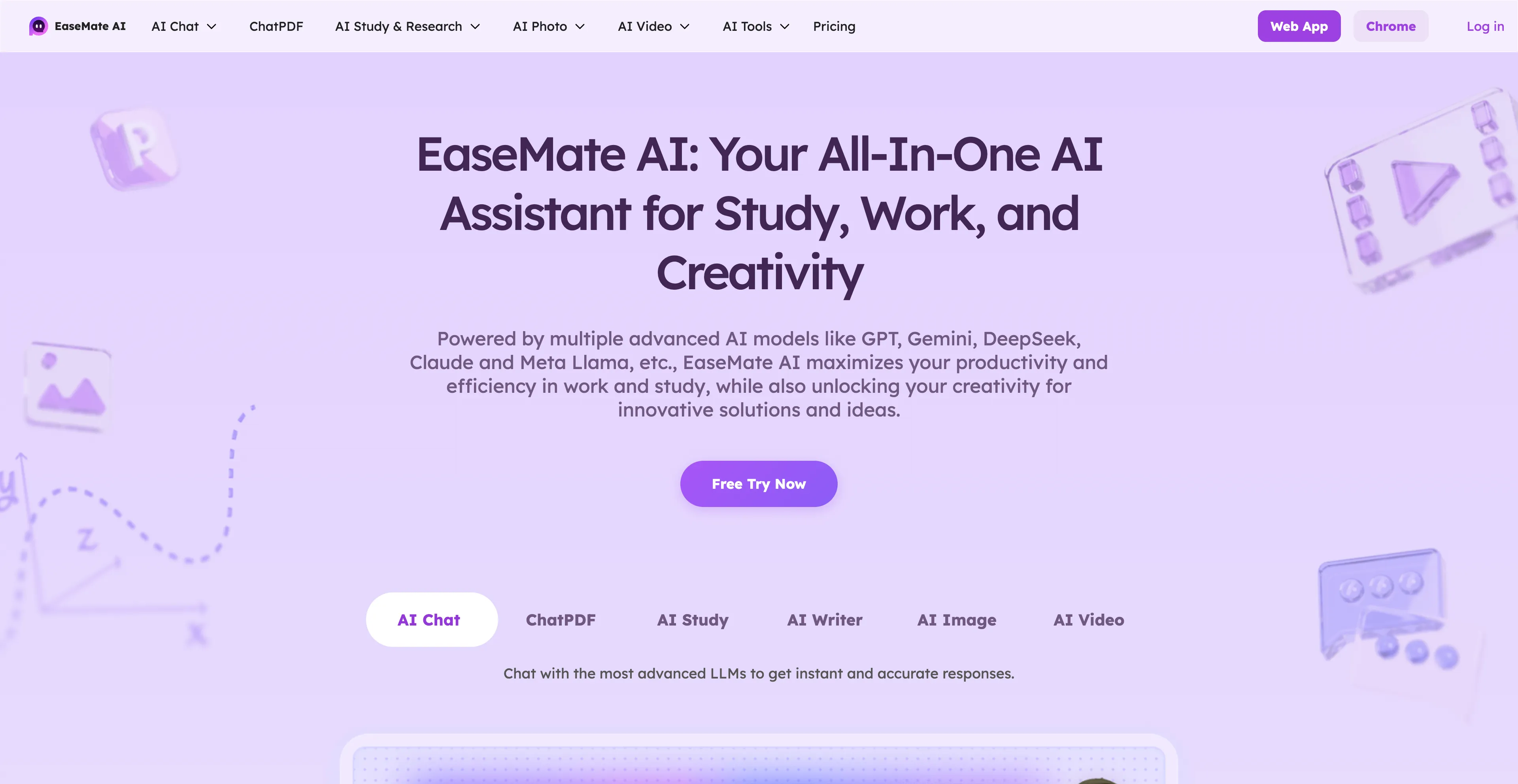
- EaseMate AI - An all-in-one AI assistant designed to improve productivity in work.
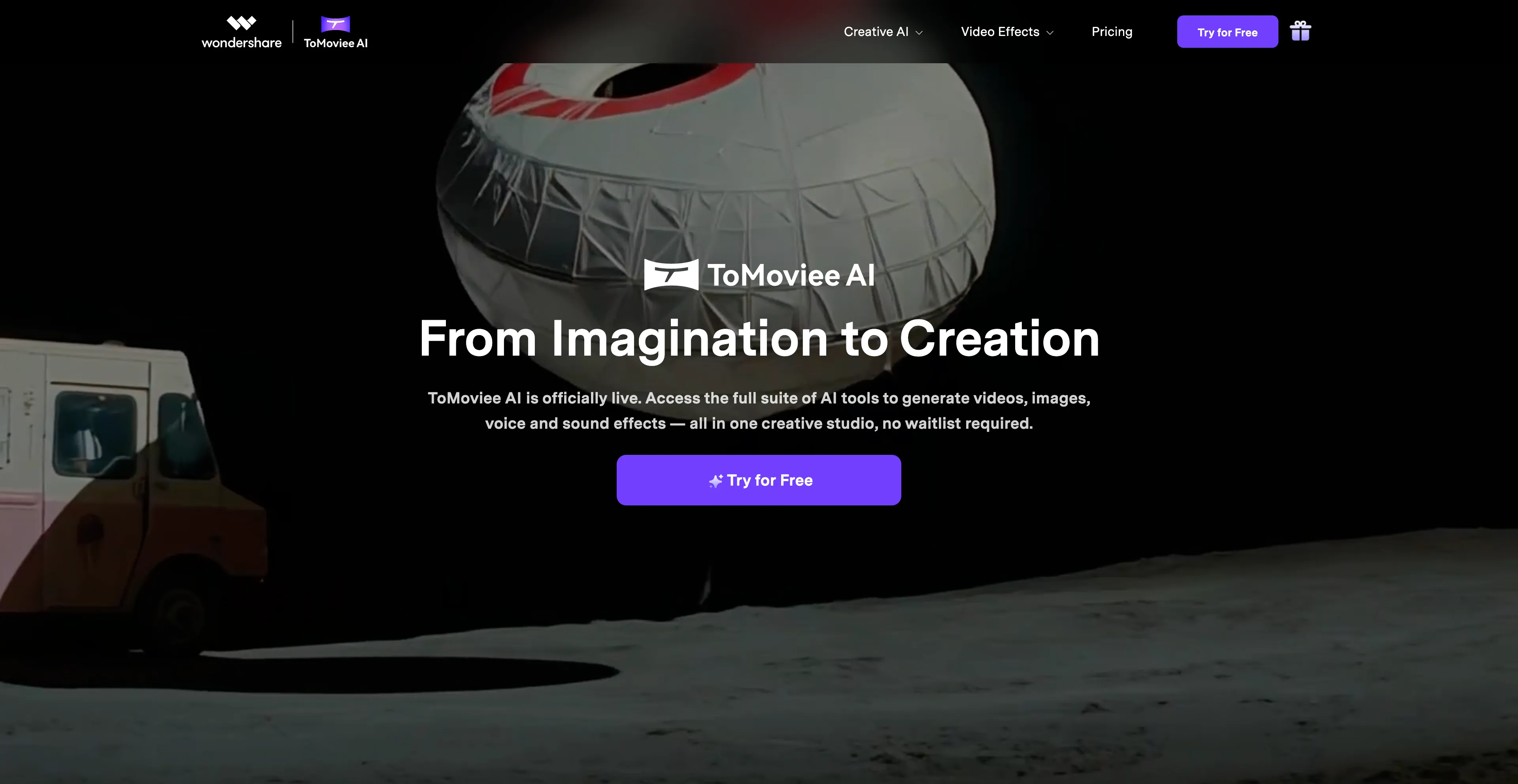
- ToMoviee AI - An all-in-one creative studio for generating videos, images, and audio.
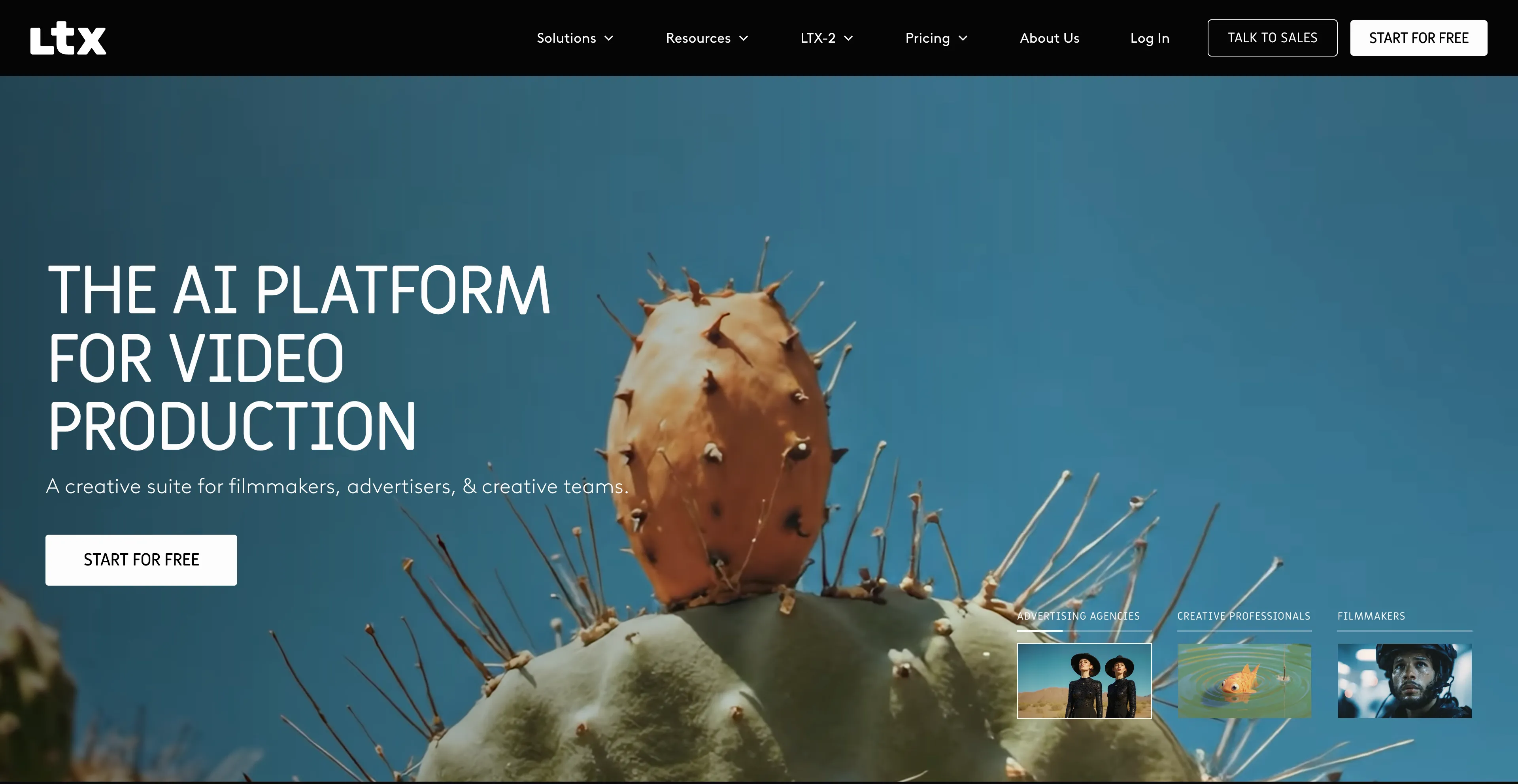
- LTX - An AI-powered video production tool.
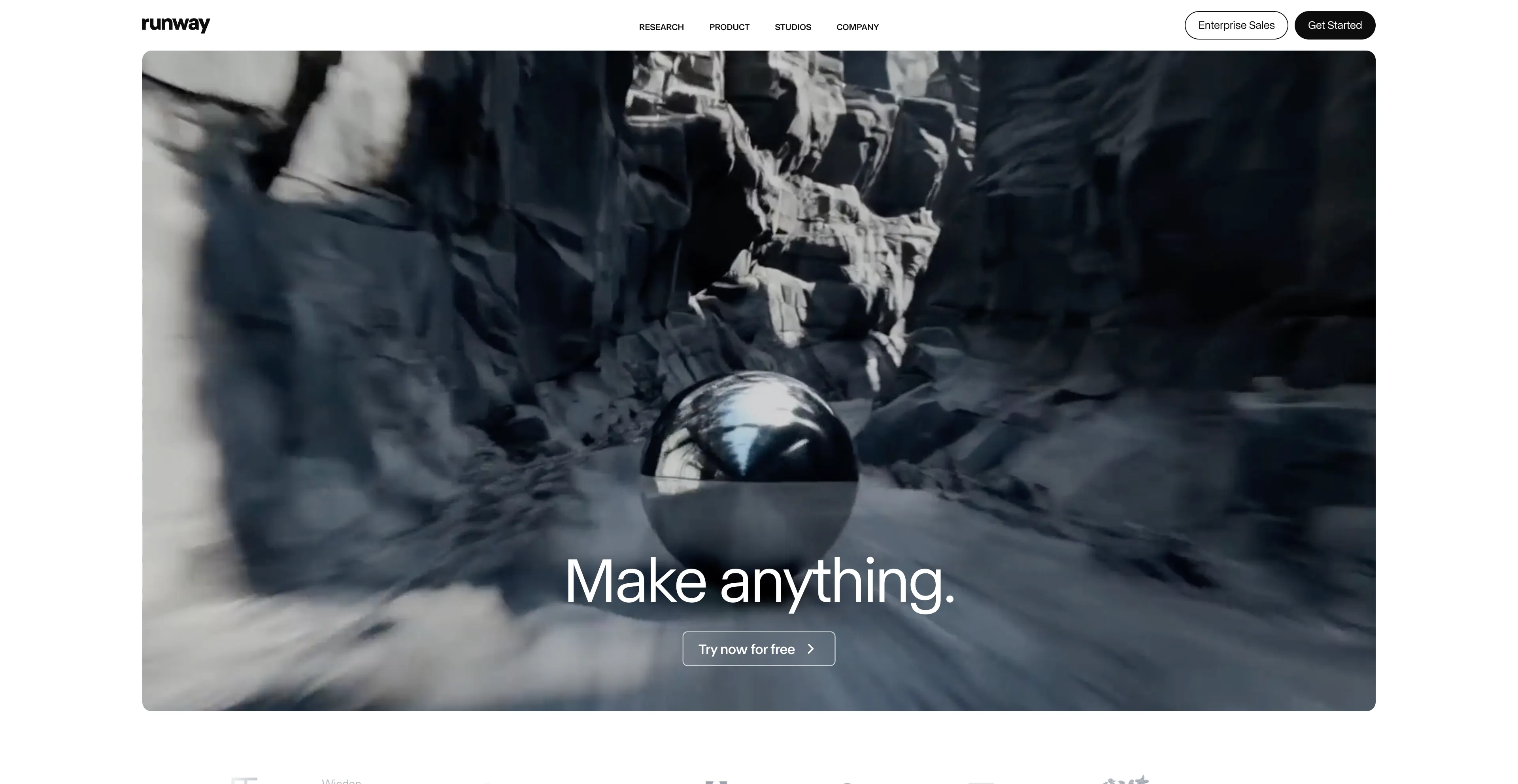
- Runway AI - It offers a range of features for both beginners.
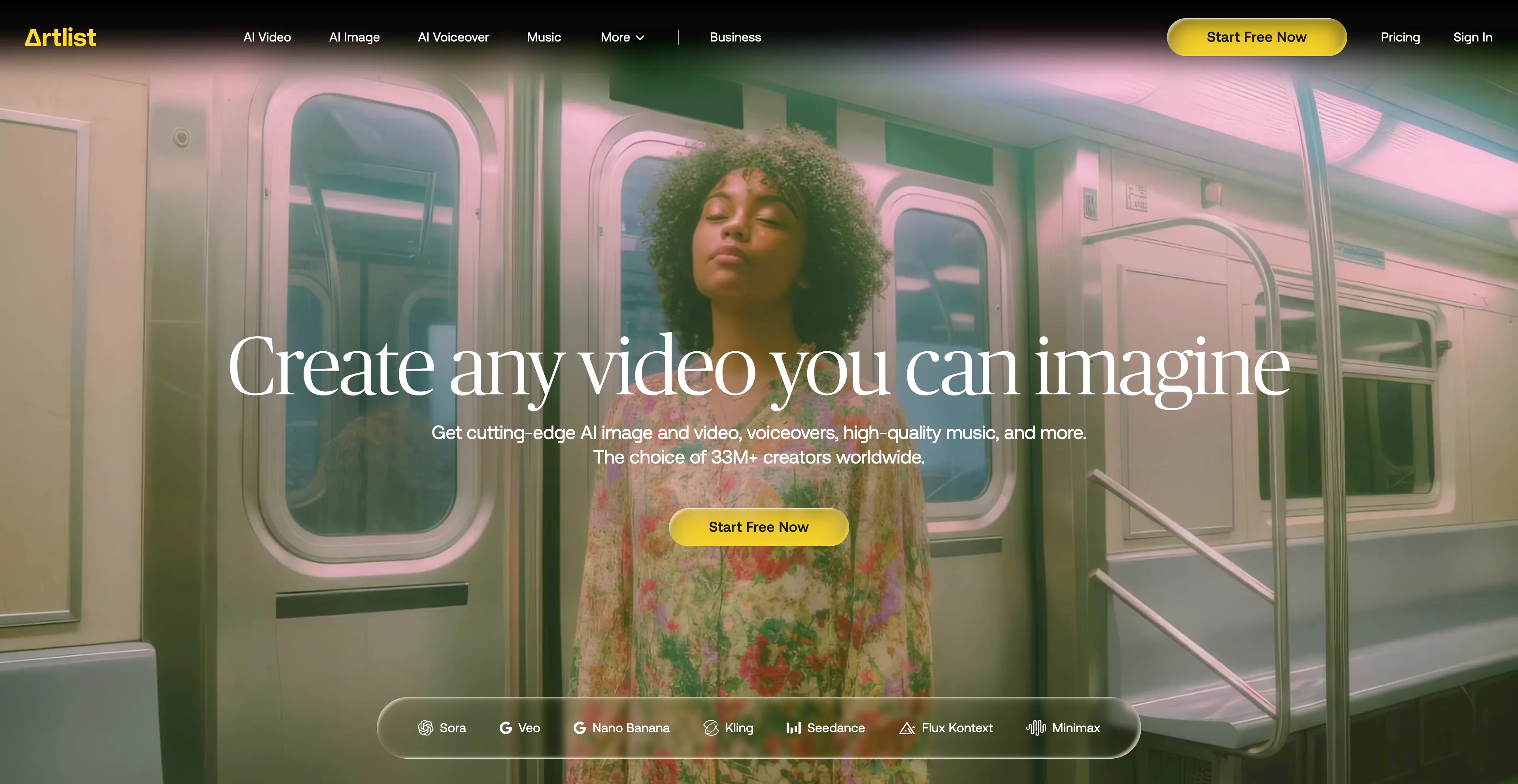
- Artlist - An all-in-one platform for content creators.
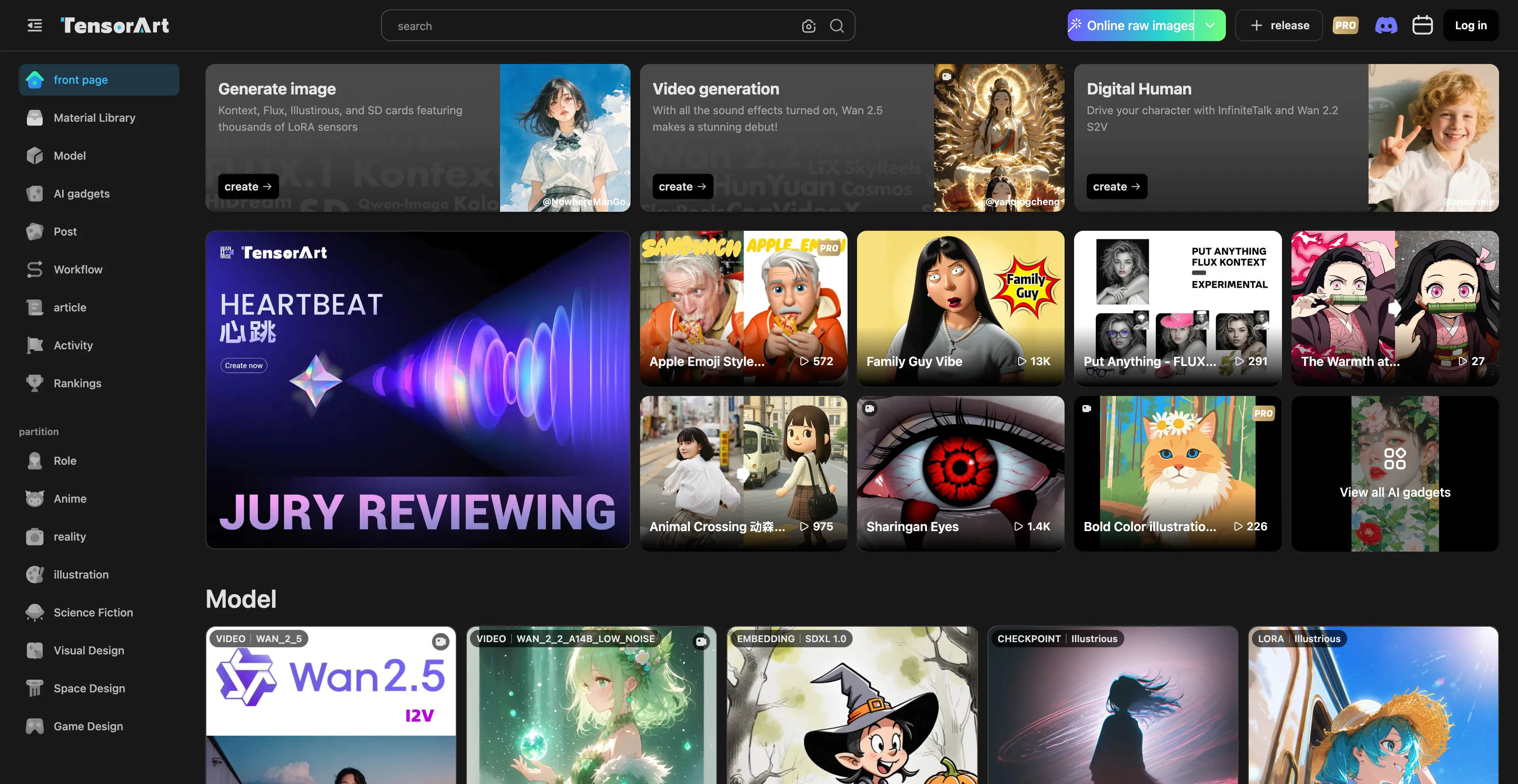
- Tensor Art - A platform for generating AI art and images.
1. Cuty AI
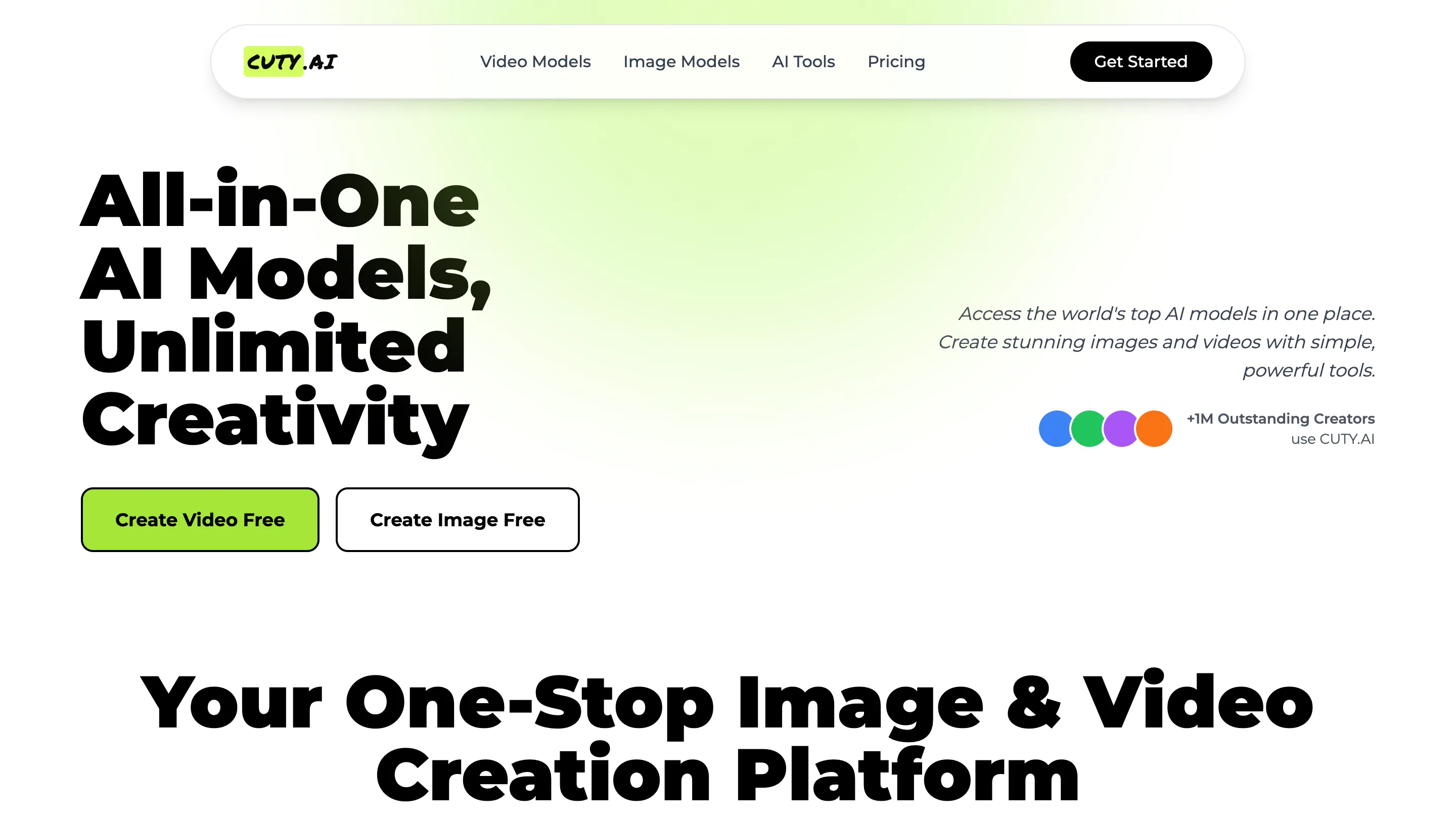
Cuty AI stands out as a comprehensive one-stop platform for both image and video creation, making it an excellent alternative to EaseMate AI for creators who need versatile AI tools. What makes Cuty AI particularly appealing is its unified approach to creative generation—you can access world-class AI models all in one place without jumping between different services. The platform excels at transforming ideas into stunning visuals through its text-to-image feature, which can produce everything from photorealistic images to artistic styles in just seconds. The image-to-image transformation capabilities are equally impressive, allowing you to remix and enhance photos while maintaining consistent details and unlocking endless creative possibilities. When it comes to video creation, Cuty AI truly shines. Its text-to-video feature converts written prompts into engaging video content that's perfect for marketing campaigns and social media posts. The image-to-video animation tool is particularly useful for bringing static images to life, whether you're working with portraits, avatars, or artwork. The platform offers a free plan that lets you explore its features and create images or videos at no cost, which is great for testing before committing. For users who need more generation credits and advanced capabilities, there are upgrade options available. The seamless integration of multiple AI models means you can handle your entire creative workflow without switching platforms, which significantly streamlines the content creation process.
2. Freepik
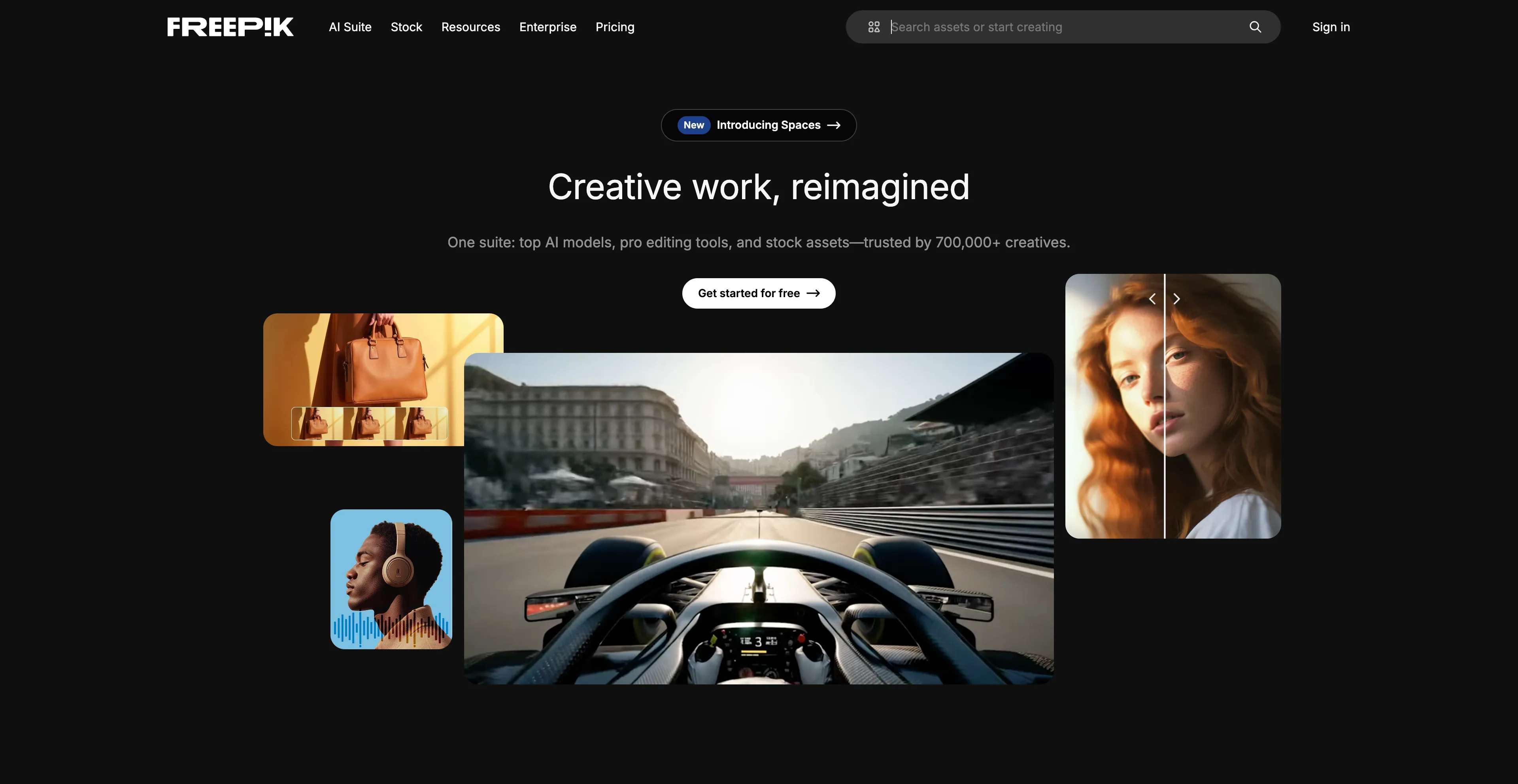
Freepik is an online marketplace and design resource that offers a vast library of visual assets like photos, vector graphics, and templates, along with AI-powered creative tools, making it a comprehensive alternative to EaseMate AI for designers and content creators. It operates on a freemium model, providing a large selection of free resources while offering premium content and advanced AI features through a paid subscription. Users can find assets for a wide range of projects, from social media posts to full-scale website designs, making it a versatile resource for various creative needs. The platform offers a large collection of free and premium photos, vectors, illustrations, icons, and templates, along with a suite of AI tools for tasks such as generating images from text, editing and retouching photos, creating videos, and expanding images. Freepik provides an online platform with an integrated design editor and mockup generator, allowing users to edit templates and create professional visuals without needing extensive software. The platform includes a search engine that helps users find high-quality graphic resources by searching across many websites and ranking results based on quality and relevance. For free users, many assets and some tools are available for free, and users can find free content by applying a "Free" filter after a search. Free assets may require attribution. For premium users, a paid subscription unlocks the full library of premium assets, removes limitations on downloads, and provides access to all advanced AI tools. However, users find the premium pricing quite costly, especially with limitations on daily downloads, which can be a significant drawback for heavy users who need to download many assets regularly.
3. Krea AI
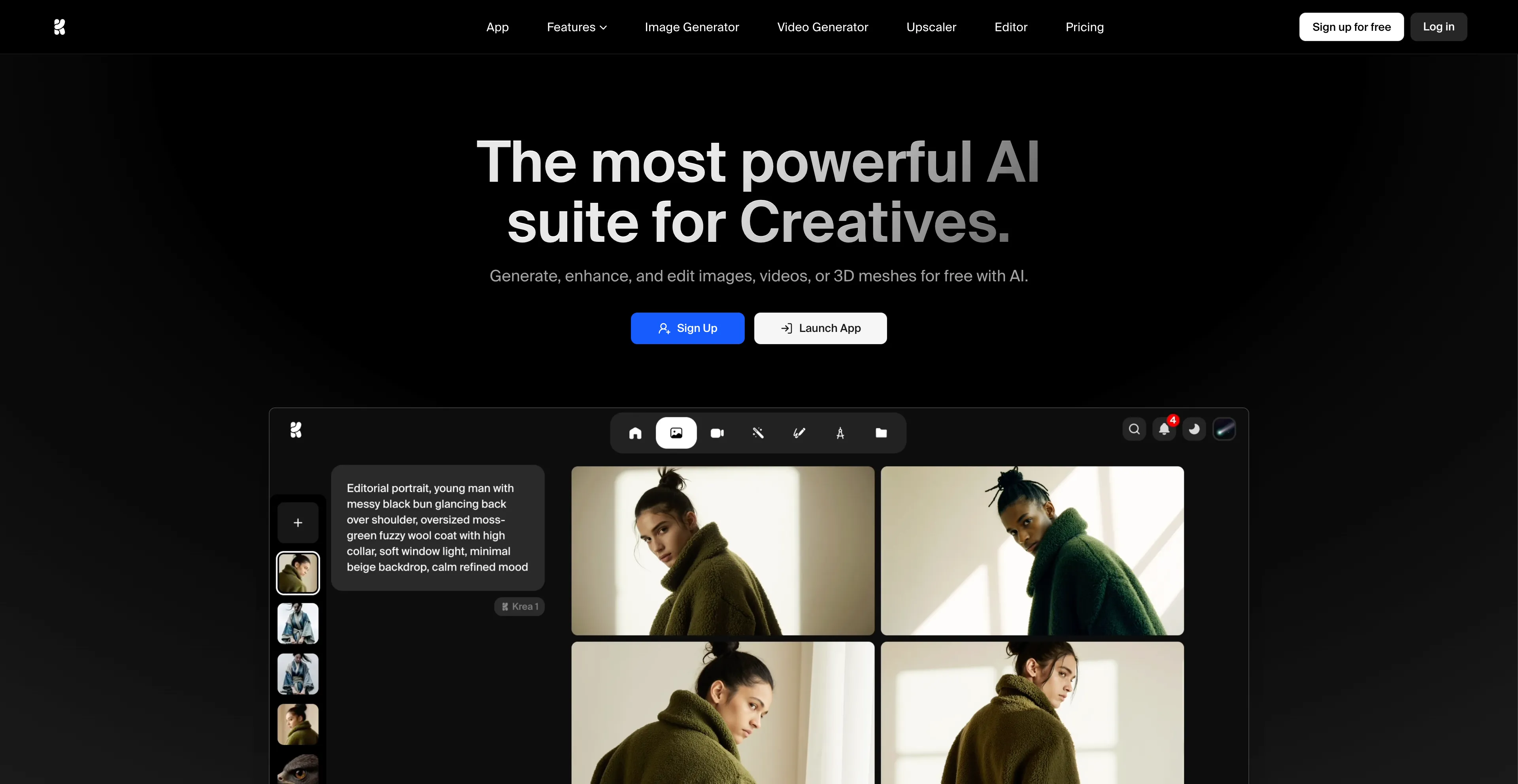
Krea AI is a comprehensive AI design platform that creates, enhances, and edits visual content like images and videos, making it an excellent alternative to EaseMate AI for designers and content creators. It offers tools for real-time image generation, which allows users to draw or upload elements on a canvas and see an AI-generated preview develop instantly. Krea AI also includes features for image upscaling and enhancement, video generation, and 3D object creation, providing a wide range of creative capabilities in one platform. Users can interact with a canvas, drawing or uploading images, and the AI generates a corresponding image in real-time based on a text prompt and the canvas elements. The "AI strength" slider controls how much the canvas influences the final image. It offers generative editing tools to add or remove objects, change expressions, or merge images. It also has video generation capabilities using integrated models. The platform can improve the quality of low-resolution images, increasing resolution, sharpness, and clarity. Users can create 3D models from images or text prompts, and the platform allows users to train their own custom models by uploading images, which can then be used for generating new visuals. The platform provides access to a variety of different AI models for both image and video generation, including some of the latest models from external providers. However, the free version has restricted access to advanced tools. While easy to use, advanced features may take some time to master, which can be a barrier for users who want to quickly access all capabilities.
4. Lovart
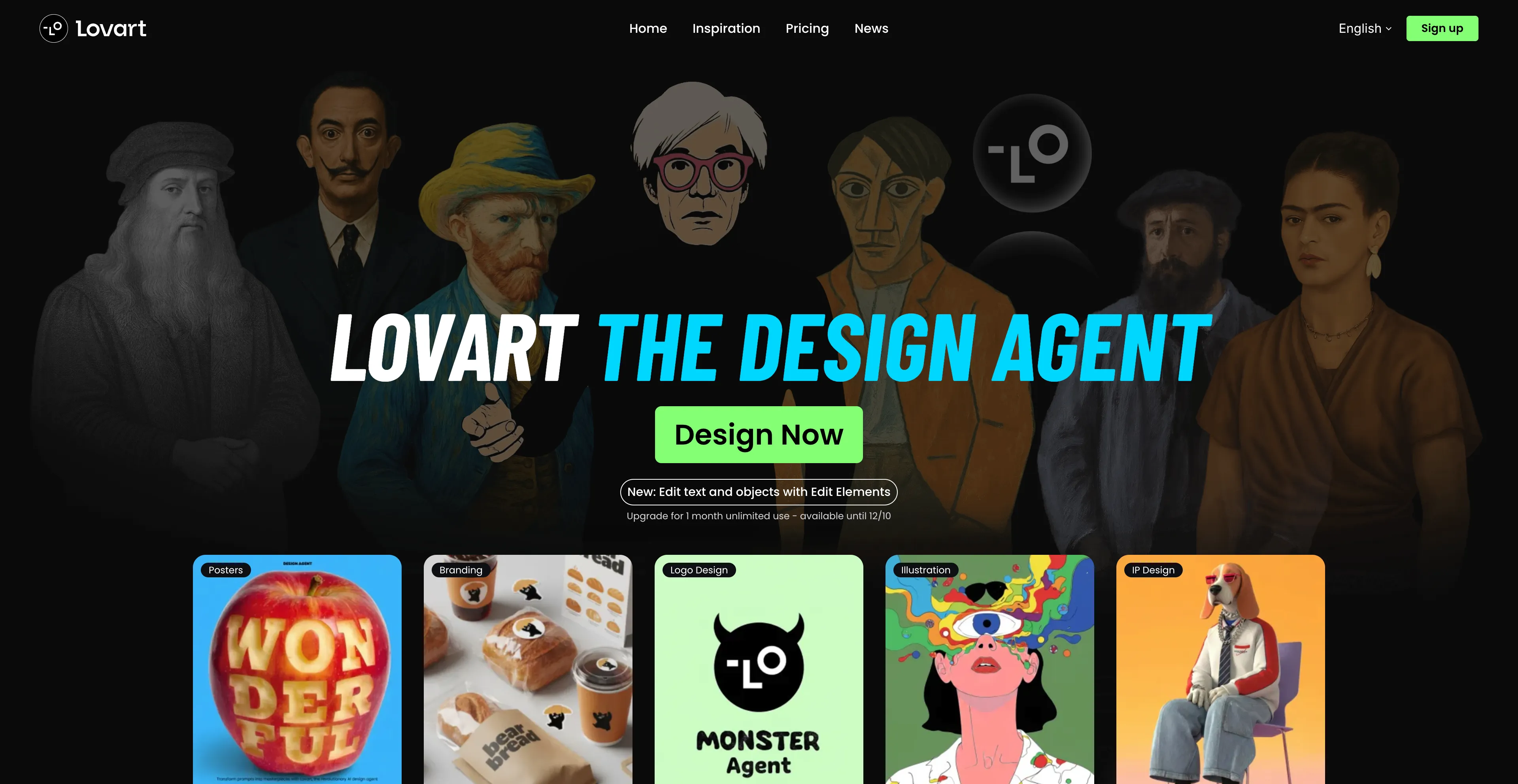
Lovart is an AI-powered design agent that allows users to create visual assets like logos, posters, and branding materials using natural language prompts and a collaborative canvas, making it an excellent alternative to EaseMate AI for designers and solo creators. It functions as an all-in-one platform that integrates various AI models for images, video, and 3D, and provides smart editing tools, aiming to streamline the creative workflow for designers and solo creators. The system handles the entire design process, from initial concept to final asset creation. Users can type natural language requests to generate and edit designs. It uses a canvas to combine human creativity with AI on a single, integrated platform. Lovart integrates multiple AI models for various tasks, such as image and video generation, eliminating the need to switch between different applications. The platform includes intelligent editing tools like auto-shadow, outpaint, and upscaling. It is designed to produce professional-grade results and can export files in formats like PSD, SVG, and PNG with transparency for further editing. Designers use Lovart to streamline their workflow and enhance productivity, while solo founders and marketers appreciate being able to quickly create professional-level designs without a large team. However, one thing to keep in mind is that once the video is generated, you can't make changes to the scenes in between. Sometimes the transitions feel a bit choppy, almost like a slideshow, rather than smooth and natural. It's not perfect yet, but the platform shows great promise and is definitely worth exploring.
5. EaseMate AI
EaseMate AI is an all-in-one AI assistant designed to improve productivity in work and study through features like AI chat, summarization, translation, and writing assistance. It also includes creative tools for generating images and videos from text prompts, as well as educational tools like math solvers and flashcard makers. The platform offers tools to streamline workflows, such as summarizing documents, translating text, assisting with writing, and providing an intelligent chat interface. Users can generate images from text and create videos from text or images, with additional features like face swapping. The platform includes a variety of academic support tools, such as a math solver, mind map generator, and quiz generator. It is powered by a range of advanced AI models, including GPT-4o mini, DeepSeek, and Claude 3 Haiku. EaseMate AI aims to make premium AI tools accessible for free, with some features requiring daily credits or other options for use. However, there are some considerations to keep in mind. There's a potential for overreliance on AI, which might impact critical thinking skills. There's also a risk of inaccuracies in responses, so it's important to verify important information. The platform may be misused in academic settings, which is an important ethical consideration for students and educators.
6. ToMoviee AI
ToMoviee AI is an all-in-one creative studio for generating videos, images, and audio using artificial intelligence, making it a comprehensive alternative to EaseMate AI for content creators who need multiple types of media generation. It allows users to create content from text prompts, images, or automated workflows. Key features include text-to-video, image-to-video, text-to-image, and AI-generated music and sound effects. The platform can create videos from text prompts or by animating still images, and it also offers advanced controls like cinematic camera movements (pan, tilt, zoom). Users can produce images from text descriptions or use a reference image to guide the output. The platform can generate background music and sound effects from text or create expressive voiceovers. The platform uses automated workflows and machine learning to help streamline the creation process, making it suitable for content creators, designers, marketers, and filmmakers. However, there are limited network access regions, which may restrict availability for some users depending on their location. Despite this limitation, ToMoviee AI remains a powerful tool for creators who need comprehensive media generation capabilities.
7. LTX
LTX Studio is an AI-powered video production tool that creates high-definition video content from scripts, making it a powerful alternative to EaseMate AI for video creators. The platform is designed to help users create professional-quality videos by converting scripts into visual content using artificial intelligence. This makes it particularly useful for content creators, marketers, and businesses that need to produce video content quickly without extensive video production experience. The platform uses AI to interpret scripts and generate corresponding video content, which can significantly speed up the video production process. However, users note the inaccuracies and limitations of AI in LTX, affecting detail accuracy and realism in videos. There are animation issues and unnatural movements that can detract from the final output. The platform can be difficult to use, with a steep learning curve that may be challenging for beginners. Some users report poor design quality and performance issues that can impact the user experience. Despite these limitations, LTX Studio remains a viable option for users who need to create video content from scripts and are willing to work with its limitations.
8. Runway AI
Runway AI is a creative suite of AI-powered tools for generating and editing images and videos in a web browser, making it a comprehensive alternative to EaseMate AI for creators who need both generation and editing capabilities. It offers a range of features for both beginners and professionals, including text-to-video, image-to-video, text-to-image, and various AI-powered video editing tools like background removal and object removal. The platform uses a credit-based system with a free plan available, and different subscription tiers to remove limitations and access premium features. The free plan includes a limited number of monthly credits, basic access to tools, and 720p video exports. Paid plans offer more credits, no watermarks, higher resolution exports like 4K, and other premium features. Most generation and editing tasks consume credits, with usage varying based on the operation. However, there's no pure-text video generation on the free plan—you must supply a starting image, and text-only workflows aren't supported without credits. The initial 125 free credits are easy to exhaust, so you'll need to plan usage carefully or upgrade. Despite these limitations, Runway AI remains a powerful and versatile tool for creators who need comprehensive AI-powered editing and generation capabilities.
9. Artlist
Artlist has established itself as an all-in-one platform for content creators, offering a comprehensive suite of digital assets and AI tools through a subscription model, making it an excellent alternative to EaseMate AI for creators who need both assets and generation tools. The platform provides unlimited access to a library of high-quality content that's updated daily, including royalty-free music, sound effects, stock footage, video templates, and LUTs for color grading. What makes Artlist particularly valuable is its recent integration of powerful AI tools, including an AI video generator that creates dynamic animations from static images, AI voiceovers that generate high-quality narration, and an AI image generator for creating visuals from text prompts. The platform offers various subscription plans to fit different needs, with "Social" plans for personal use and "Pro" plans for client work. The "Artlist Max" bundle includes all assets and AI tools, making it a comprehensive solution. There's also a separate "Artlist Business" license for companies and agencies. The platform simplifies copyright issues by allowing you to clear videos for social media channels directly through your account page. However, some genres may lack depth in the music library, and there's limited availability of track stems. The library, while substantial, is smaller compared to some competitors. Despite these limitations, Artlist remains a solid choice for creators who need both assets and AI tools in one place.
10. Tensor Art
Tensor Art is a platform for generating AI art and images, which allows users to create visuals from text prompts or custom models and also provides tools for training and hosting their own AI models, making it a powerful alternative to EaseMate AI for creators who need advanced customization options. It supports various features like text-to-image, image-to-image, and text-to-video generation, and integrates tools like background removers and upscalers to enhance the final output. The platform also includes advanced customization options, such as the ability to use a custom Comfy UI workflow, and offers free daily credits to users. Users can create images and videos using text-to-image, image-to-image, text-to-video, and image-to-video features. The platform enables users to train their own AI models by uploading images and setting parameters like epochs and repeats. Users can host and share their trained models within the community or monetize them through the integrated marketplace. It includes a variety of tools to refine images, such as background removal, face swapping, and upscaling. Tensor Art integrates a custom Comfy UI workflow, allowing for advanced customization and exploration of models without requiring a local setup. The platform offers 100 free credits daily to all users to facilitate exploration. It has a community feed where all generated images are displayed, and users can view and remix existing generations to learn from them. However, while users can upload custom models, fine-tuning and adjusting core parameters of pre-existing AI models is restricted. High-quality image generation and model hosting demand significant computational resources, which may affect performance.