Top 10 Alternatives To Flux Kontext I've Used And Recommend
AIGC
Tutorial
Recently, Flux Kontext has become an essential part of my AI creation toolkit, and it's been very effective. However, it's not without its flaws. Recently, I've been checking out various alternatives, and I want to recommend the ones that have stood out.
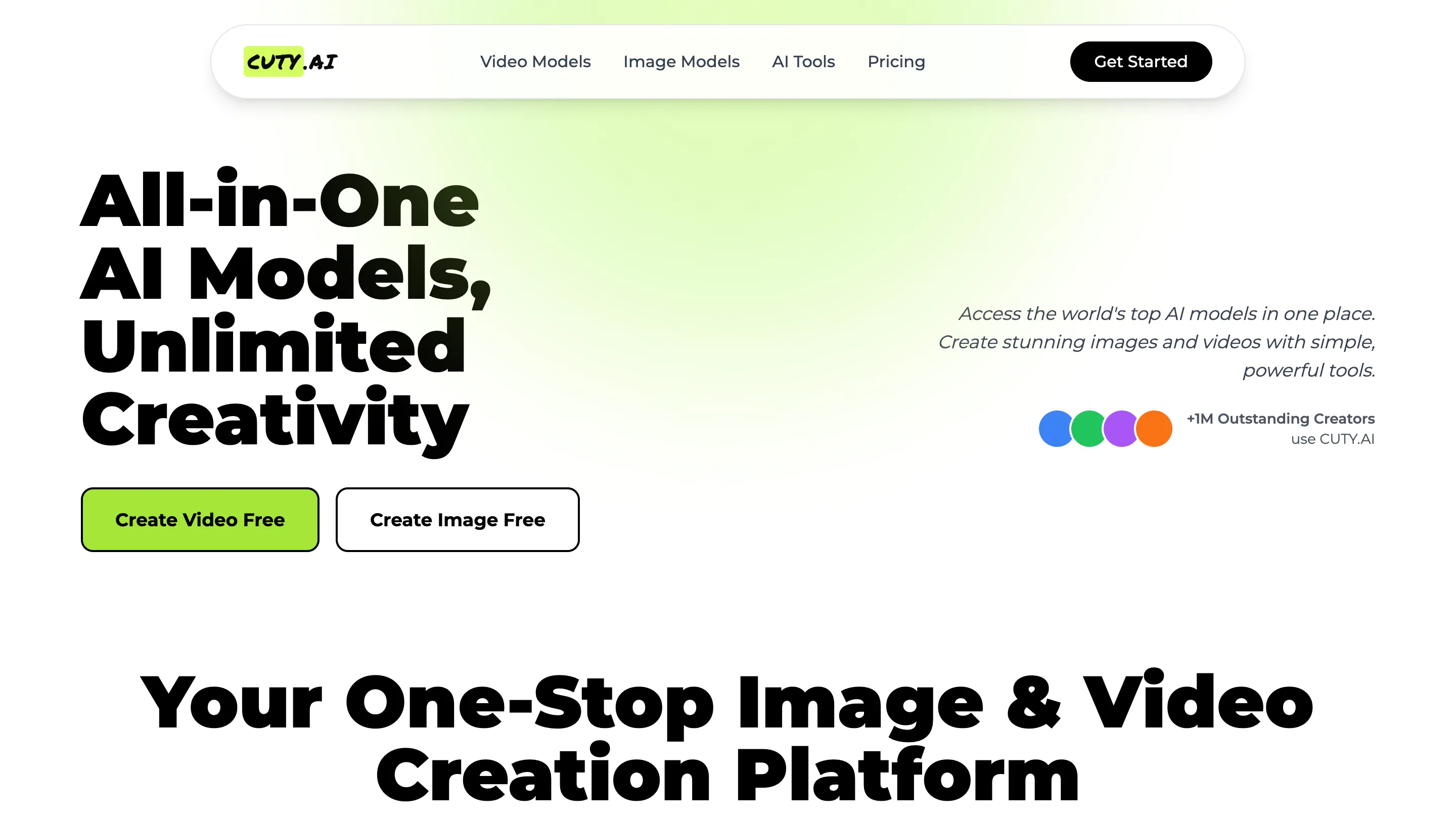
- Cuty AI - An One-Stop Image & Video Creation Platform.
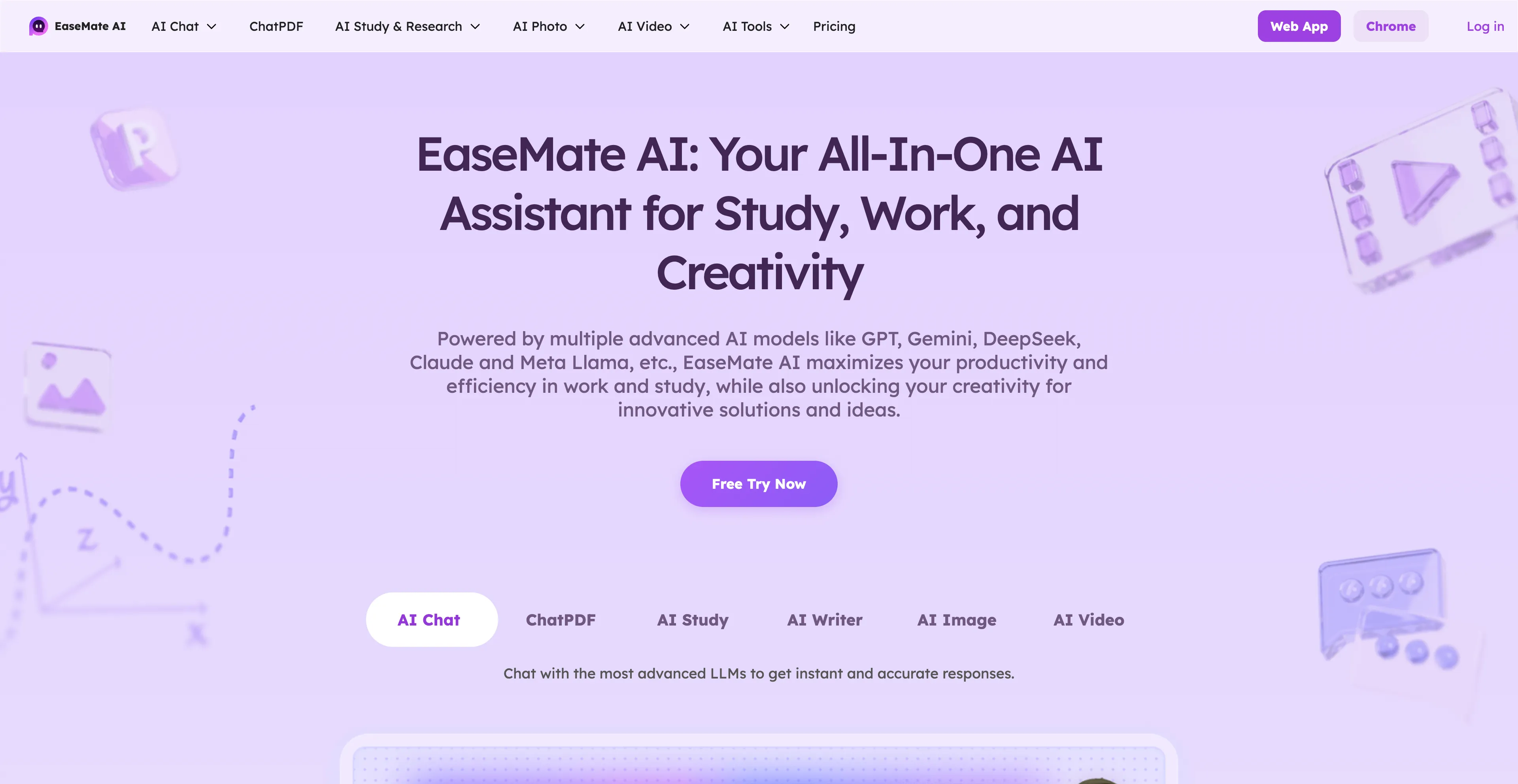
- EaseMate AI - An all-in-one AI assistant designed to improve productivity in work.
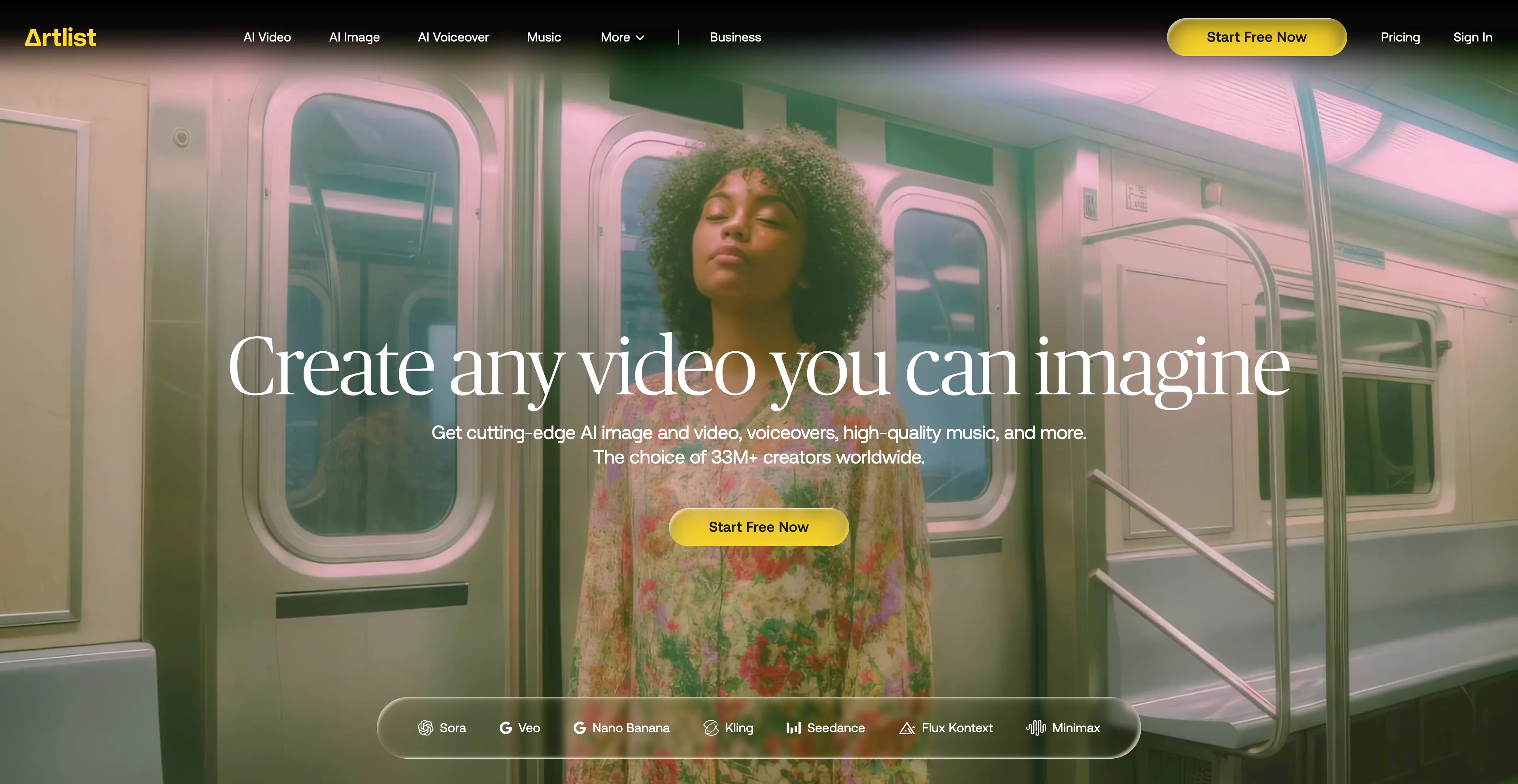
- Artlist - An all-in-one platform for content creators.
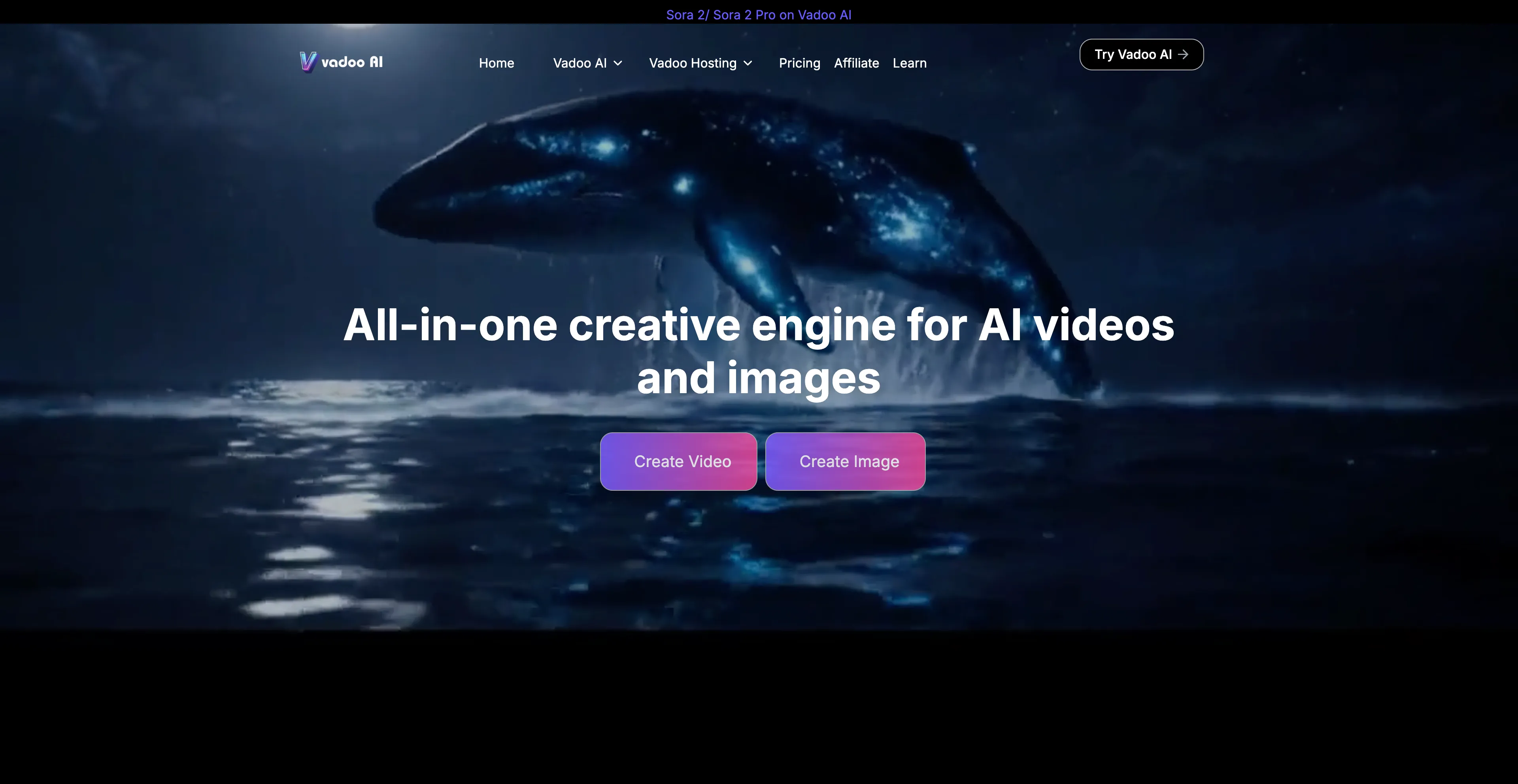
- Vadoo AI - An AI-powered video creation platform that helps users generate videos.
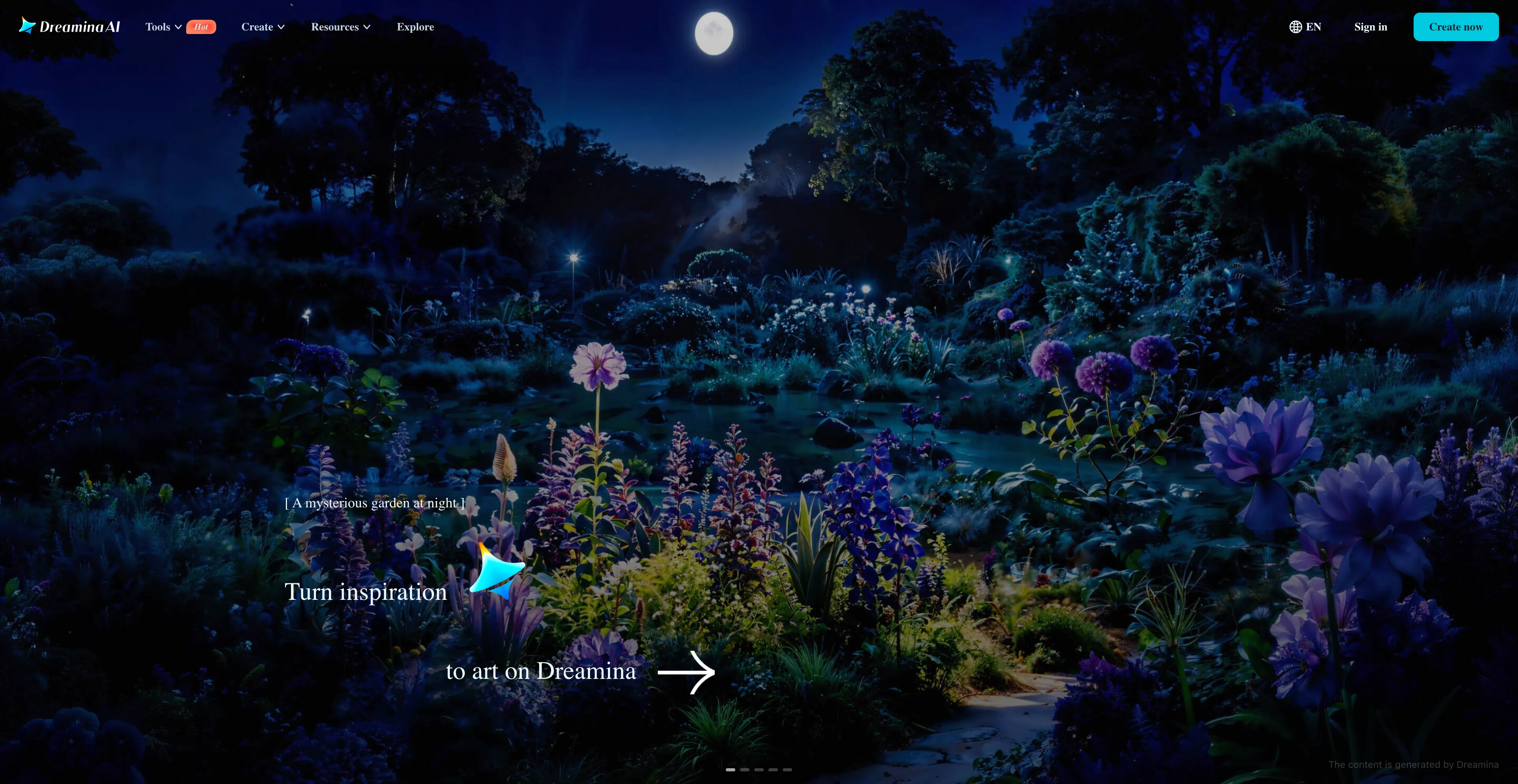
- Dreamina - An AI-powered creative suite developed by CapCut that generates images.
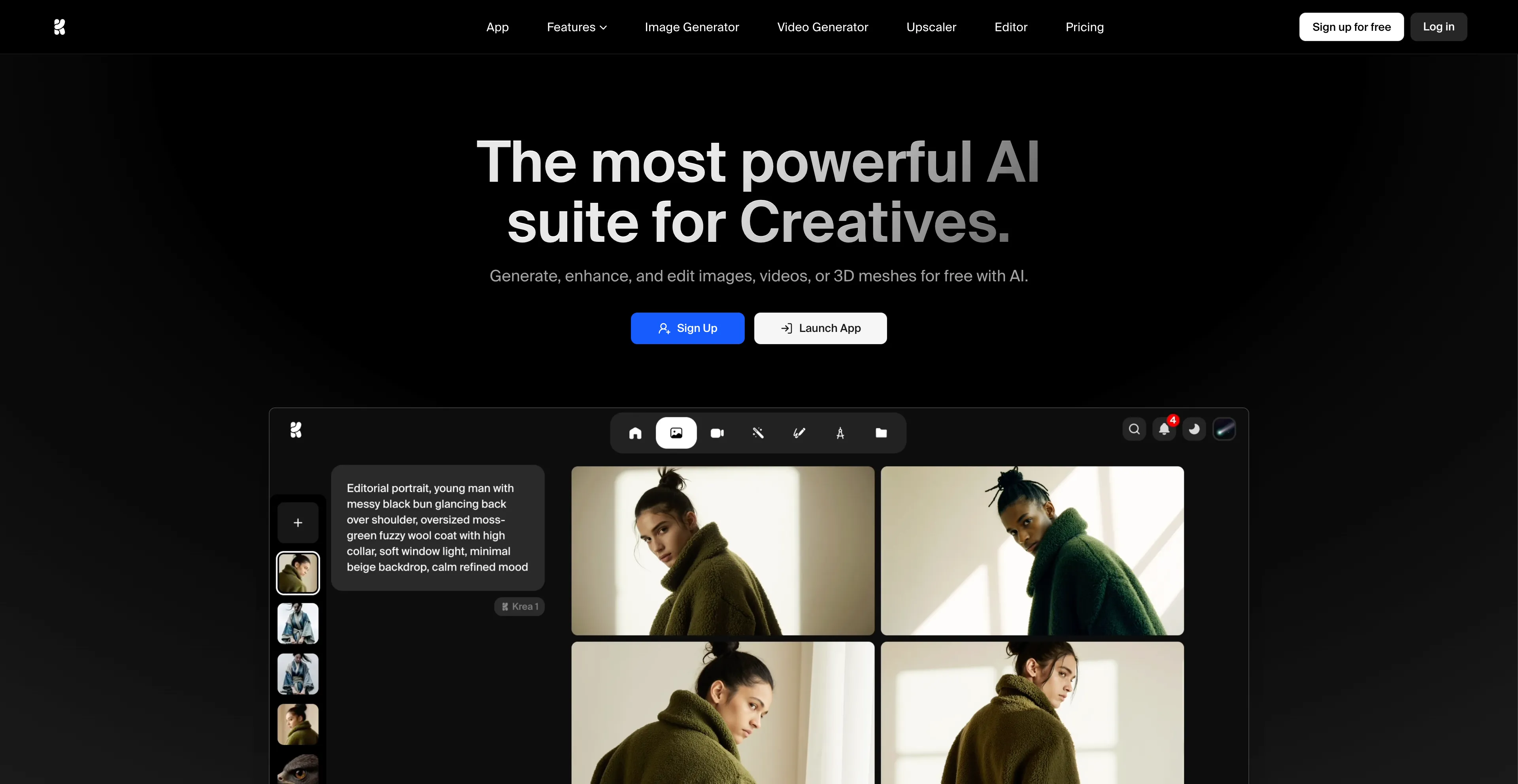
- Krea AI - A comprehensive AI design platform that creates, enhances, and edits.
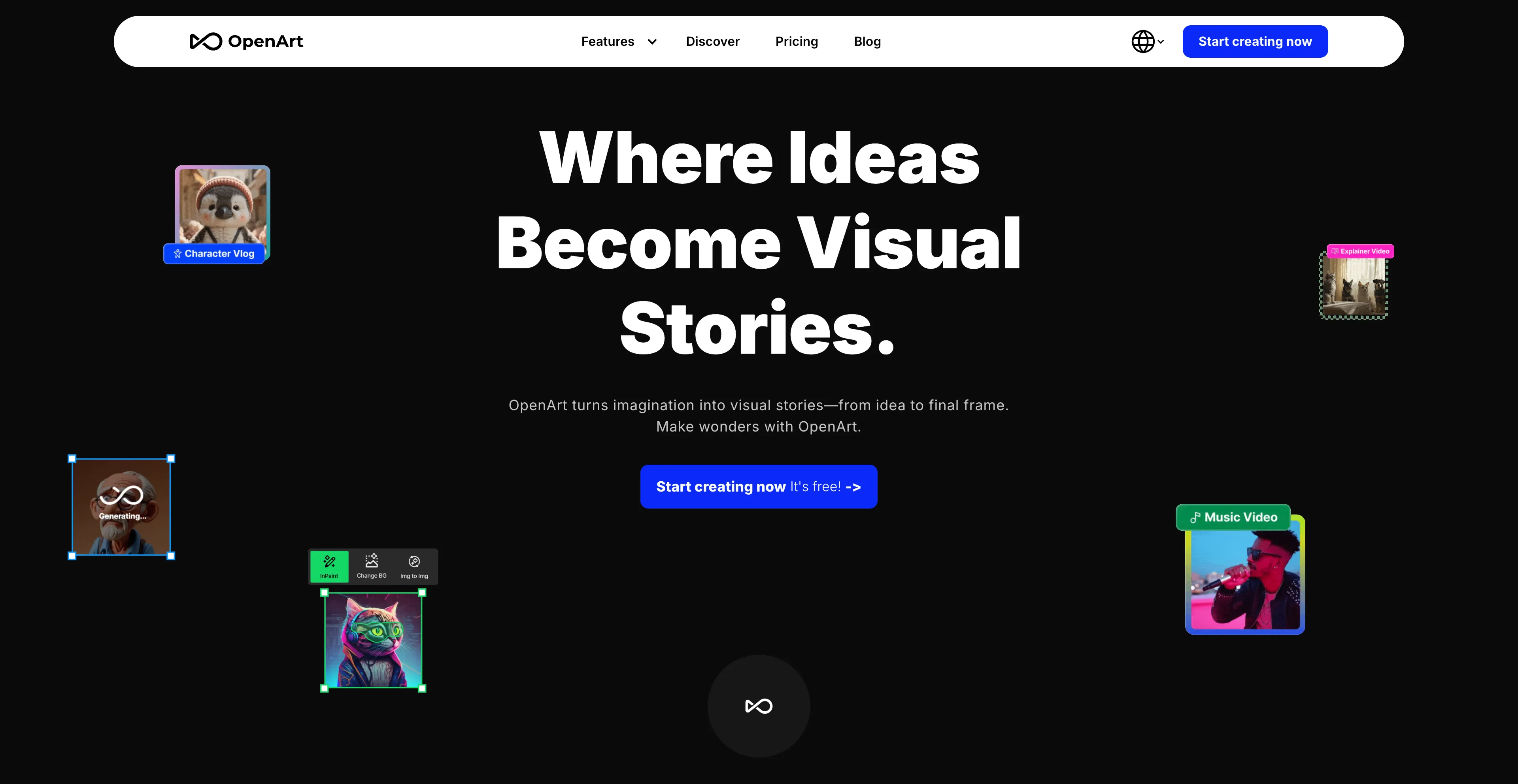
- OpenArt - An online platform for creating and editing digital art.
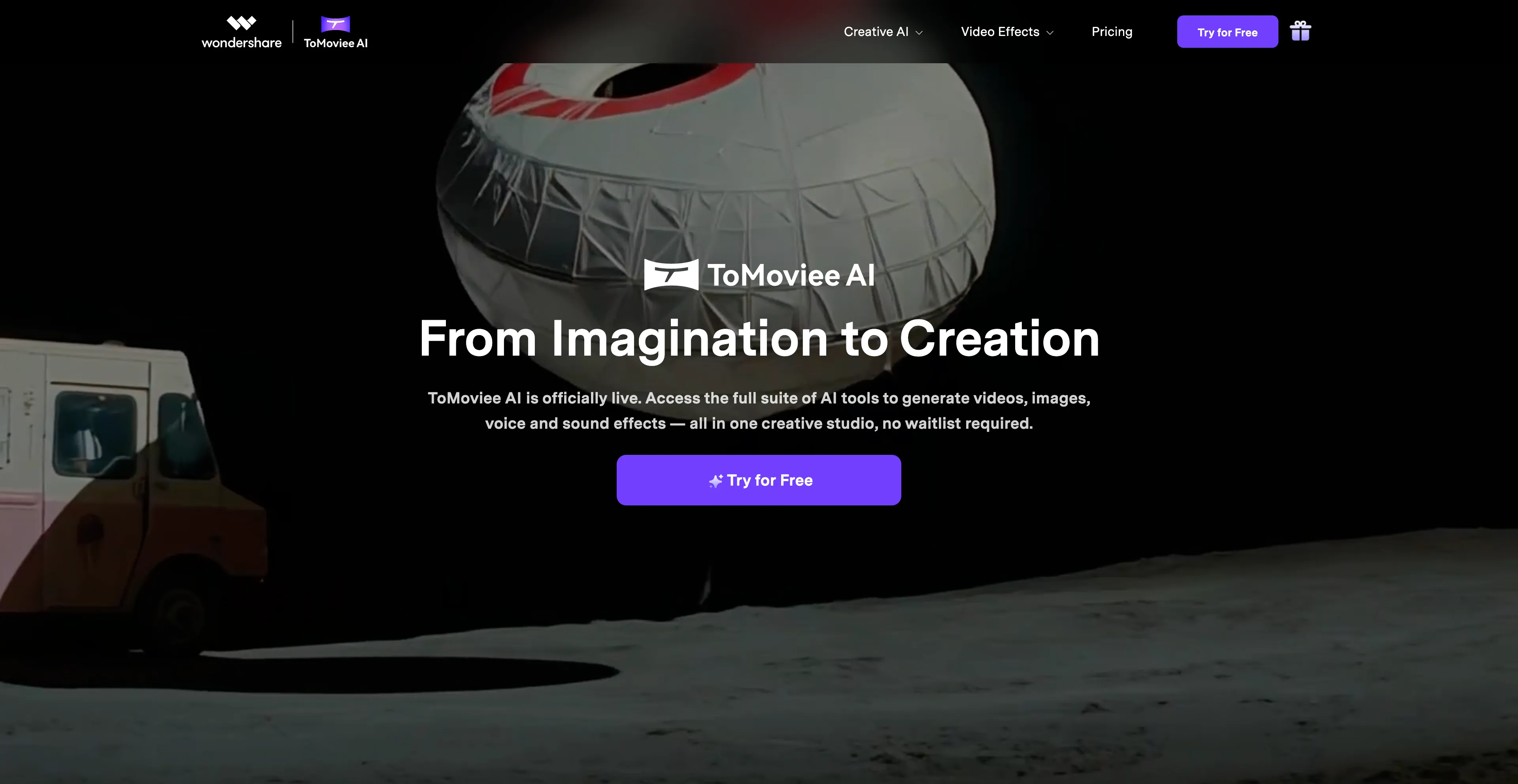
- ToMoviee AI - An all-in-one creative studio for generating videos, images, and audio.
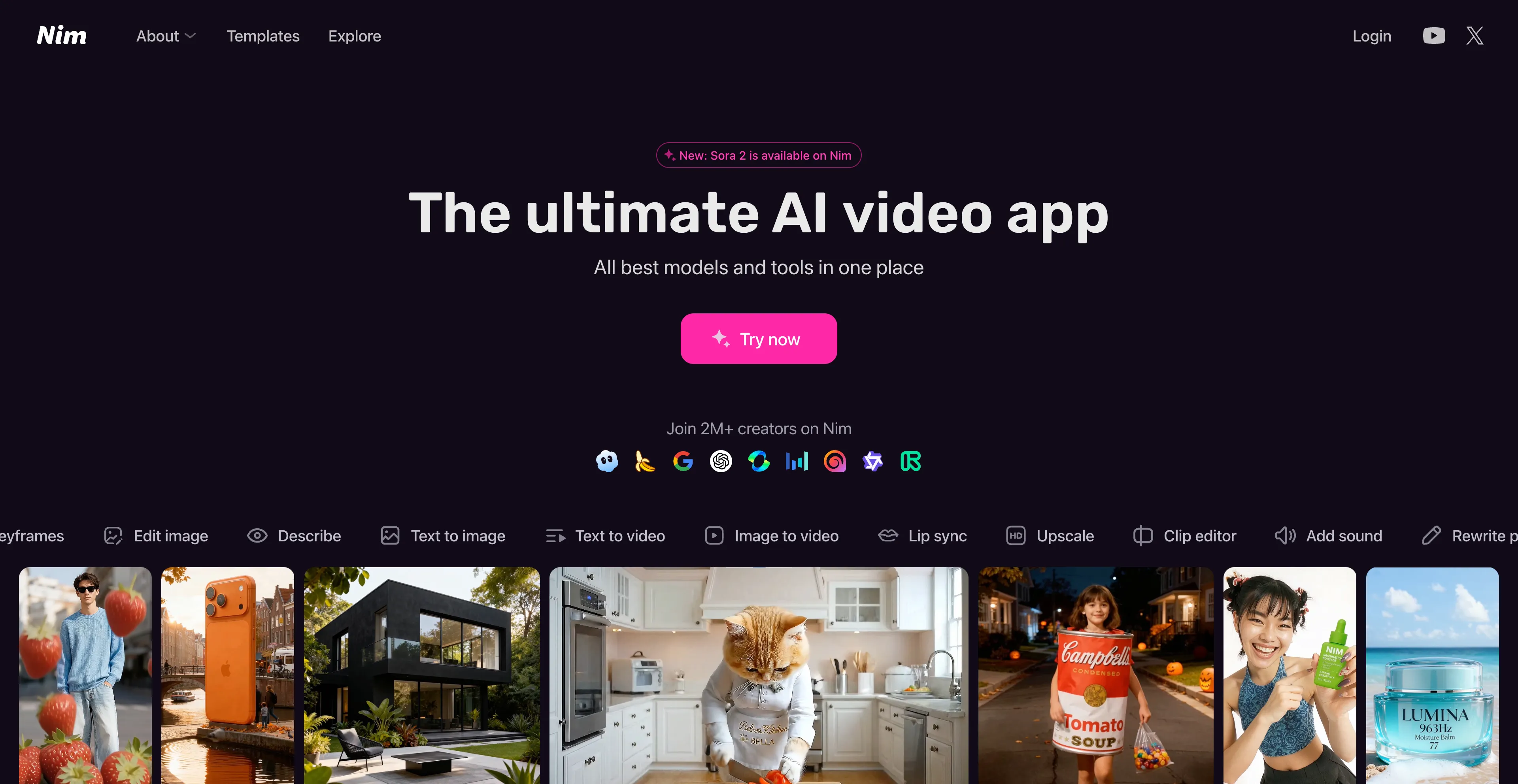
- Nim Video - An AI-powered platform that allows users to create videos.
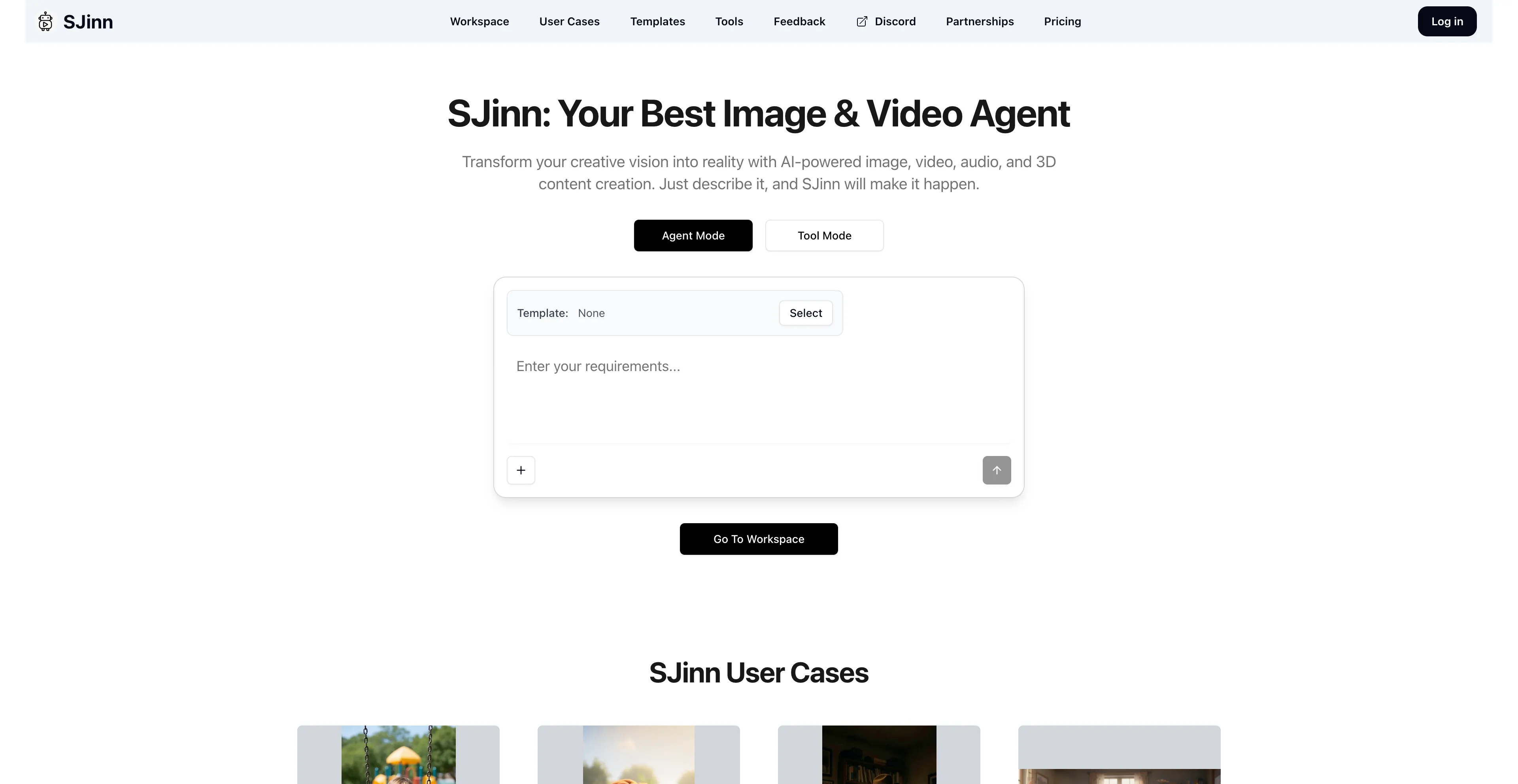
- SJinn - An AI-powered video production platform that acts as.
1. Cuty AI
Cuty AI stands out as a comprehensive one-stop platform for both image and video creation, making it an excellent alternative to Flux Kontext for creators who need versatile AI tools. What makes Cuty AI particularly appealing is its unified approach to creative generation—you can access world-class AI models all in one place without jumping between different services. The platform excels at transforming ideas into stunning visuals through its text-to-image feature, which can produce everything from photorealistic images to artistic styles in just seconds. The image-to-image transformation capabilities are equally impressive, allowing you to remix and enhance photos while maintaining consistent details and unlocking endless creative possibilities. When it comes to video creation, Cuty AI truly shines. Its text-to-video feature converts written prompts into engaging video content that's perfect for marketing campaigns and social media posts. The image-to-video animation tool is particularly useful for bringing static images to life, whether you're working with portraits, avatars, or artwork. The platform offers a free plan that lets you explore its features and create images or videos at no cost, which is great for testing before committing. For users who need more generation credits and advanced capabilities, there are upgrade options available. The seamless integration of multiple AI models means you can handle your entire creative workflow without switching platforms, which significantly streamlines the content creation process.
2. EaseMate AI
EaseMate AI is an all-in-one AI assistant designed to improve productivity in work and study through features like AI chat, summarization, translation, and writing assistance, making it a comprehensive alternative to Flux Kontext for users who need both productivity and creative tools. It also includes creative tools for generating images and videos from text prompts, as well as educational tools like math solvers and flashcard makers. The platform offers tools to streamline workflows, such as summarizing documents, translating text, assisting with writing, and providing an intelligent chat interface. Users can generate images from text and create videos from text or images, with additional features like face swapping. The platform includes a variety of academic support tools, such as a math solver, mind map generator, and quiz generator. It is powered by a range of advanced AI models, including GPT-4o mini, DeepSeek, and Claude 3 Haiku. EaseMate AI aims to make premium AI tools accessible for free, with some features requiring daily credits or other options for use. However, there are some considerations to keep in mind. There's a potential for overreliance on AI, which might impact critical thinking skills. There's also a risk of inaccuracies in responses, so it's important to verify important information. The platform may be misused in academic settings, which is an important ethical consideration for students and educators.
3. Artlist
Artlist has established itself as an all-in-one platform for content creators, offering a comprehensive suite of digital assets and AI tools through a subscription model, making it an excellent alternative to Flux Kontext for creators who need both assets and generation tools. The platform provides unlimited access to a library of high-quality content that's updated daily, including royalty-free music, sound effects, stock footage, video templates, and LUTs for color grading. What makes Artlist particularly valuable is its recent integration of powerful AI tools, including an AI video generator that creates dynamic animations from static images, AI voiceovers that generate high-quality narration, and an AI image generator for creating visuals from text prompts. The platform offers various subscription plans to fit different needs, with "Social" plans for personal use and "Pro" plans for client work. The "Artlist Max" bundle includes all assets and AI tools, making it a comprehensive solution. There's also a separate "Artlist Business" license for companies and agencies. The platform simplifies copyright issues by allowing you to clear videos for social media channels directly through your account page. However, some genres may lack depth in the music library, and there's limited availability of track stems. The library, while substantial, is smaller compared to some competitors. Despite these limitations, Artlist remains a solid choice for creators who need both assets and AI tools in one place.
4. Vadoo AI
Vadoo AI is an AI-powered video creation platform that helps users generate videos from text, images, or podcasts with minimal effort, making it an excellent alternative to Flux Kontext for content creators and marketers. It automates many aspects of video production, including scripting, editing, and adding captions, and offers templates for social media platforms like TikTok and YouTube Shorts. The platform is designed to make professional video content creation accessible and fast for creators, marketers, and businesses, which is perfect if you need to produce content quickly without extensive editing skills. Users can input text or a prompt and the AI will generate a video with appropriate visuals and animations. The image-to-video feature allows users to upload images, choose a style and music, and the AI will generate a seamless video. The platform can also convert podcasts and audio to video, and it handles tasks like script generation, B-roll selection, and adding captions and animated emojis. It offers customizable templates and allows users to personalize the look and feel of their videos. Templates are optimized for popular social media formats like TikTok, Instagram Reels, and YouTube Shorts, which makes it incredibly convenient for social media content creation. Vadoo AI integrates various AI models for video generation, image generation, and more. However, users lament the poor customer support from Vadoo, experiencing unresponsiveness and lack of meaningful updates or assistance. There are software bugs and usability issues that can be frustrating. Video management can be challenging, and there are AI limitations that may affect the quality of generated content. Some users also report UI design issues that impact the overall user experience.
5. Dreamina
Dreamina is an AI-powered creative suite developed by CapCut that generates images and videos from text or images, making it a comprehensive alternative to Flux Kontext for creators who need integrated creative tools. The platform includes tools for generating art from text, transforming images into videos, creating talking avatars with lip-sync technology, and editing with AI features like inpainting and upscaling. The AI image generation feature creates images from text prompts, with options for different styles like photorealistic, anime, and Pixar. It also supports image-to-image generation and includes features like inpainting for adding or removing objects and upscaling to 4K resolution. The AI video generation feature converts text prompts into video clips, creates smooth motion with frame interpolation, and can transform still images into animated videos. The AI avatar generator produces talking avatars with natural-looking lip-syncing based on text or audio, and the AI soundtrack generator composes music that matches the mood and content of the generated video. The platform is seamlessly integrated within the CapCut PC editor, allowing for a complete workflow from generation to editing without switching platforms. Dreamina is ideal for content creators, marketers, artists, designers, and small businesses. However, free users have limited access, and offline functionality is limited on the Dreamina AI app, which may be a consideration for some users.
6. Krea AI
Krea AI is a comprehensive AI design platform that creates, enhances, and edits visual content like images and videos, making it an excellent alternative to Flux Kontext for designers and content creators. It offers tools for real-time image generation, which allows users to draw or upload elements on a canvas and see an AI-generated preview develop instantly. Krea AI also includes features for image upscaling and enhancement, video generation, and 3D object creation, providing a wide range of creative capabilities in one platform. Users can interact with a canvas, drawing or uploading images, and the AI generates a corresponding image in real-time based on a text prompt and the canvas elements. The "AI strength" slider controls how much the canvas influences the final image. It offers generative editing tools to add or remove objects, change expressions, or merge images. It also has video generation capabilities using integrated models. The platform can improve the quality of low-resolution images, increasing resolution, sharpness, and clarity. Users can create 3D models from images or text prompts, and the platform allows users to train their own custom models by uploading images, which can then be used for generating new visuals. The platform provides access to a variety of different AI models for both image and video generation, including some of the latest models from external providers. However, the free version has restricted access to advanced tools. While easy to use, advanced features may take some time to master, which can be a barrier for users who want to quickly access all capabilities.
7. OpenArt
OpenArt is an online platform for creating and editing digital art using artificial intelligence, founded by former Google employees, making it a comprehensive alternative to Flux Kontext for creators who need both image and video generation capabilities. The platform offers tools to generate images from text prompts, apply various artistic styles, and edit existing images. What sets OpenArt apart is its all-in-one approach, combining image and video generation with editing tools in a single interface, which streamlines your creative workflow significantly. Users can create images from text descriptions and choose from over 100 different AI models for various styles like photorealistic, anime, or fantasy art, giving you incredible flexibility in your creative output. The platform provides a suite of editing tools, including object removal, inpainting, upscaling, and the ability to regenerate or restyle parts of an image. OpenArt allows users to generate videos from images or text, with different modes for narrative-driven or abstract content. The platform has a strong community aspect where users can share their creations and learn from each other, which can help inspire and replicate results. It offers team plans with shared assets, permissions, and pooled credits, designed for studios and agencies. The platform uses a credit-based system, with different subscription plans offering varying amounts of credits for generation and other features. However, limited creative control is something to consider—users may find their customization options restricted, impacting the uniqueness of generated artwork. The platform also relies heavily on internet connectivity and advanced hardware, potentially limiting access for some users.
8. ToMoviee AI
ToMoviee AI is an all-in-one creative studio for generating videos, images, and audio using artificial intelligence, making it a comprehensive alternative to Flux Kontext for content creators who need multiple types of media generation. It allows users to create content from text prompts, images, or automated workflows. Key features include text-to-video, image-to-video, text-to-image, and AI-generated music and sound effects. The platform can create videos from text prompts or by animating still images, and it also offers advanced controls like cinematic camera movements (pan, tilt, zoom). Users can produce images from text descriptions or use a reference image to guide the output. The platform can generate background music and sound effects from text or create expressive voiceovers. The platform uses automated workflows and machine learning to help streamline the creation process, making it suitable for content creators, designers, marketers, and filmmakers. However, there are limited network access regions, which may restrict availability for some users depending on their location. Despite this limitation, ToMoviee AI remains a powerful tool for creators who need comprehensive media generation capabilities.
9. Nim Video
Nim Video is an AI-powered platform that allows users to create videos from text prompts or images, and includes features like lip-syncing and video style transfer, making it a comprehensive alternative to Flux Kontext for content creators. It acts as an all-in-one tool for content creators by combining various AI models and tools into a single interface, simplifying the video generation process for those without technical skills. The platform can also be used to animate existing images and add voiceovers, music, and effects, which makes it incredibly versatile for various content creation needs. You can generate videos from written text prompts, transform still images into dynamic videos, and animate an AI avatar's mouth to match a voiceover in real time. The platform allows you to change the style of a video using generative models, and you can use pre-made or custom AI avatars as on-screen narrators for a consistent look. Nim Video can improve the resolution and clarity of videos using models like Topaz, and it provides a unified interface that allows you to access a variety of AI models and tools from one place without needing multiple subscriptions. However, users find the setup process complex with a steep learning curve, requiring significant time and effort to complete. The learning curve can be difficult, and there are complexity issues that may frustrate beginners. Some users also report password issues that can be problematic.
10. SJinn
SJinn AI is an AI-powered video production platform that acts as an automated creative director, turning text prompts and ideas into video content, making it a powerful alternative to Flux Kontext for creators who need automated video production. It is designed to be an all-in-one tool for creating marketing videos, commercials, and narrative shorts, and it can generate videos up to one minute long with consistent characters. The platform integrates models like Sora2 and Veo3 to achieve character and style consistency, and it can also perform other tasks like removing watermarks from videos. Users can describe their vision, and the AI generates video, image, and audio content from a single prompt. The platform ensures that characters and visual styles remain consistent throughout the video, a significant improvement over previous AI limitations. It can produce videos up to a minute in length, moving beyond the typical sub-10-second AI clips. Instead of using multiple separate tools, SJinn combines the functions of scripting, image generation, and video production into a single workflow. It is designed to be accessible to beginners, with a focus on a chat-based experience. It also offers other functionalities, such as a tool for removing watermarks from videos. However, pricing details are not clearly displayed, which can make it difficult to plan your budget. The platform requires stable internet to access all features, which may be a limitation for users with unreliable connections.