Top 10 Alternatives To Krea AI I've Tested And Loved
AIGC
Tutorial
I've been incorporating Krea AI into my daily AI workflow, and it's been tremendously helpful. Of course, free version has restricted access to advanced tools. I've been testing other options lately, and I'm happy to share the ones that have been most impressive.
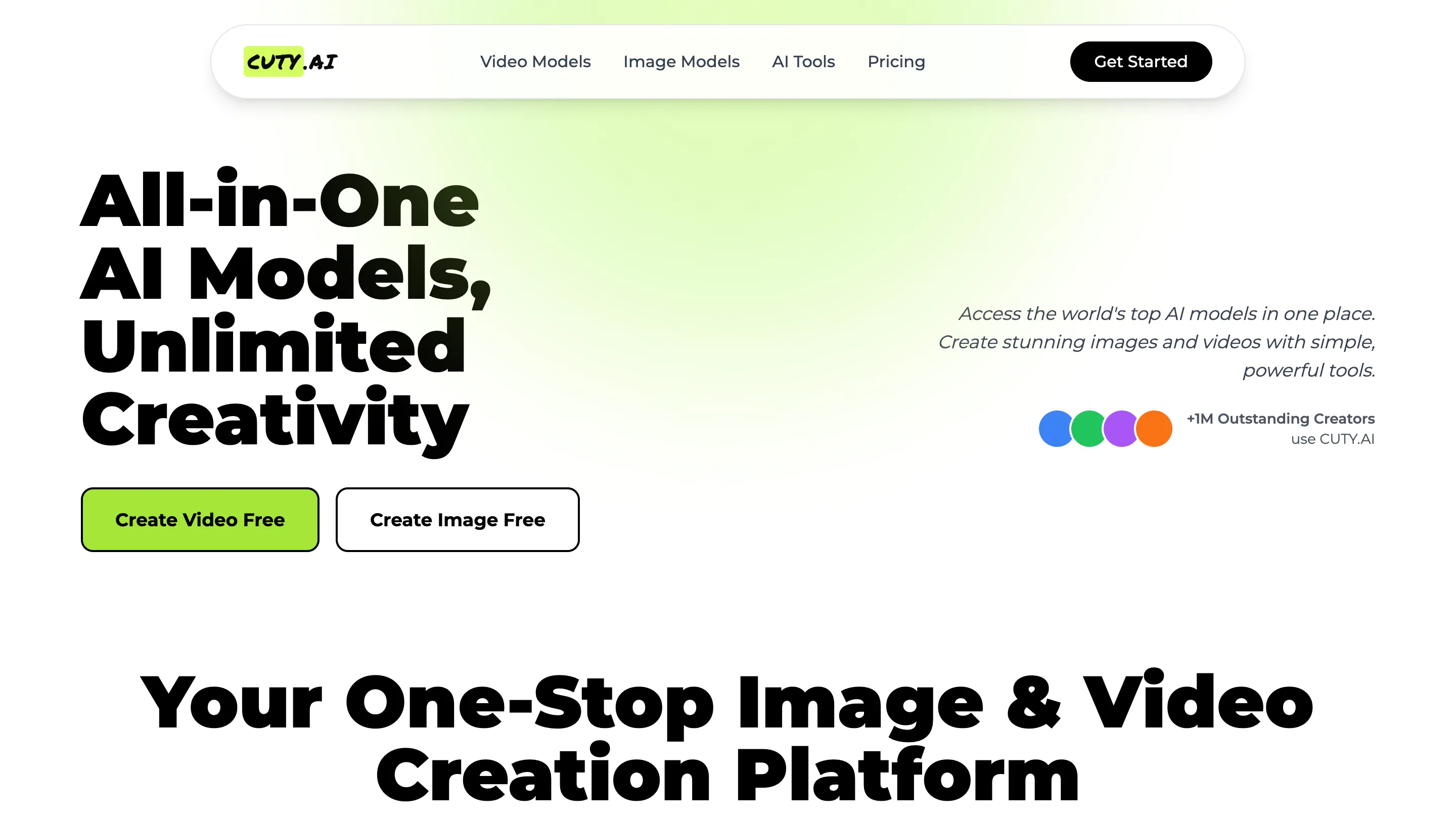

- Cuty AI - An One-Stop Image & Video Creation Platform.
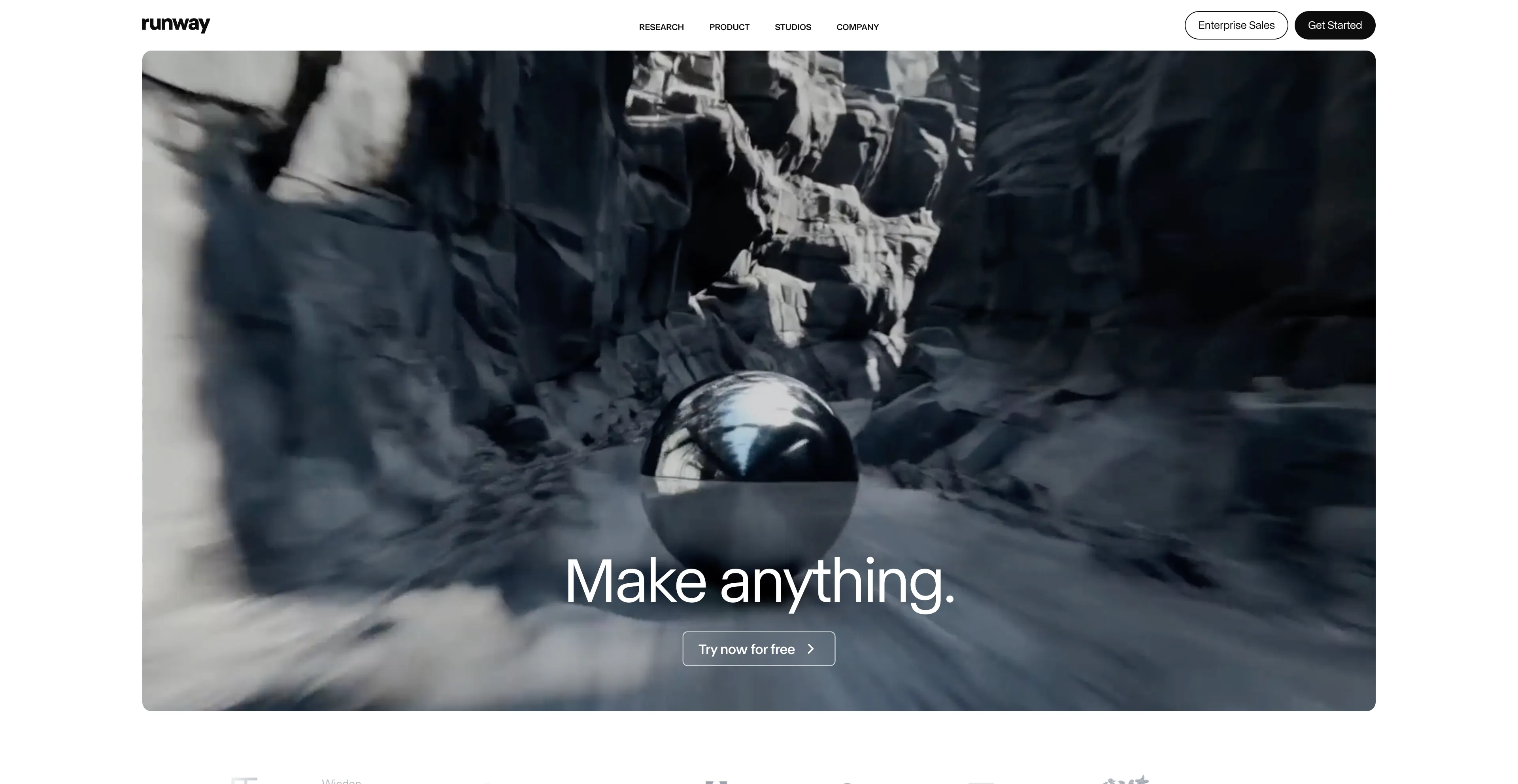
- Runway AI - It offers a range of features for both beginners.
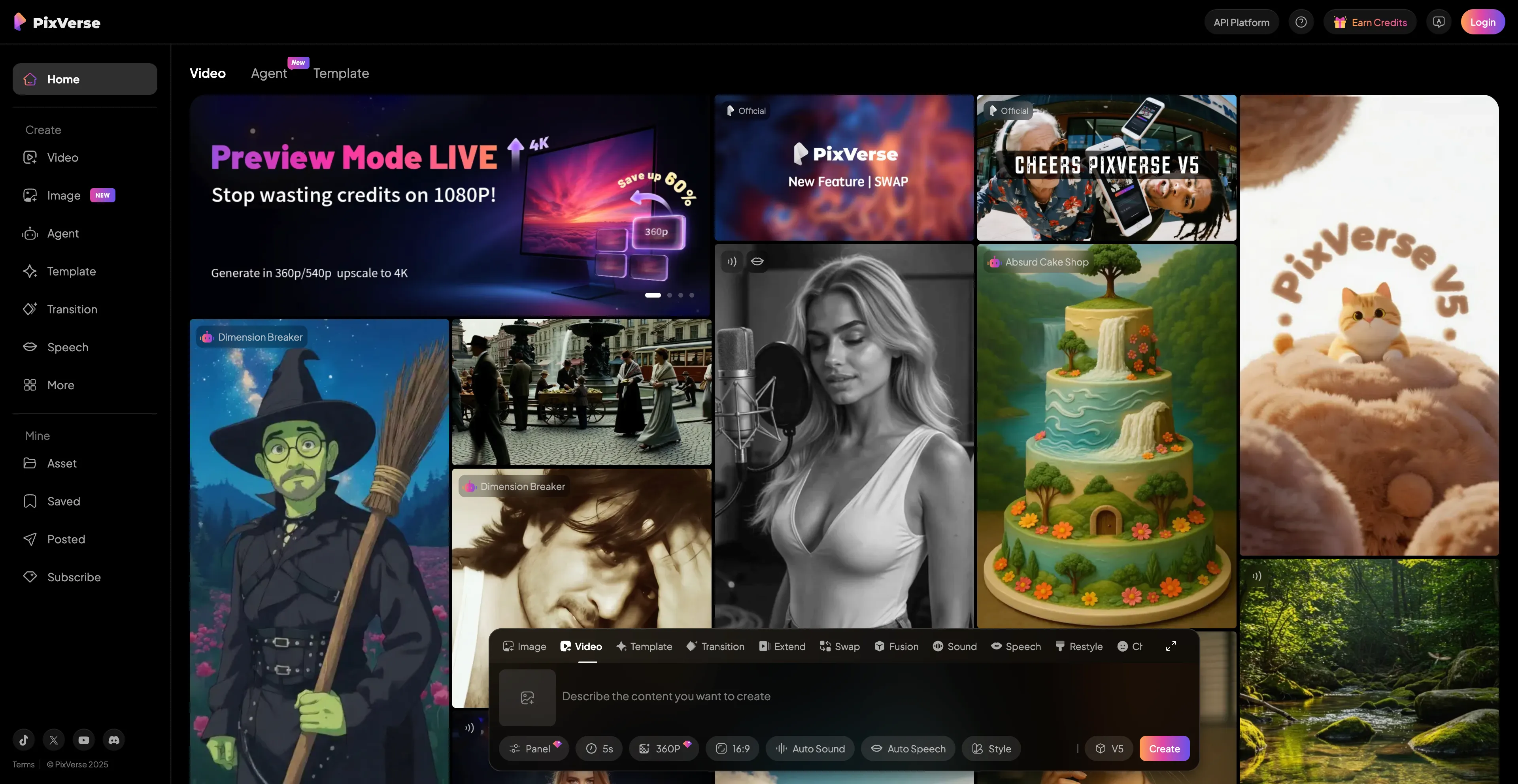
- PixVerse - An advanced AI-powered video generator that creates animated videos.
- Synthesia - An AI-powered video creation platform that generates professional videos.
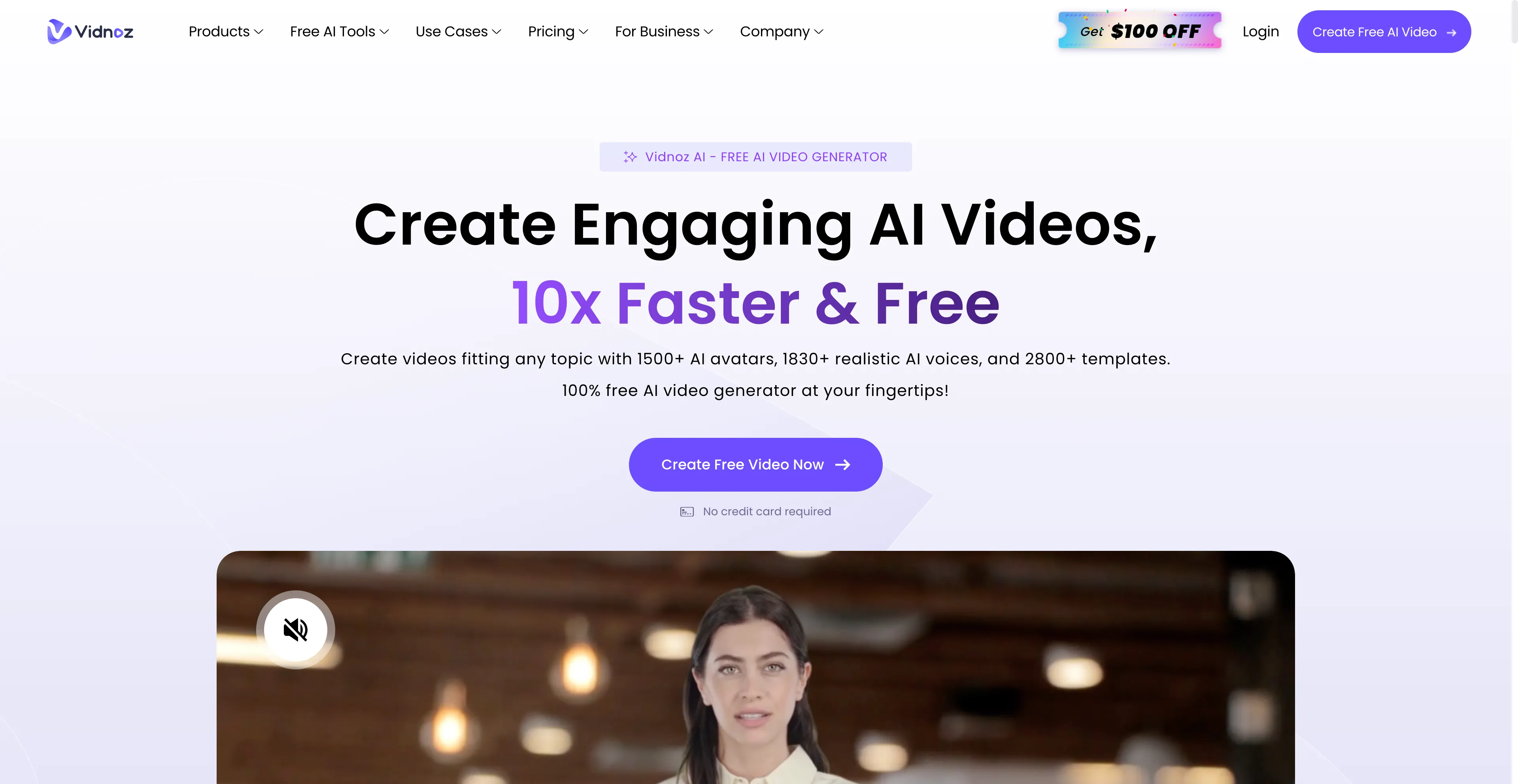
- Vidnoz AI - An online platform that uses artificial intelligence to help users.
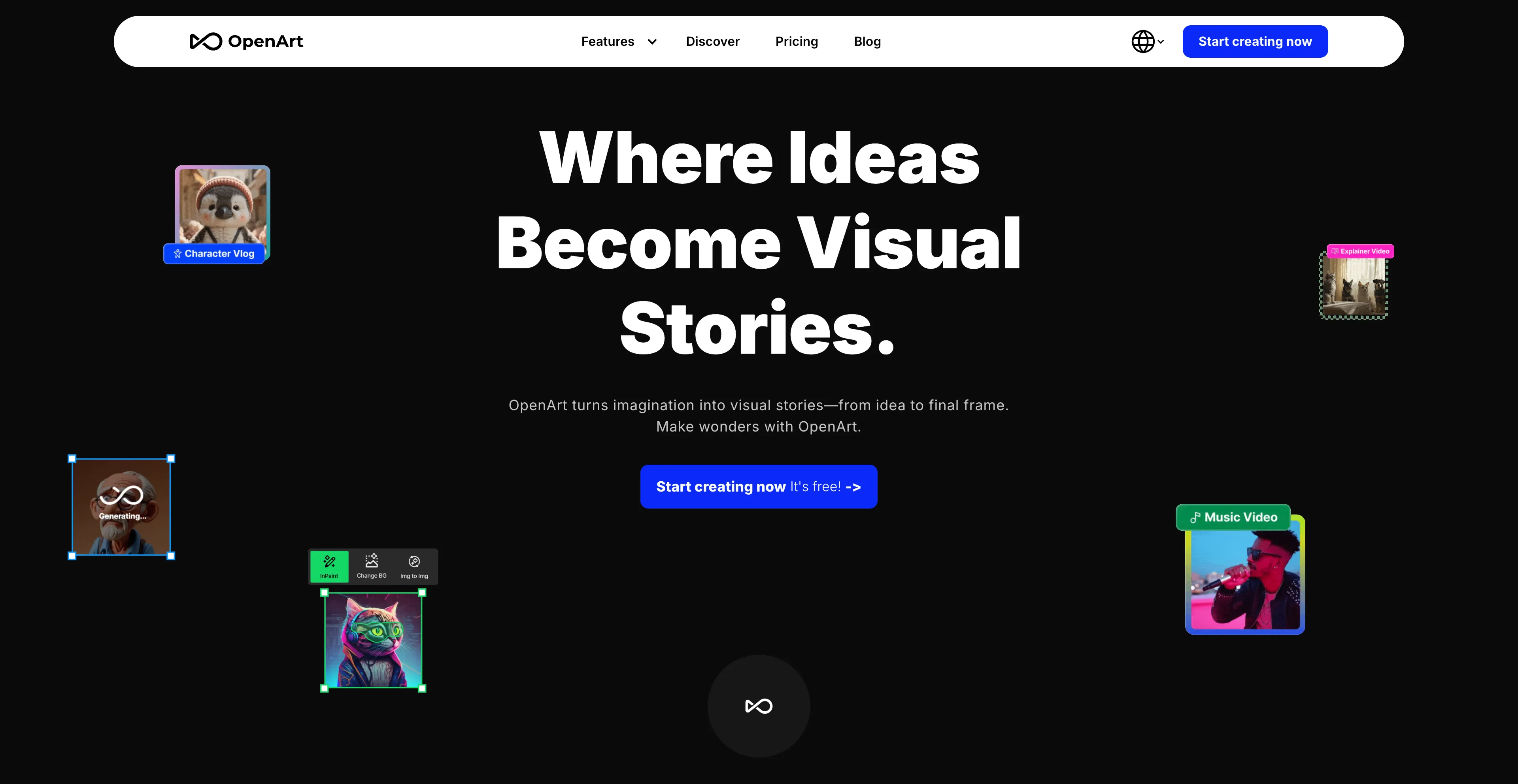
- OpenArt - An online platform for creating and editing digital art.
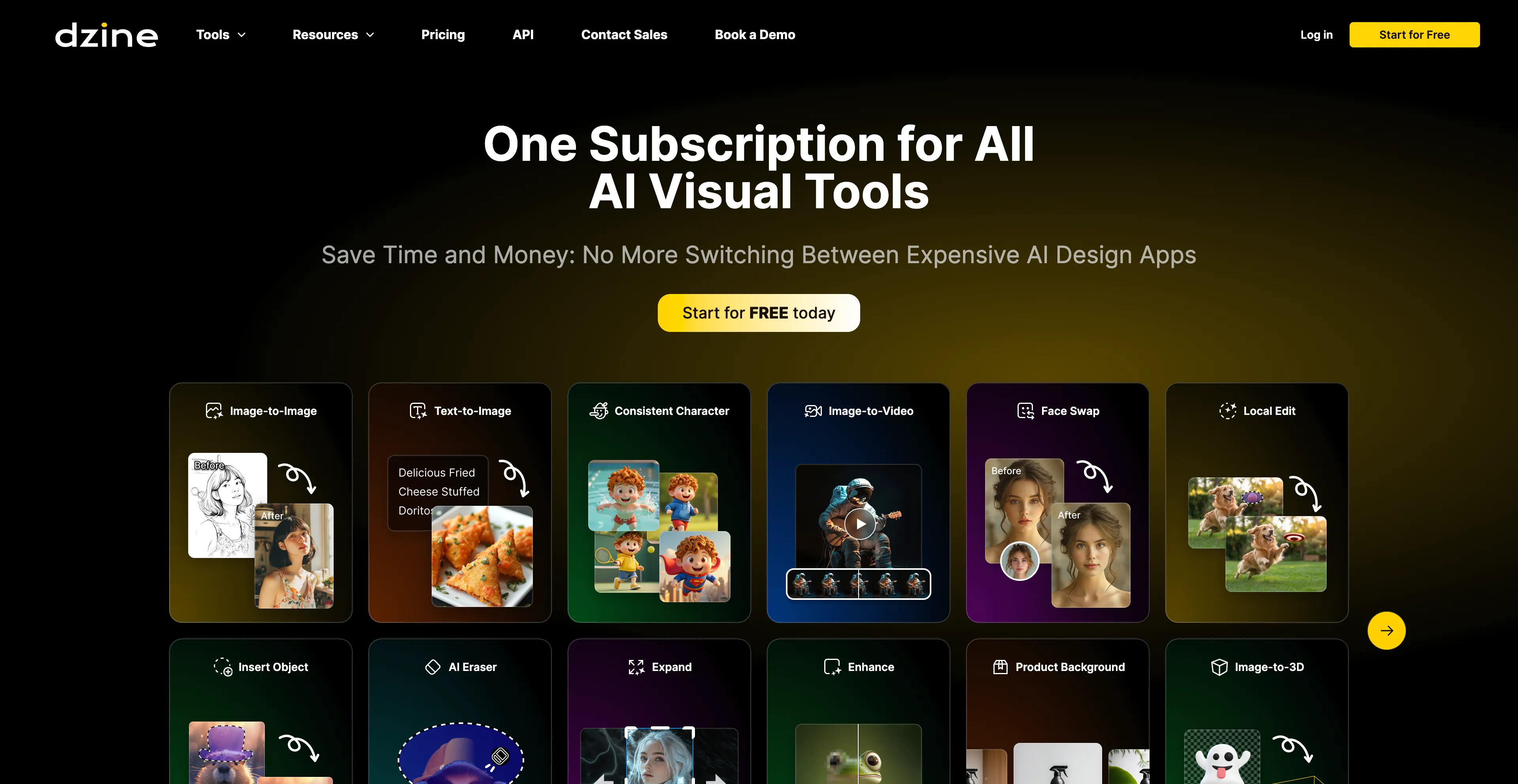
- Dzine AI - An AI-powered design platform that helps users create images.
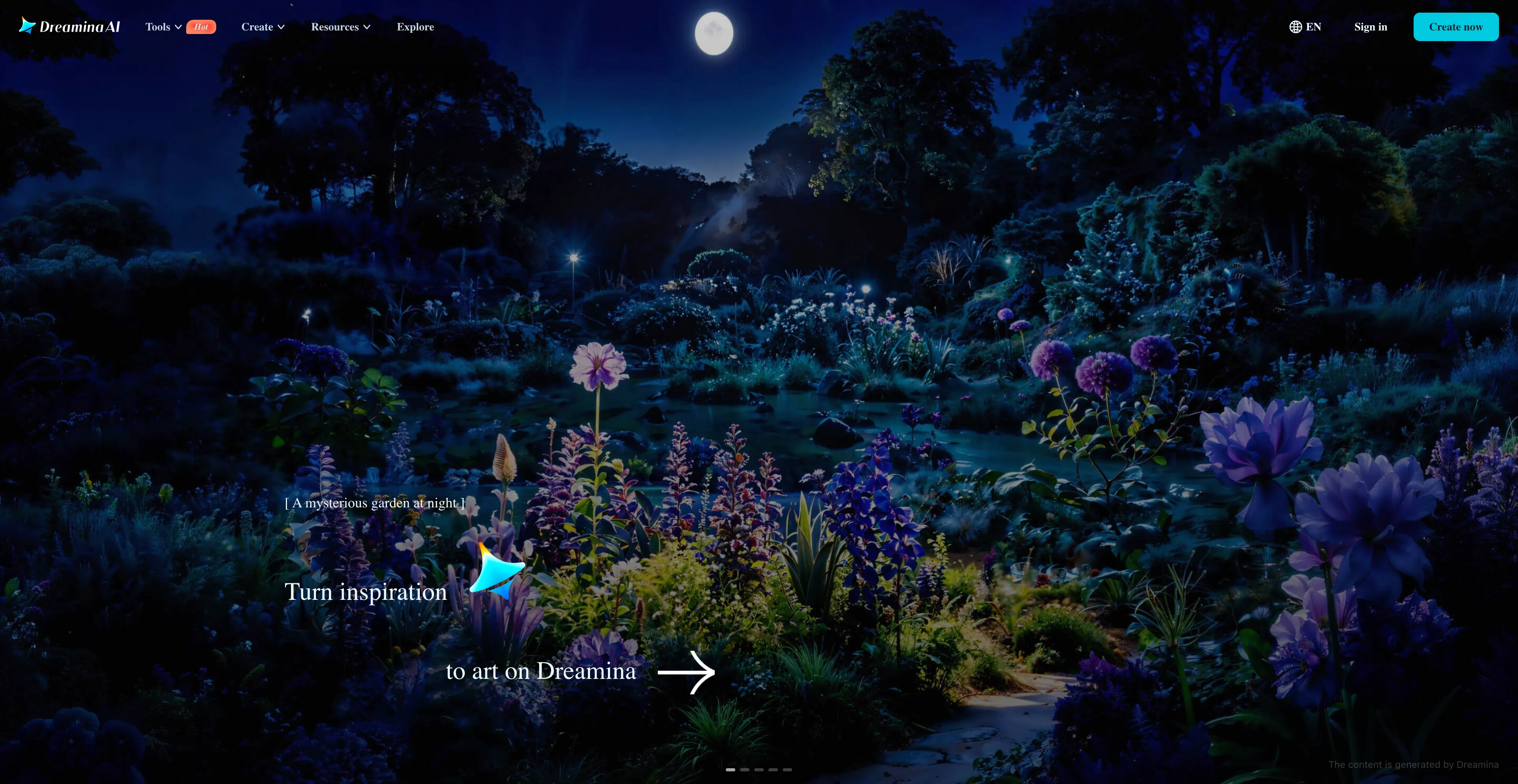
- Dreamina - An AI-powered creative suite developed by CapCut that generates images.
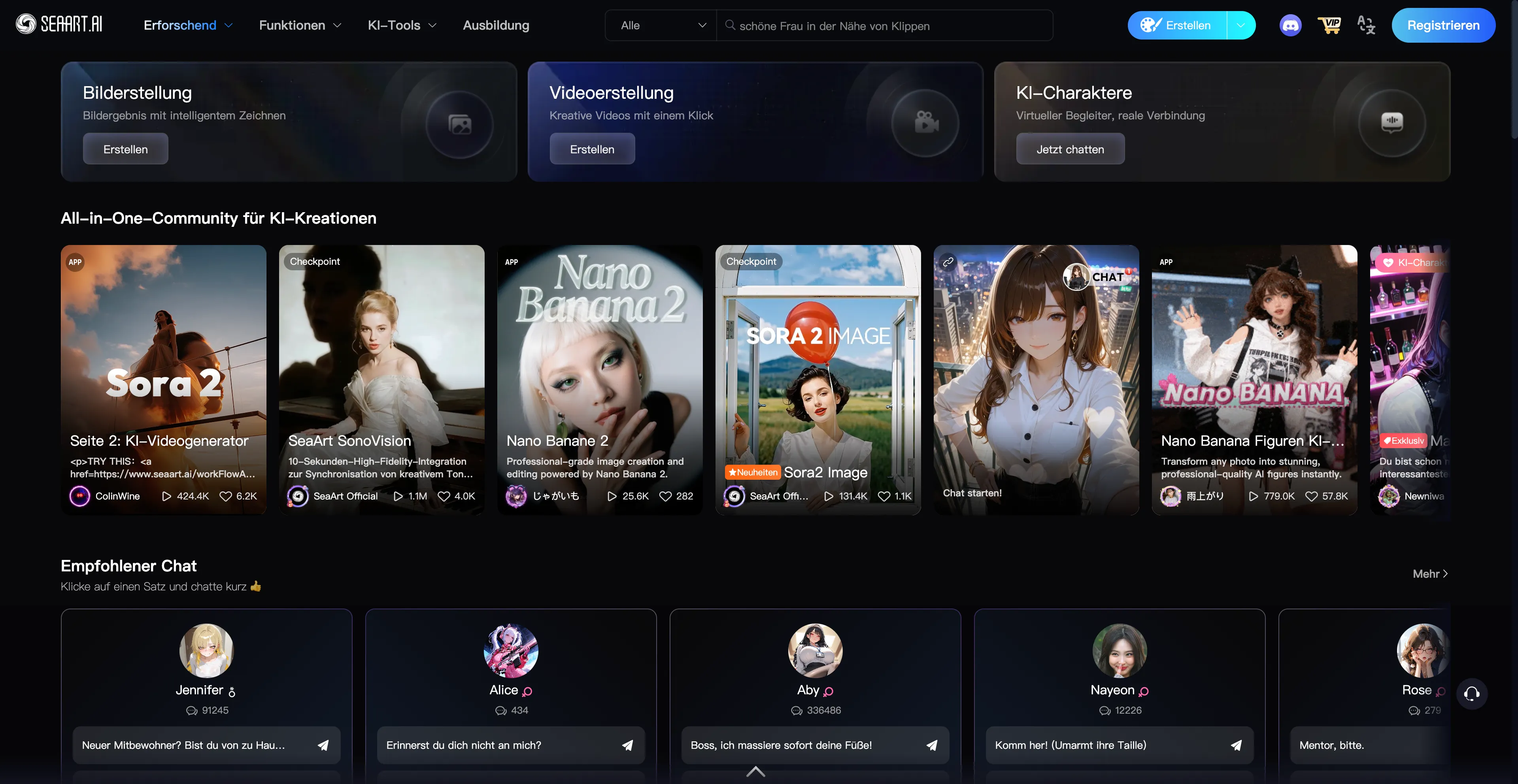
- SeaArt AI - A free AI art generator that makes art.
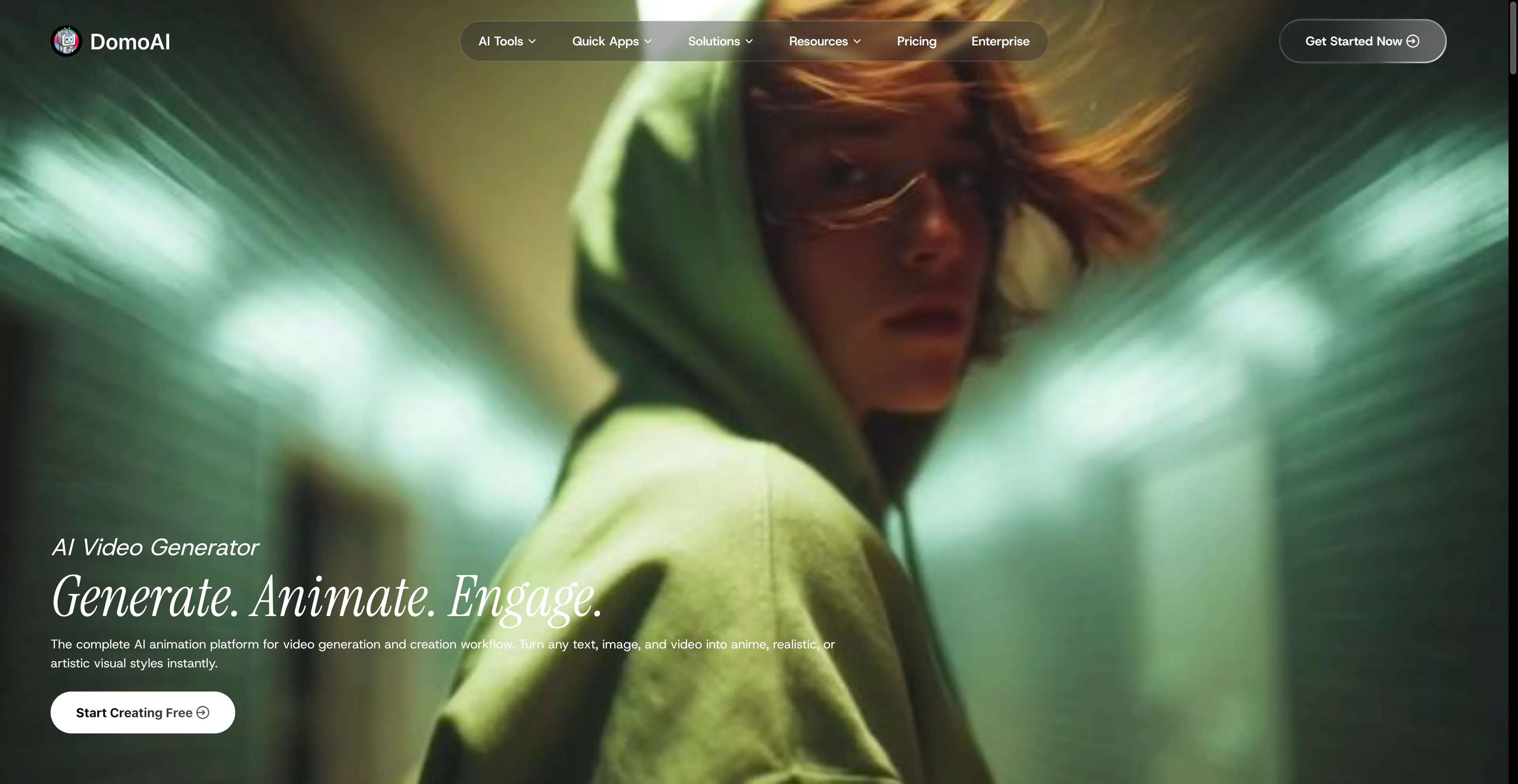
- DomoAI - A complete AI animation platform that simplifies video.
1. Cuty AI
Cuty AI stands out as a comprehensive one-stop platform for both image and video creation, making it an excellent alternative to Krea AI for creators who need versatile AI tools. What makes Cuty AI particularly appealing is its unified approach to creative generation—you can access world-class AI models all in one place without jumping between different services. The platform excels at transforming ideas into stunning visuals through its text-to-image feature, which can produce everything from photorealistic images to artistic styles in just seconds. The image-to-image transformation capabilities are equally impressive, allowing you to remix and enhance photos while maintaining consistent details and unlocking endless creative possibilities. When it comes to video creation, Cuty AI truly shines. Its text-to-video feature converts written prompts into engaging video content that's perfect for marketing campaigns and social media posts. The image-to-video animation tool is particularly useful for bringing static images to life, whether you're working with portraits, avatars, or artwork. The platform offers a free plan that lets you explore its features and create images or videos at no cost, which is great for testing before committing. For users who need more generation credits and advanced capabilities, there are upgrade options available. The seamless integration of multiple AI models means you can handle your entire creative workflow without switching platforms, which significantly streamlines the content creation process.
2. Runway AI
Runway AI is a creative suite of AI-powered tools for generating and editing images and videos in a web browser. It offers a range of features for both beginners and professionals, including text-to-video, image-to-video, text-to-image, and various AI-powered video editing tools like background removal and object removal. The platform uses a credit-based system with a free plan available, and different subscription tiers to remove limitations and access premium features. The free plan includes a limited number of monthly credits, basic access to tools, and 720p video exports. Paid plans offer more credits, no watermarks, higher resolution exports like 4K, and other premium features. Most generation and editing tasks consume credits, with usage varying based on the operation. However, there's no pure-text video generation on the free plan—you must supply a starting image, and text-only workflows aren't supported without credits. The initial 125 free credits are easy to exhaust, so you'll need to plan usage carefully or upgrade. Despite these limitations, Runway AI remains a powerful and versatile tool for creators who need comprehensive AI-powered editing and generation capabilities.
3. PixVerse
PixVerse is an advanced AI-powered video generator that creates animated videos from text prompts or images. It uses AI to add realistic motion, depth, and cinematic camera movements to turn ideas into high-quality videos quickly. The platform includes features like text-to-video, image-to-video, special effects, and sound generation, making it a tool for both creative and professional use. Users can generate videos from a text description or by animating a still image. The platform allows you to apply special effects to transform the style of a video or create unique animations. PixVerse can add real or AI-generated audio and voices to your creations, and it includes features for creating smooth transitions between two images or extending existing clips with AI-generated content. The platform is designed to produce high-quality videos quickly, with versions that can generate videos in seconds. It facilitates user interaction and allows for easy sharing of creations on social media platforms like YouTube, Twitter, and Discord. The tool serves a wide range of interests, from personal projects to professional video production. However, with the PixVerse AI free plan, you can only create a limited number of videos with restricted access to advanced features. Free access comes with a lack of scalability and priority support, which might be limiting for users who need more robust capabilities.
4. Synthesia
Synthesia is an AI-powered video creation platform that generates professional videos from text, using realistic AI avatars that appear to speak a user-provided script. Users can create videos with these avatars, which are available in many languages and styles, without needing expensive equipment or filming experience. The platform is used by businesses and individuals to create training, marketing, and other types of video content efficiently. Users can select from a wide range of pre-made AI avatars or create custom ones that resemble themselves. The core function is to turn a text script into a video with a speaking avatar, using advanced text-to-speech technology to sync the audio and lip movements. The platform supports over 140 languages, making it easy to create videos for a global audience. Synthesia includes features like an AI video assistant to convert documents into videos, an AI screen recorder, and AI-powered script generators. The platform allows for real-time collaboration, enabling multiple users to work on a video project together. Users can customize videos with various templates, backgrounds, music, and other media assets. However, one of the significant drawbacks of Synthesia is its potential for creating misinformation and deepfakes. As the technology allows for creating highly realistic digital avatars and synthetic voices, there is a risk that these tools could be used to produce deceptive content, which raises ethical concerns.
5. Vidnoz AI
Vidnoz AI is an online platform that uses artificial intelligence to help users create videos quickly and easily, making it accessible to those without professional editing skills. The platform offers tools like AI-generated avatars, pre-designed templates, and text-to-speech technology, allowing users to create content for marketing, education, and other purposes. Users can select from a library of realistic AI avatars or create their own, which act as virtual presenters in videos. The text-to-video feature generates videos from text, creating a spoken presentation with an avatar based on the input text. The platform provides a large library of pre-designed video templates for various uses, such as sales, tutorials, and social media, to make creation faster. Users can type in text for the avatar to speak and choose from a wide selection of realistic AI voices and languages. In addition to AI features, Vidnoz AI includes a comprehensive editor for adding elements like music, effects, and text overlays. The platform also includes other AI-powered features, such as an AI photo combiner, talking photo creator, and video translator. It can convert PDF and PowerPoint files into video courses with an AI avatar, making it particularly useful for e-learning. However, while Vidnoz AI strives to be user-friendly, mastering all its features may take some time and patience. For users with specific design preferences, the customization options may feel somewhat restrictive.
6. OpenArt
OpenArt is an online platform for creating and editing digital art using artificial intelligence, founded by former Google employees. The platform offers tools to generate images from text prompts, apply various artistic styles, and edit existing images. It also includes advanced features like generating videos from images or text, editing with features like inpainting and object removal, and a community to share and build upon creative work. The AI image generation feature allows users to create images from text descriptions and choose from over 100 different AI models for various styles like photorealistic, anime, or fantasy art. The platform provides a suite of editing tools, including object removal, inpainting, upscaling, and the ability to regenerate or restyle parts of an image. The video creation feature allows users to generate videos from images or text, with different modes for narrative-driven or abstract content. OpenArt has a strong community aspect where users can share their creations and learn from each other, which can help inspire and replicate results. The platform offers team plans with shared assets, permissions, and pooled credits, designed for studios and agencies. However, users may find their customization options restricted, impacting the uniqueness of generated artwork. The platform relies heavily on internet connectivity and advanced hardware, potentially limiting access for some users. Despite these limitations, OpenArt's all-in-one approach and community-driven features make it a compelling choice.
7. Dzine AI
Dzine AI is an AI-powered design platform that helps users create images, graphics, and websites from text prompts or existing images. Previously known as Stylar AI, it offers a suite of tools for tasks like image generation, photo enhancement, and video creation, making it accessible to both beginners and professionals. Key features include AI-powered editing like background removal, image expansion, and specific tools like an AI anime filter and an AI logo designer. Users can create images from text prompts and explore various styles, such as Pixar, anime, or painted looks. The platform includes tools like Generative Fill to expand images, remove backgrounds, and edit specific objects within a photo. It offers one-click enhancements to improve the quality of photos, fixing issues like blur and low resolution. Dzine AI can convert images into short video clips using different AI models, and it allows users to train the AI to create consistent characters from a set of images or text prompts. The platform can generate new logos or refine existing ones using text and image-to-image functions. However, the advanced features and AI integrations require significant time and effort to master, potentially overwhelming for new users. While AI automates many tasks, professionals might find the lack of detailed manual controls restrictive.
8. Dreamina
Dreamina is an AI-powered creative suite developed by CapCut that generates images and videos from text or images, aiming to streamline the creative workflow for users without extensive technical skills. The platform includes tools for generating art from text, transforming images into videos, creating talking avatars with lip-sync technology, and editing with AI features like inpainting and upscaling. The AI image generation feature creates images from text prompts, with options for different styles like photorealistic, anime, and Pixar. It also supports image-to-image generation and includes features like inpainting for adding or removing objects and upscaling to 4K resolution. The AI video generation feature converts text prompts into video clips, creates smooth motion with frame interpolation, and can transform still images into animated videos. The AI avatar generator produces talking avatars with natural-looking lip-syncing based on text or audio, and the AI soundtrack generator composes music that matches the mood and content of the generated video. The platform is seamlessly integrated within the CapCut PC editor, allowing for a complete workflow from generation to editing without switching platforms. Dreamina is ideal for content creators, marketers, artists, designers, and small businesses. However, free users have limited access, and offline functionality is limited on the Dreamina AI app, which may be a consideration for some users.
9. SeaArt AI
SeaArt AI is a free AI art generator that makes art accessible to everyone, requiring no professional skills to create and edit high-quality images and videos effortlessly using powerful AI technology. This platform is particularly appealing for users who want to experiment with AI-generated art without financial barriers. The free access model means you can explore various creative possibilities without worrying about subscription costs, which is a significant advantage over many competitors that require paid plans for meaningful functionality. The platform's user-friendly approach makes it suitable for beginners who might be intimidated by more complex AI art tools. However, there are some considerations to keep in mind. Image outputs may need to be refined manually, which means you might spend additional time post-processing to achieve your desired results. Some features may require a paid subscription, so while the basic functionality is free, advanced capabilities come at a cost. The platform may require some trial and error to achieve desired outcomes, which can be time-consuming. If you're using SeaArt AI for business purposes, it will likely require commercial licensing, which adds another layer of consideration. Despite these limitations, SeaArt AI remains a solid choice for hobbyists and those exploring AI art generation.
10. DomoAI
DomoAI has quickly become one of my go-to platforms for AI animation, especially since it launched in 2023 and has already grown to over 3 million users. This complete AI animation platform simplifies video generation in ways that make it accessible to both beginners and professionals. What I love about DomoAI is its versatility—you can convert text, images, and videos into anime, realistic, or artistic visuals using over 30 unique styles. This variety means you're not limited to one aesthetic, and you can experiment with different looks until you find what works best for your project. The platform's recognition from industry leaders speaks to its quality and innovation. The workflow is intuitive, and the results are consistently impressive. However, there are a couple of things to keep in mind. Some users may need time to familiarize themselves with all the features, as there's an initial learning curve. While DomoAI supports many features, its integration with other third-party platforms is currently somewhat limited, which might be a consideration if you rely heavily on external tools. Despite these minor drawbacks, DomoAI remains a powerful and reliable choice for anyone looking to create animated content efficiently.