Top 10 Alternatives To Nano Banana Pro I've Personally Used
AIGC
Tutorial
Over the past few days, I've been exploring various AI tools to find alternatives to Nano Banana Pro, and I've personally tested quite a few options. While Nano Banana Pro has its strengths, I wanted to share the alternatives that have worked best for my specific needs. Here are the top 10 alternatives I've personally used and can recommend based on real experience.
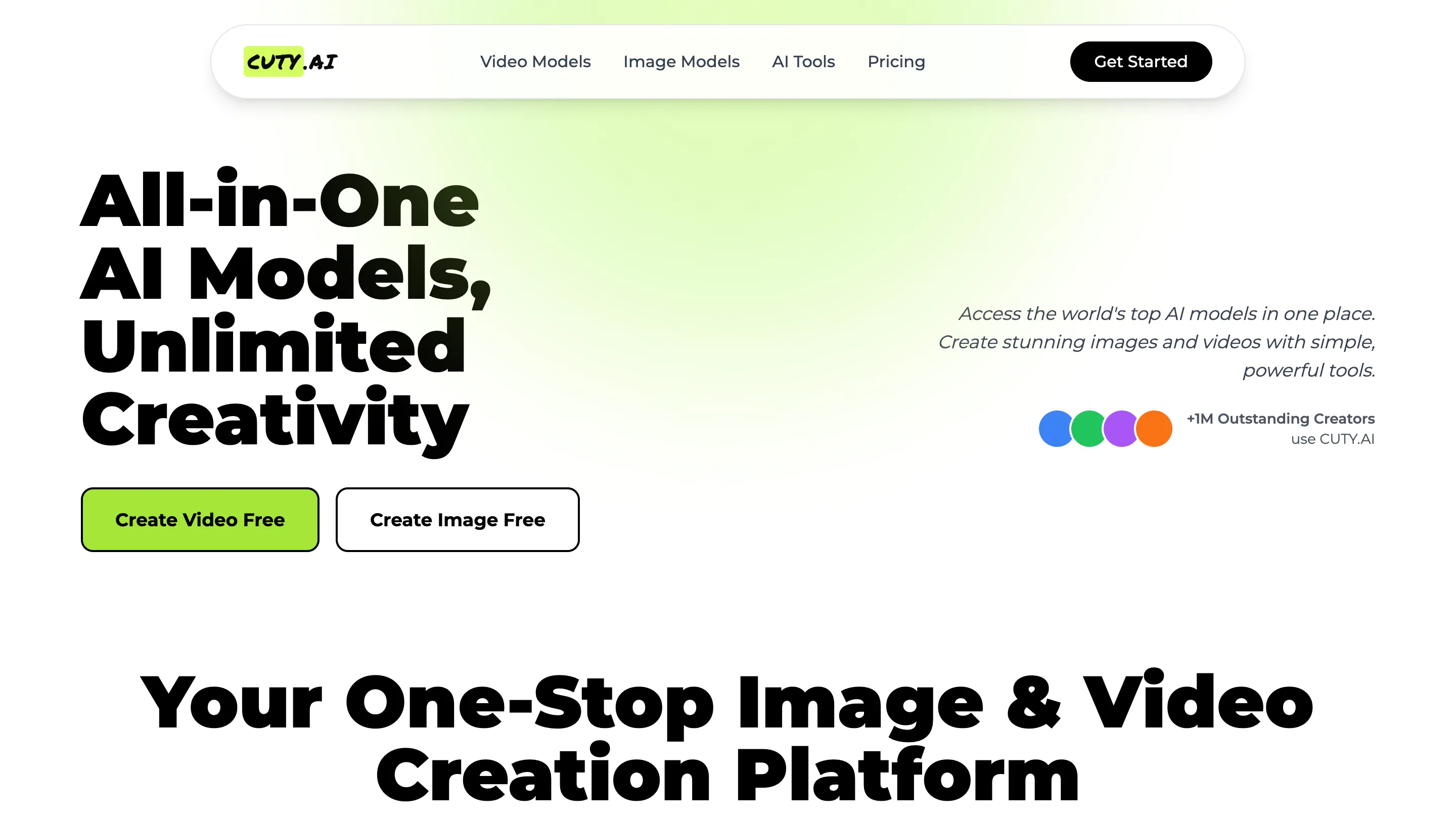
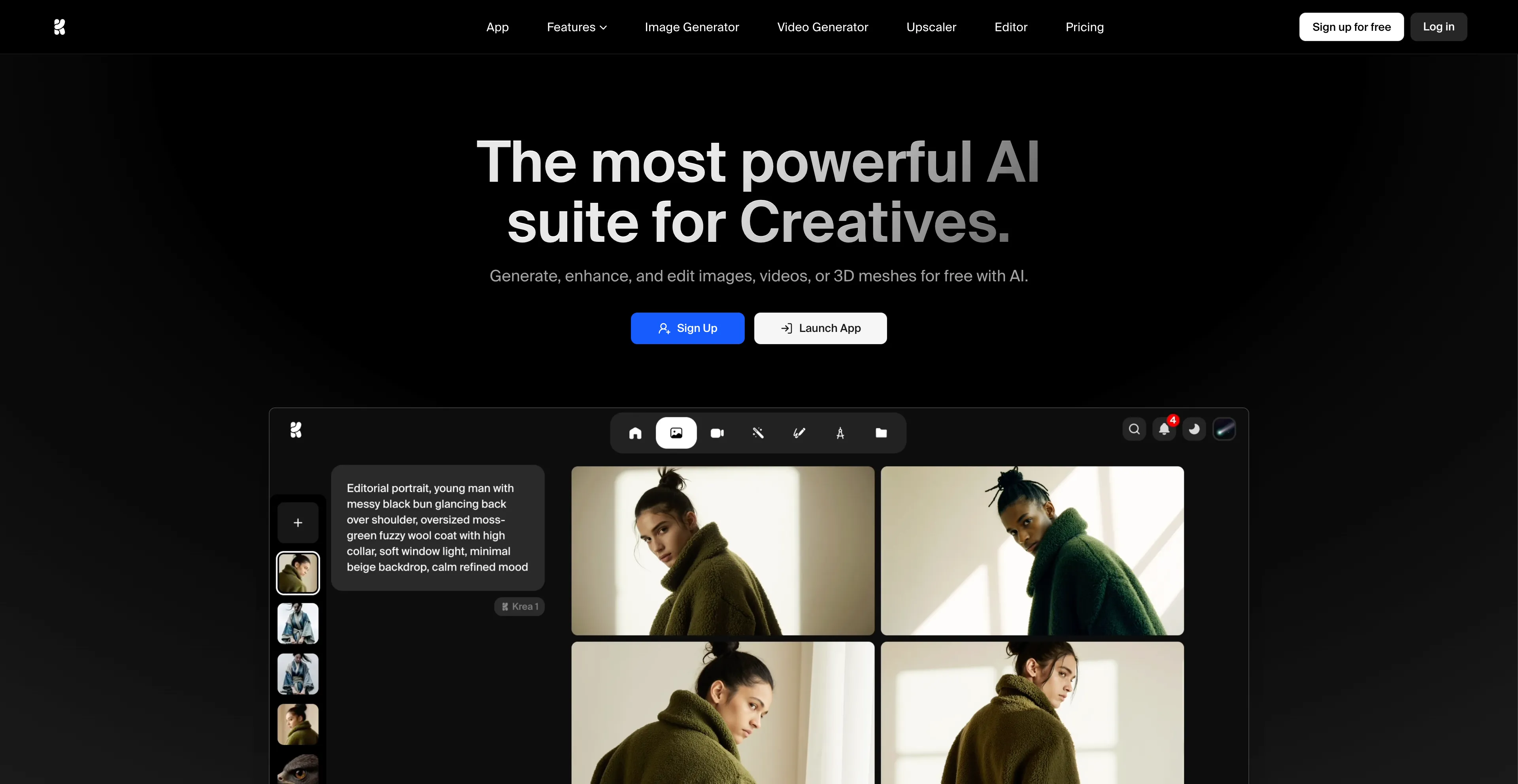
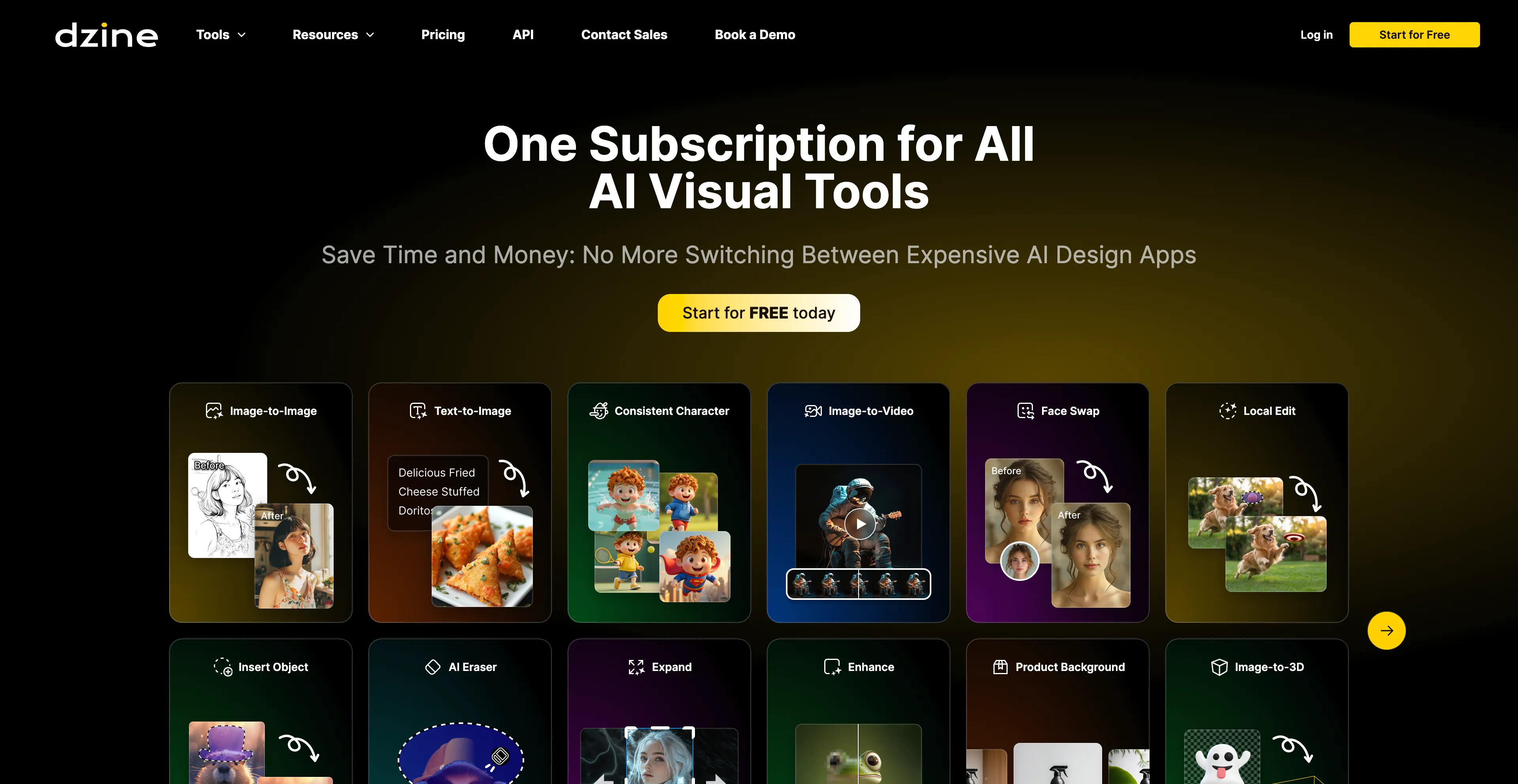
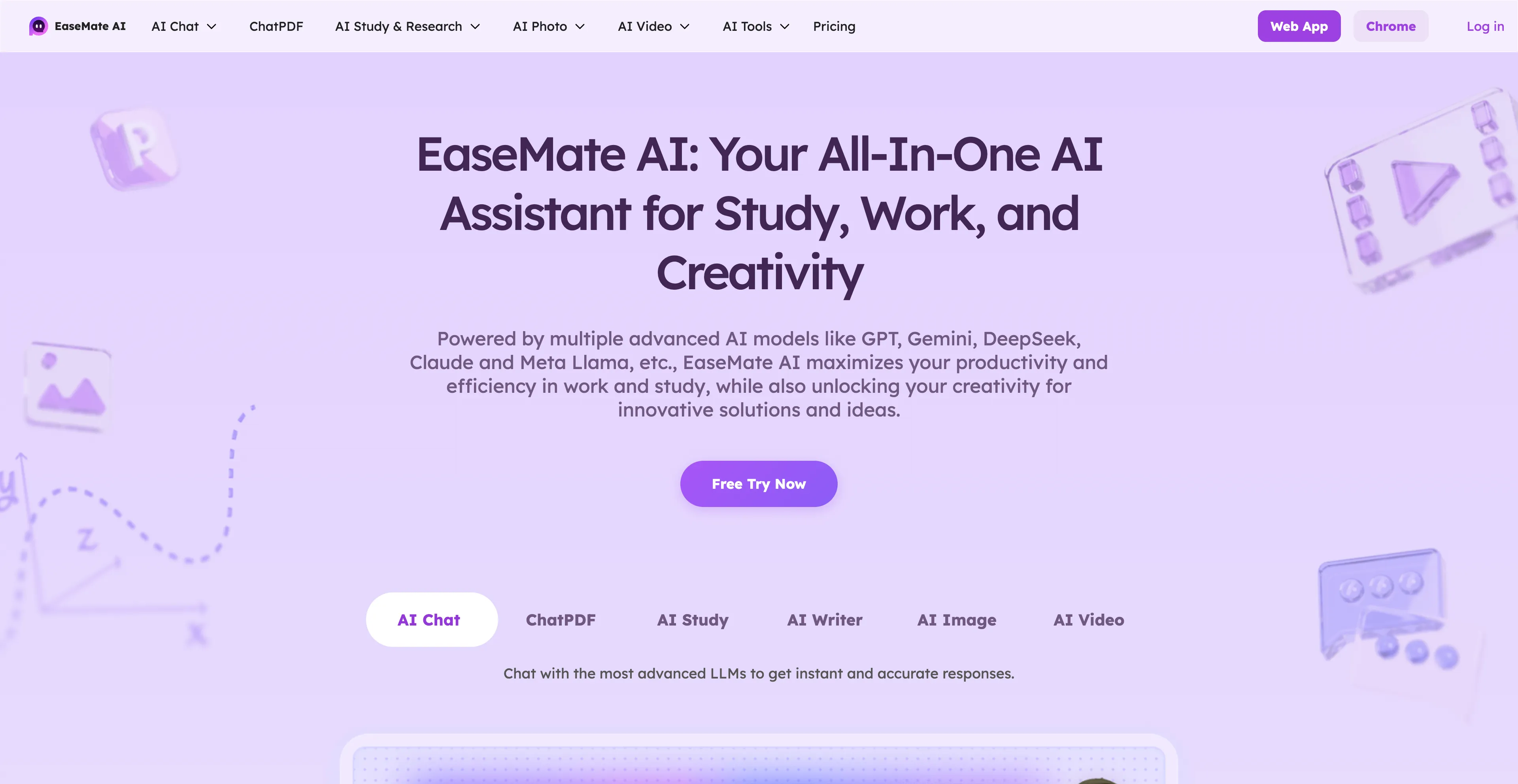
- Cuty AI - An One-Stop Image & Video Creation Platform.
- Krea AI - A comprehensive AI design platform that creates, enhances, and edits visual content.
- Dzine AI - An AI-powered design platform that helps users create images, graphics, and websites.
- EaseMate AI - An all-in-one AI assistant designed to improve productivity in work and study.
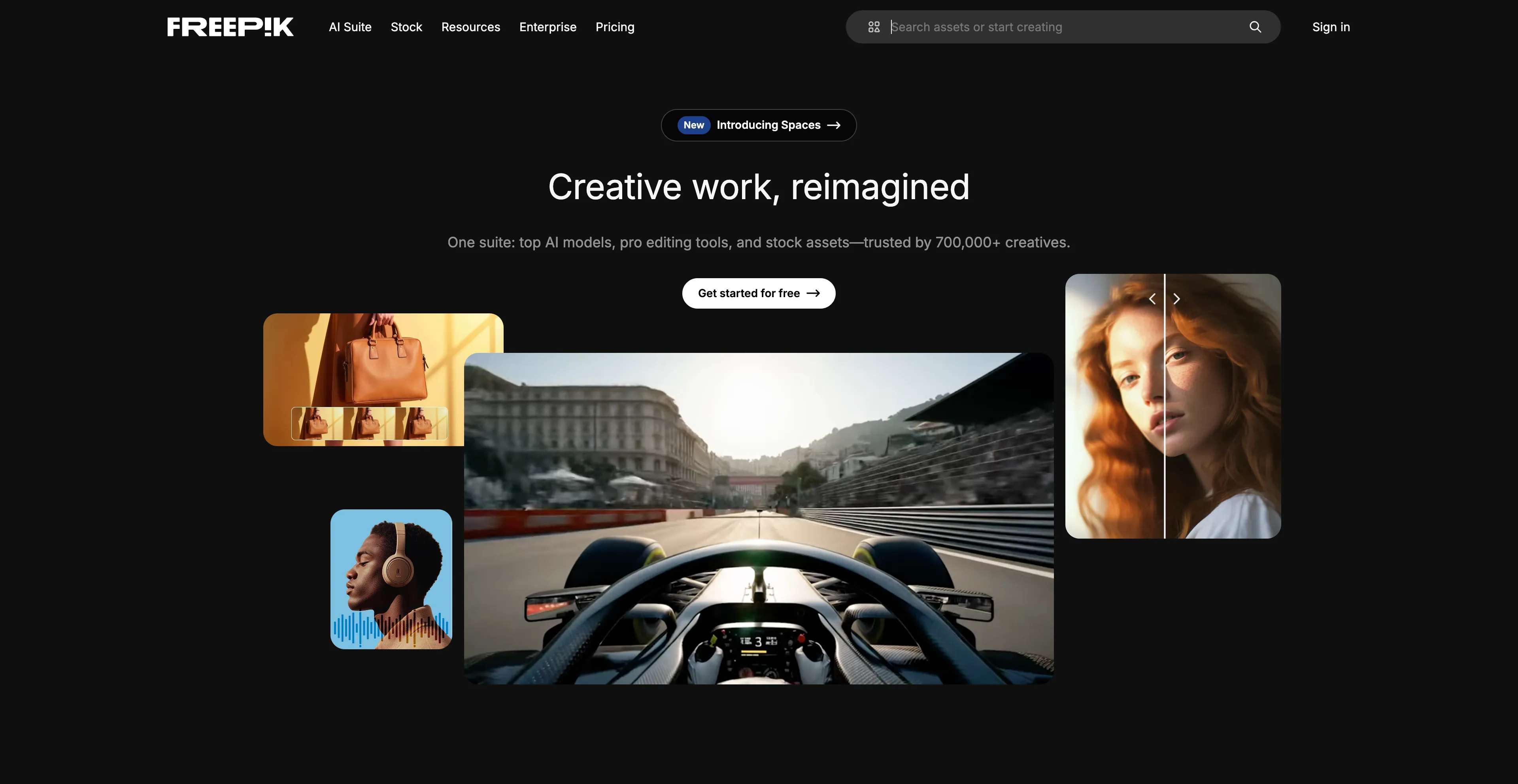
- Freepik - An online marketplace and design resource that offers a vast library of visual assets.
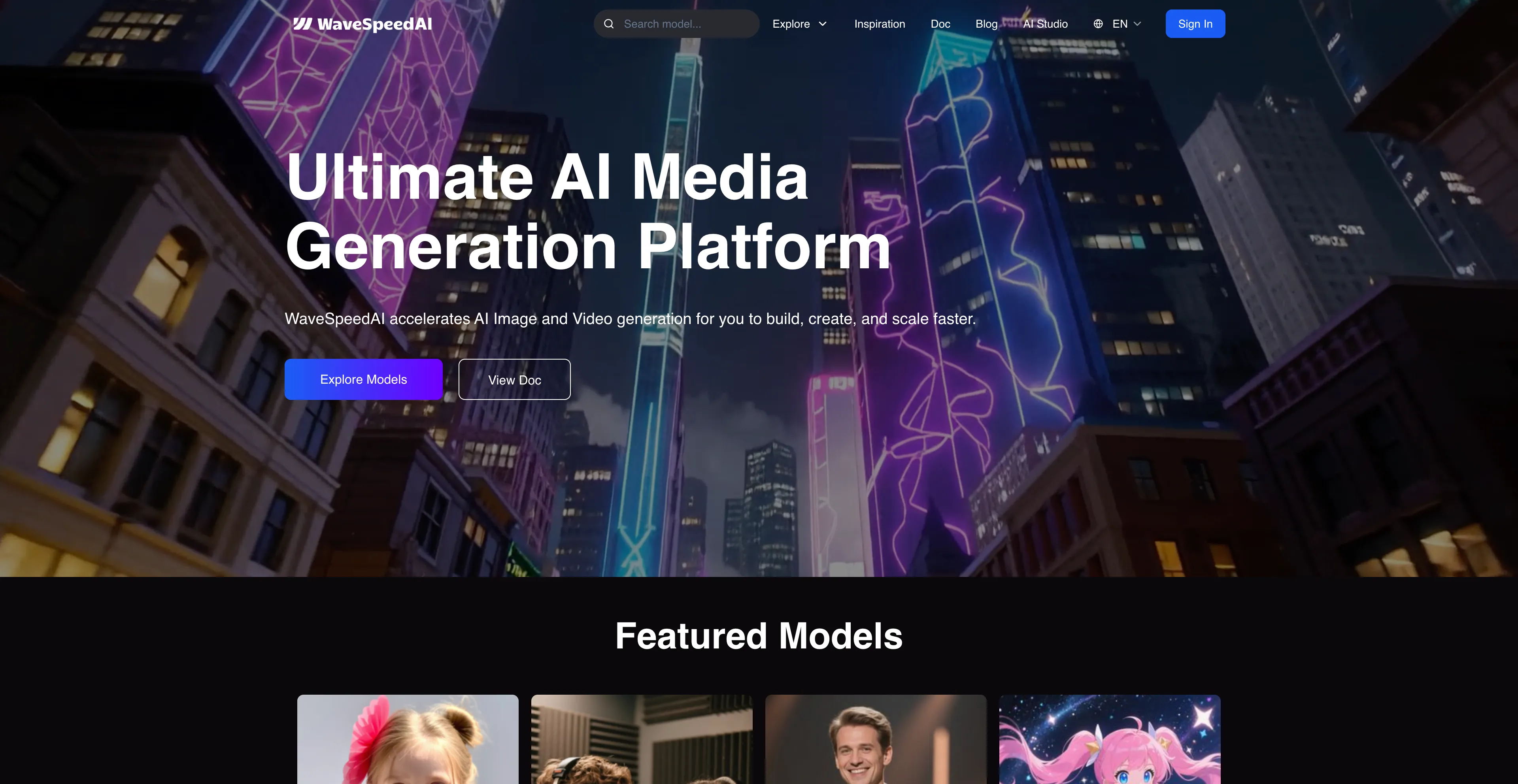
- WaveSpeed AI - A platform for developers and creators offering fast, unified access to multimodal AI models.
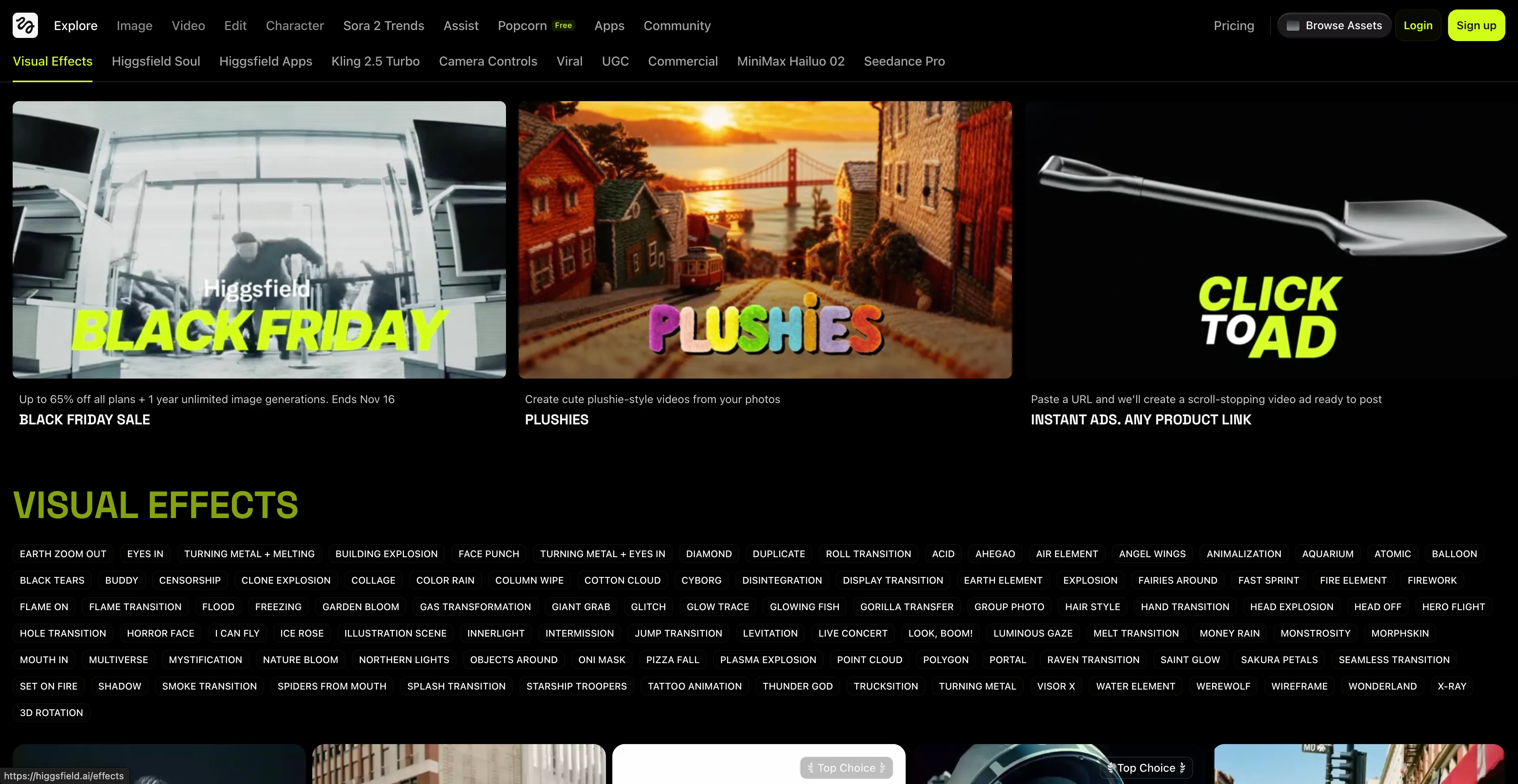
- Higgsfield - A company that develops an AI-native video and image generation platform.
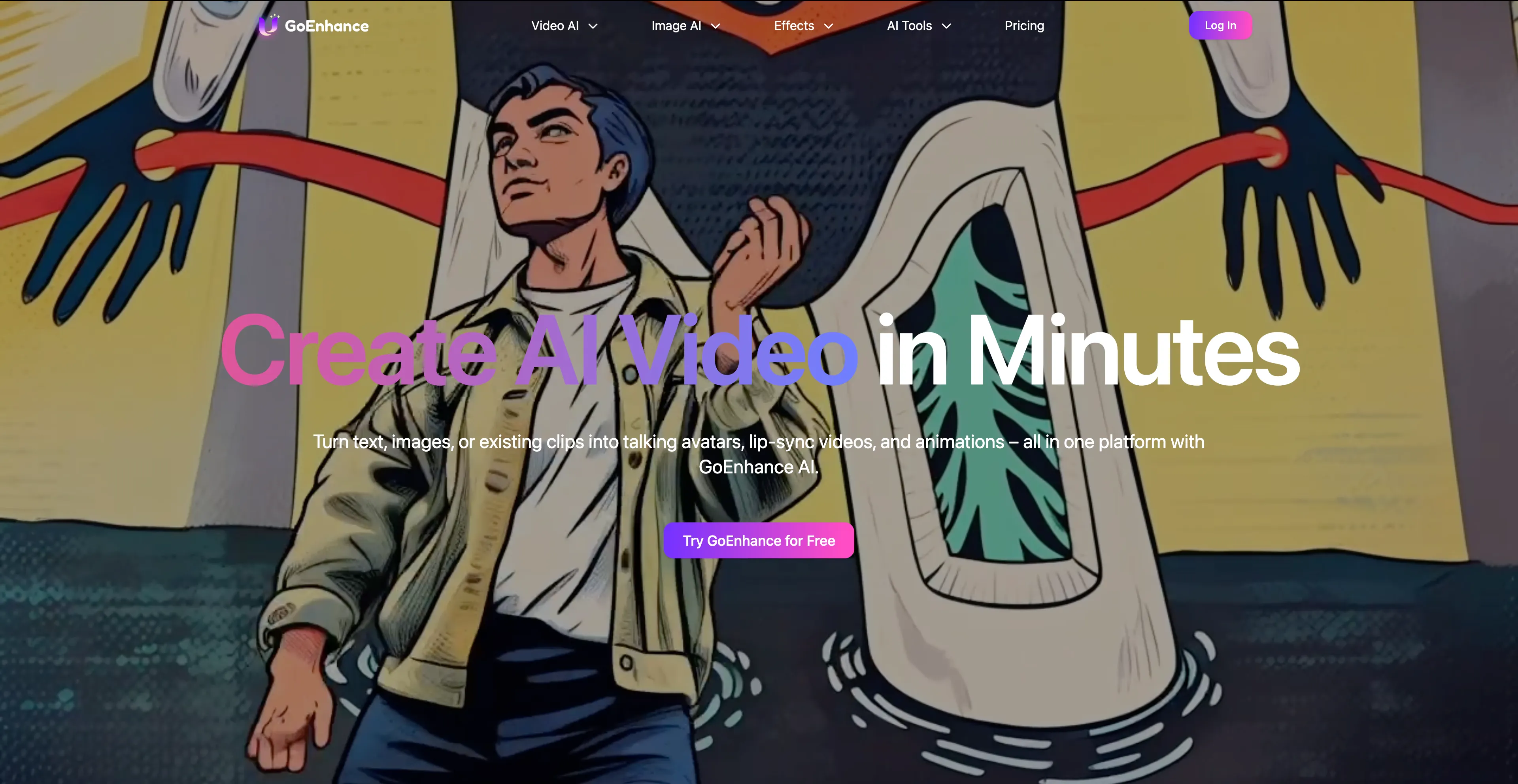
- GoEnhance AI - An all-in-one platform that uses artificial intelligence to help creators generate and edit videos.
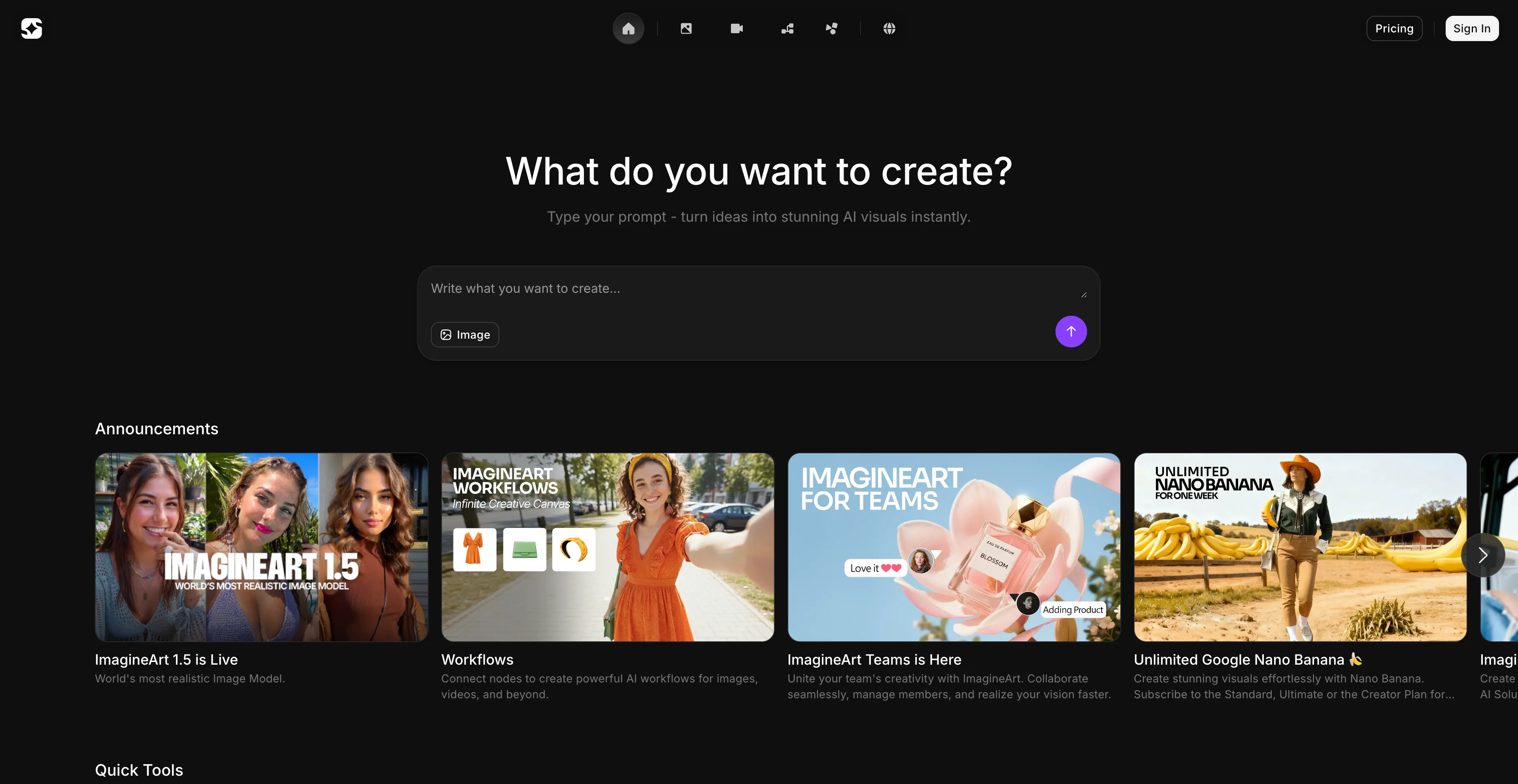
- ImagineArt - An AI-powered creative platform for generating images, videos, and other digital content.
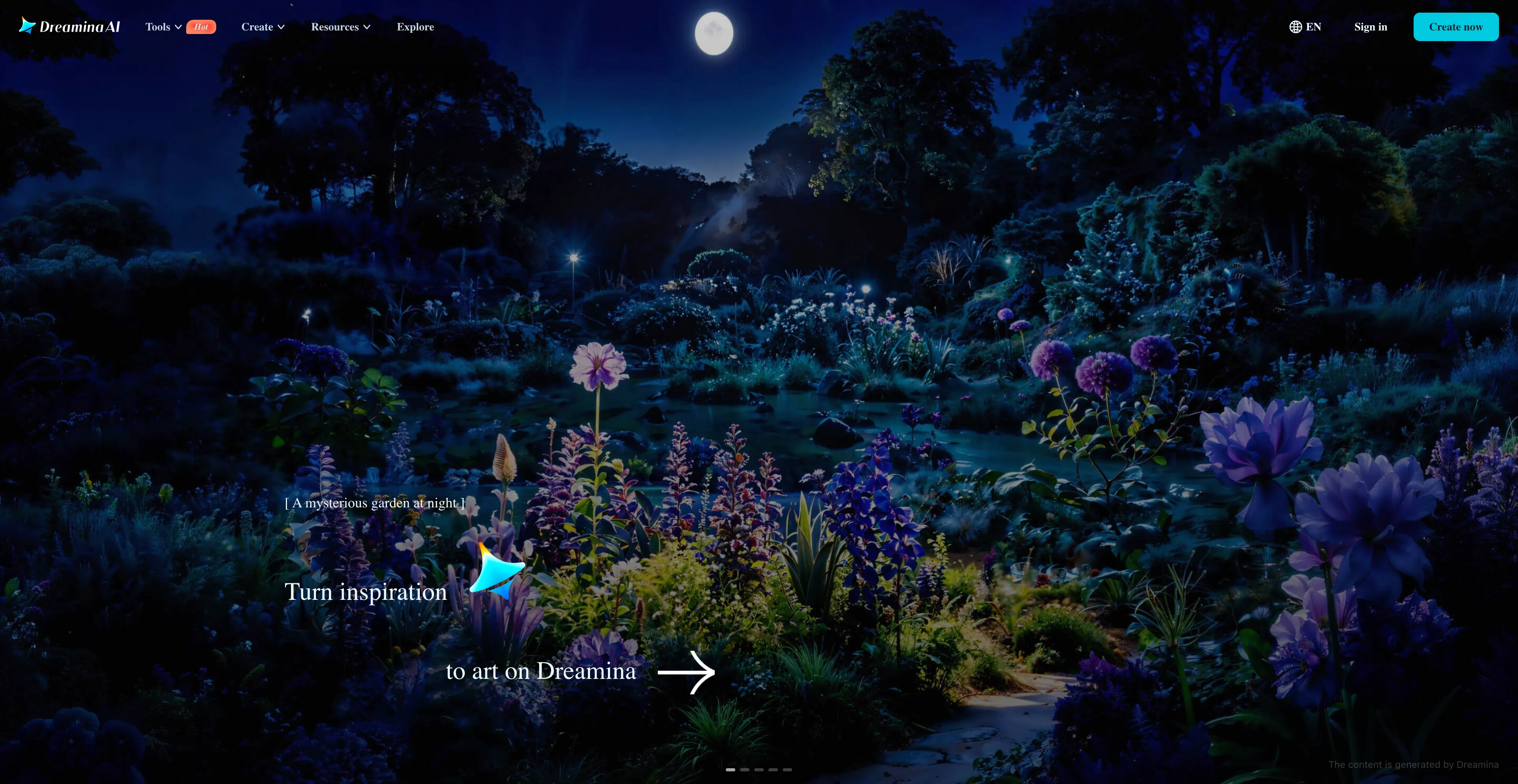
- Dreamina - An AI-powered creative suite developed by CapCut that generates images and videos.
1. Cuty AI
Cuty AI stands out as my top recommendation for anyone looking to replace Nano Banana Pro. It's a comprehensive one-stop platform that handles both image and video creation seamlessly, which is exactly what I needed. What makes Cuty AI particularly appealing is its unified approach—you can access world-class AI models all in one place without the hassle of switching between different services. The platform excels at transforming ideas into stunning visuals through its text-to-image feature, producing everything from photorealistic images to artistic styles in seconds. When it comes to video creation, Cuty AI truly shines. Its text-to-video feature converts written prompts into engaging video content that's perfect for marketing campaigns and social media posts. The image-to-video animation tool is particularly useful for bringing static images to life, whether you're working with portraits, avatars, or artwork. What I appreciate most is the free plan that lets you explore its features and create images or videos at no cost, which is great for testing before committing. For users who need more generation credits and advanced capabilities, there are upgrade options available. The seamless integration of multiple AI models means you can handle your entire creative workflow without switching platforms, which significantly streamlines the content creation process.
2. Krea AI
Krea AI has been an excellent choice for my design and visual content creation needs. It's a comprehensive AI design platform that creates, enhances, and edits visual content like images and videos, making it a powerful alternative to Nano Banana Pro for designers and content creators. What I find particularly impressive is its real-time image generation feature, which allows you to draw or upload elements on a canvas and see an AI-generated preview develop instantly. This interactive approach makes the creative process much more intuitive and engaging. The platform offers tools for image upscaling and enhancement, video generation, and 3D object creation, providing a wide range of creative capabilities in one platform. Users can interact with a canvas, drawing or uploading images, and the AI generates a corresponding image in real-time based on a text prompt and the canvas elements. The "AI strength" slider controls how much the canvas influences the final image, giving you fine control over the generation process. It offers generative editing tools to add or remove objects, change expressions, or merge images. The platform can improve the quality of low-resolution images, increasing resolution, sharpness, and clarity. Users can create 3D models from images or text prompts, and Krea AI allows users to train their own custom models by uploading images. However, the free version has restricted access to advanced tools, and while easy to use, advanced features may take some time to master. Despite these considerations, Krea AI remains a versatile and powerful tool for creative professionals.
3. Dzine AI
Dzine AI has proven to be a valuable tool for my design work, especially when I need to create images, graphics, and websites from text prompts or existing images. Previously known as Stylar AI, it offers a suite of tools for tasks like image generation, photo enhancement, and video creation, making it accessible to both beginners and professionals. What I appreciate most is its comprehensive approach—it combines multiple creative capabilities in one platform, which streamlines my workflow significantly. Key features include AI-powered editing like background removal, image expansion, and specific tools like an AI anime filter and an AI logo designer. Users can create images from text prompts and explore various styles, such as Pixar, anime, or painted looks. The platform includes tools like Generative Fill to expand images, remove backgrounds, and edit specific objects within a photo. It offers one-click enhancements to improve the quality of photos, fixing issues like blur and low resolution. Dzine AI can convert images into short video clips using different AI models, and it allows users to train the AI to create consistent characters from a set of images or text prompts. The platform can generate new logos or refine existing ones using text and image-to-image functions. However, the advanced features and AI integrations require significant time and effort to master, potentially overwhelming for new users. While AI automates many tasks, professionals might find the lack of detailed manual controls restrictive. Despite these limitations, Dzine AI remains a solid choice for designers who need versatile AI-powered design tools.
4. EaseMate AI
EaseMate AI has become an essential part of my workflow, especially when I need both productivity and creative tools in one place. It's an all-in-one AI assistant designed to improve productivity in work and study through features like AI chat, summarization, translation, and writing assistance. What makes it particularly useful is that it also includes creative tools for generating images and videos from text prompts, as well as educational tools like math solvers and flashcard makers, making it a comprehensive alternative to Nano Banana Pro. The platform offers tools to streamline workflows, such as summarizing documents, translating text, assisting with writing, and providing an intelligent chat interface. Users can generate images from text and create videos from text or images, with additional features like face swapping. The platform includes a variety of academic support tools, such as a math solver, mind map generator, and quiz generator. It is powered by a range of advanced AI models, including GPT-4o mini, DeepSeek, and Claude 3 Haiku. EaseMate AI aims to make premium AI tools accessible for free, with some features requiring daily credits or other options for use. However, there are some considerations to keep in mind. There's a potential for overreliance on AI, which might impact critical thinking skills. There's also a risk of inaccuracies in responses, so it's important to verify important information. The platform may be misused in academic settings, which is an important ethical consideration for students and educators. Despite these considerations, EaseMate AI remains a useful tool for productivity and creative tasks.
5. Freepik
Freepik has been invaluable for my design projects, especially when I need access to a vast library of visual assets along with AI-powered creative tools. It's an online marketplace and design resource that offers a vast library of visual assets like photos, vector graphics, and templates, along with AI-powered creative tools, making it a comprehensive alternative to Nano Banana Pro for designers and content creators. It operates on a freemium model, providing a large selection of free resources while offering premium content and advanced AI features through a paid subscription. The platform offers a large collection of free and premium photos, vectors, illustrations, icons, and templates, along with a suite of AI tools for tasks such as generating images from text, editing and retouching photos, creating videos, and expanding images. Freepik provides an online platform with an integrated design editor and mockup generator, allowing users to edit templates and create professional visuals without needing extensive software. The platform includes a search engine that helps users find high-quality graphic resources by searching across many websites and ranking results based on quality and relevance. For free users, many assets and some tools are available for free, and users can find free content by applying a "Free" filter after a search. Free assets may require attribution. For premium users, a paid subscription unlocks the full library of premium assets, removes limitations on downloads, and provides access to all advanced AI tools. However, users find the premium pricing quite costly, especially with limitations on daily downloads, which can be a significant drawback for heavy users who need to download many assets regularly. Despite these considerations, Freepik remains an excellent resource for designers who need both assets and AI tools.
6. WaveSpeed AI
WaveSpeed AI has been particularly useful for my development work, especially when I need fast, unified access to multiple AI models. It's a platform designed for developers and creators that offers fast, unified access to a wide range of multimodal AI models for generating images and videos. The platform provides a unified inference runtime, API access, and optimization tools to help users build AI-native products quickly, making it an excellent alternative to Nano Banana Pro for technical users. The platform enables the creation of images and videos from text, image, or audio prompts by providing access to models that handle text-to-image, image-to-image, and text-to-video generation. It features a simple HTTP API that allows developers to integrate WaveSpeed AI into their applications, with usage examples provided in various programming languages. The dynamic optimization tools and unified inference runtime ensure high-speed performance, and the platform supports a diverse collection of cutting-edge AI models from different providers, allowing users to work with a variety of tools within a single platform. However, the quality can be inconsistent and may require refinement or post-editing. The UI leans technical and is less beginner-friendly than some rivals, which might be a barrier for users without technical backgrounds. Despite these considerations, WaveSpeed AI is an excellent choice for developers and technical creators who need unified access to multiple AI models.
7. Higgsfield
Higgsfield AI has been valuable for my professional video production work, especially when I need high-quality, stylized content with cinematic camera control. It's a company that develops an AI-native video and image generation platform designed for creative professionals, making it a powerful alternative to Nano Banana Pro for users who need high-quality, stylized content. The platform offers tools for creative professionals to generate high-quality, stylized video and image content. It creates content from text prompts and reference images, and provides cinematic camera control that allows users to generate specific camera movements like crash zooms and dolly moves. The platform provides tools for consistent character creation and maintains narrative control, which is essential for professional video production. Users can train an AI model on their own appearance through "Higgsfield Soul," which creates personalized AI models. The platform includes features like AI storyboarding and seamless export to other platforms like Sora 2, making it suitable for professional workflows. However, the result is that Higgsfield often captures the idea of a scene, but doesn't deliver the fidelity of higher-tier models. Simple shots are typically accurate, but if you desire any sort of complexity, then the model often struggles to deliver what it wants. This limitation can be frustrating for users who need highly detailed or complex video content. Despite these limitations, Higgsfield remains a solid choice for creative professionals who need cinematic control and stylized content.
8. GoEnhance AI
GoEnhance AI has been a solid choice for my video and image generation needs, especially when I need an all-in-one platform that handles both generation and editing. It's an all-in-one platform that uses artificial intelligence to help creators generate and edit videos and images, making it a comprehensive alternative to Nano Banana Pro for those who need versatile creative tools. The platform is designed to be user-friendly for both beginners and professionals, offering a range of features that simplify the content creation process. One of its standout capabilities is the video-to-video transformation feature, which allows you to convert existing videos into various styles, including anime, cartoon, and 3D animation. The text-to-video feature generates video clips from simple text prompts, complete with motion, voiceover, and music, which is perfect for quickly creating content for social media or marketing campaigns. GoEnhance AI can also create AI-generated images from text prompts and upscale low-resolution photos and videos to high-definition quality, which is incredibly useful for enhancing existing content. The platform includes face swapping capabilities in videos using AI, and it offers a range of effects to apply to videos, such as 3D effects or stylized transformations. However, although the overall picture quality is good, you'll see that the picture is obviously shaking in the video. If the generated video is too long, it will make the audience feel dizzy, which can be a significant drawback for professional use. Despite these limitations, GoEnhance AI remains a useful tool for creators who need quick video and image generation capabilities.
9. ImagineArt
ImagineArt has been useful for my creative projects, especially when I need to generate various types of digital content from text prompts. It's an AI-powered creative platform for generating images, videos, and other digital content from text prompts, making it a comprehensive alternative to Nano Banana Pro for creators who need versatile content generation tools. The platform uses generative AI to create visuals like images, logos, and videos based on text descriptions and other inputs. Users can generate images from text prompts, create videos from text prompts, design logos including a free watermark-free option, and edit images and videos with AI tools. The platform allows customization of various aspects like resolution and aspect ratio, and it offers both free and paid plans with varying features and usage limits. The platform is designed to be accessible to users of different skill levels, offering a straightforward interface for creating professional-looking content. However, users express frustration over forced spending without a trial option, facing challenges in obtaining refunds. There are image errors and inconsistent output that can be frustrating, and the learning difficulty can be a barrier for some users. The platform is not entirely free, and users may find themselves needing to upgrade to access the features they need. Despite these limitations, ImagineArt remains a solid choice for users who need a comprehensive platform for generating various types of visual content.
10. Dreamina
Dreamina has been an excellent choice for my integrated creative workflow, especially since it's seamlessly integrated within the CapCut PC editor. It's an AI-powered creative suite developed by CapCut that generates images and videos from text or images, making it a comprehensive alternative to Nano Banana Pro for creators who need integrated creative tools. The platform includes tools for generating art from text, transforming images into videos, creating talking avatars with lip-sync technology, and editing with AI features like inpainting and upscaling. The AI image generation feature creates images from text prompts, with options for different styles like photorealistic, anime, and Pixar. It also supports image-to-image generation and includes features like inpainting for adding or removing objects and upscaling to 4K resolution. The AI video generation feature converts text prompts into video clips, creates smooth motion with frame interpolation, and can transform still images into animated videos. The AI avatar generator produces talking avatars with natural-looking lip-syncing based on text or audio, and the AI soundtrack generator composes music that matches the mood and content of the generated video. The platform is seamlessly integrated within the CapCut PC editor, allowing for a complete workflow from generation to editing without switching platforms. Dreamina is ideal for content creators, marketers, artists, designers, and small businesses. However, free users have limited access, and offline functionality is limited on the Dreamina AI app, which may be a consideration for some users. Despite these limitations, Dreamina remains a powerful choice for creators who want an integrated creative suite.