Top 10 Alternatives To Seedream 4.0 That Deliver Results
AIGC
Tutorial
I've been working extensively with Seedream 4.0 on my AI projects lately, and I must say it's been quite beneficial. Having said that, there are some areas where it falls short. I've been experimenting with other tools recently, and I'd like to recommend the ones that have proven most useful.
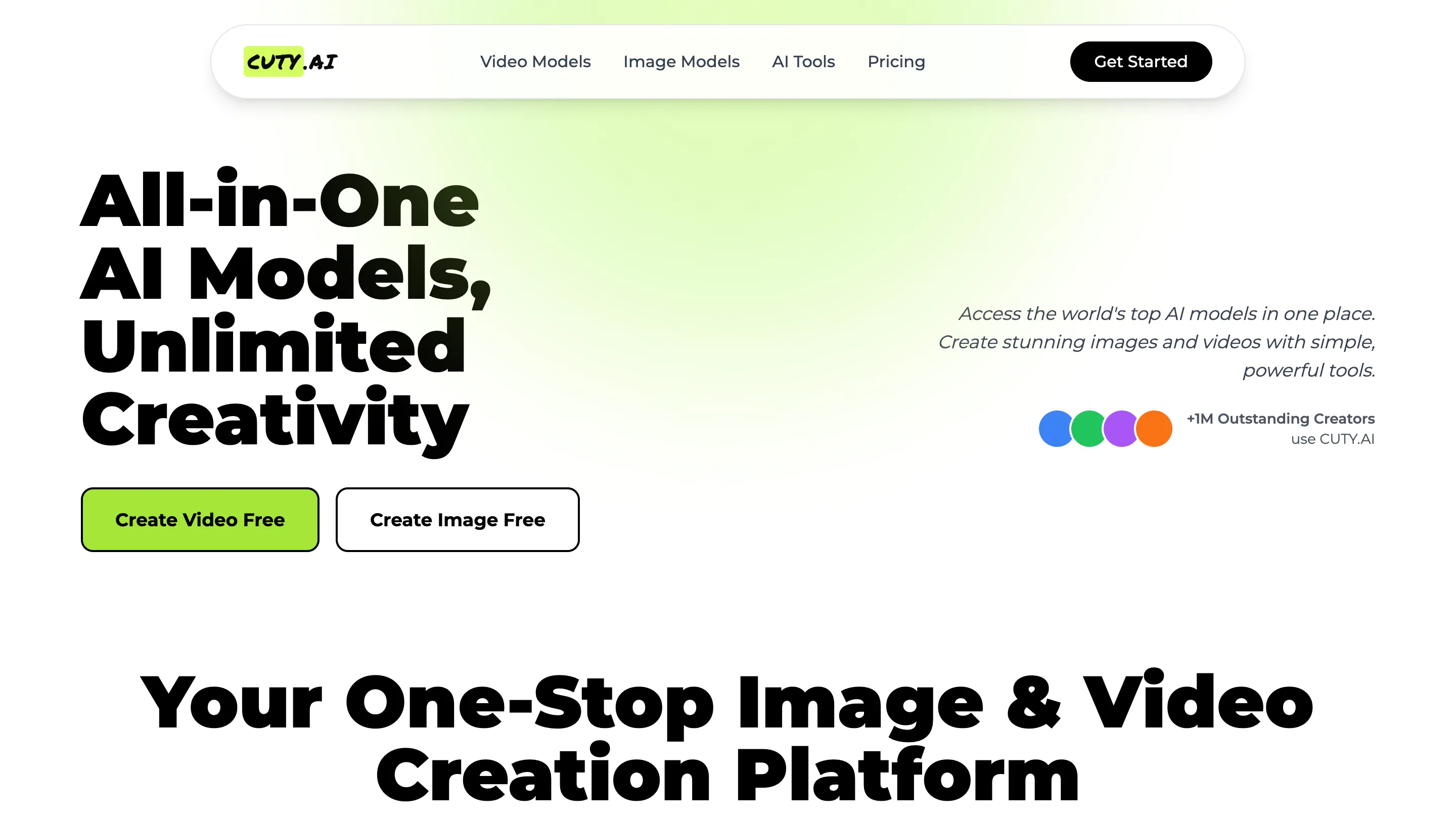
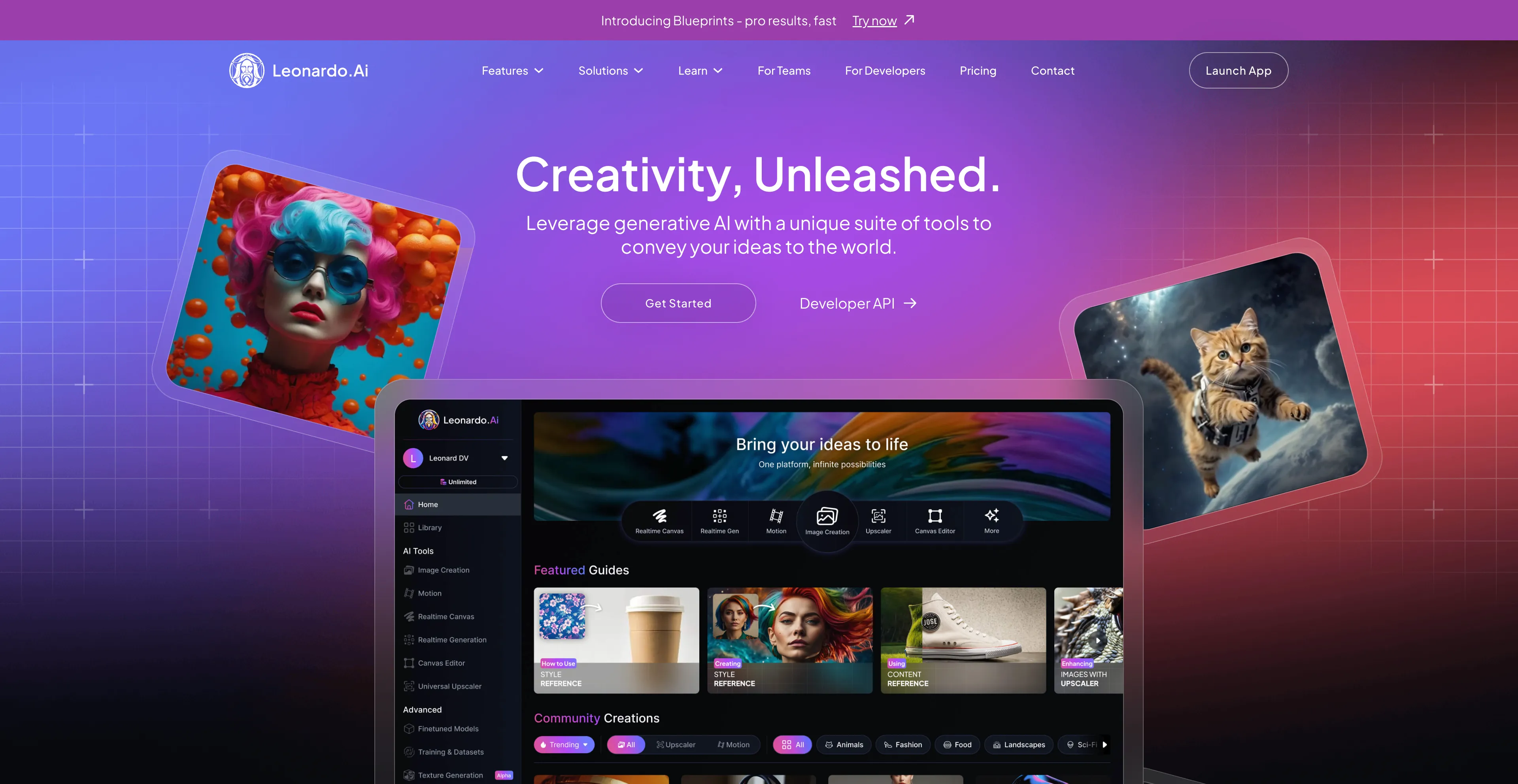
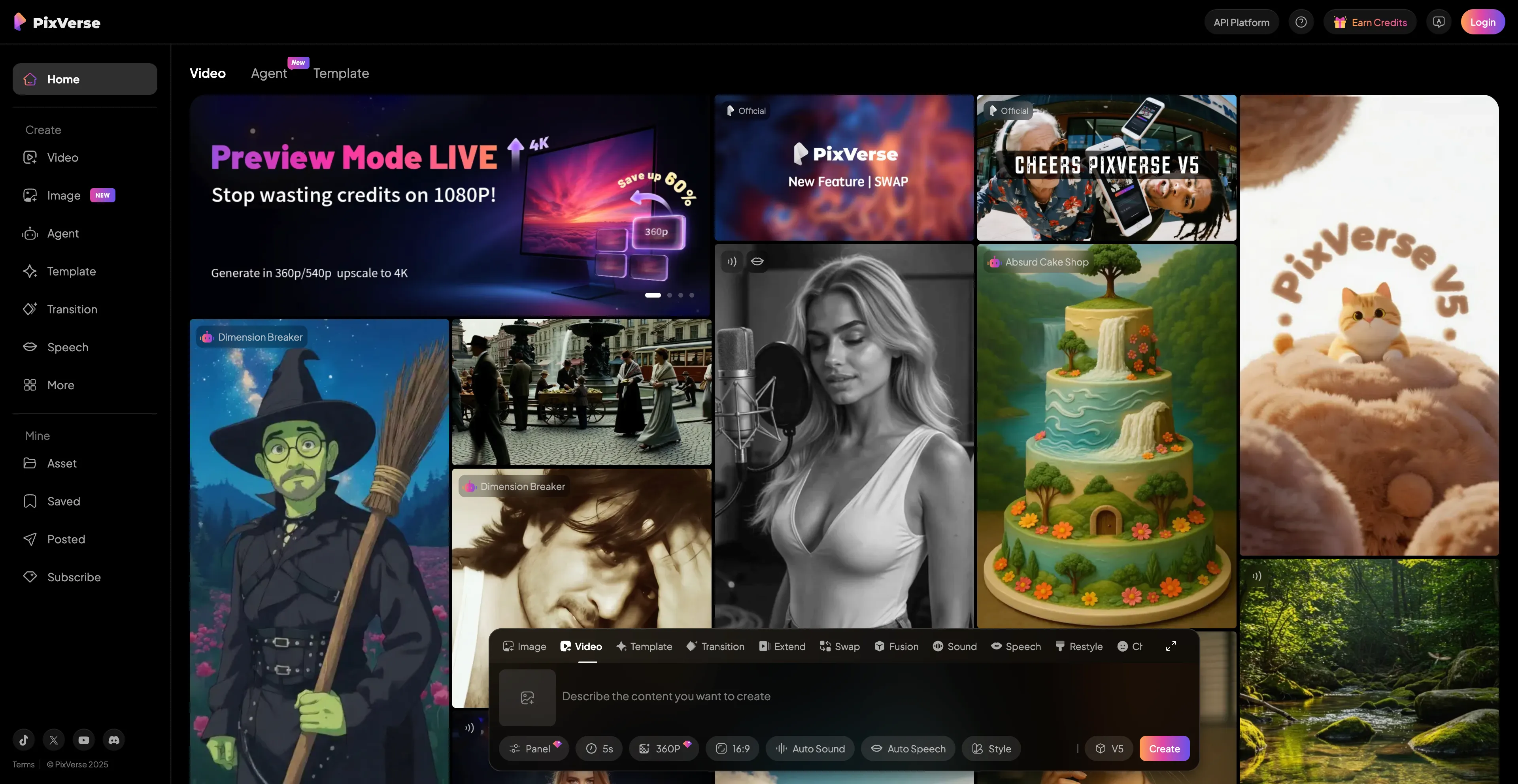
- Cuty AI - An One-Stop Image & Video Creation Platform.
- Leonardo AI - A web-based platform that uses artificial intelligence.
- Pika - An AI-powered video generator that creates videos from text.
- PixVerse - An advanced AI-powered video generator that creates animated videos.
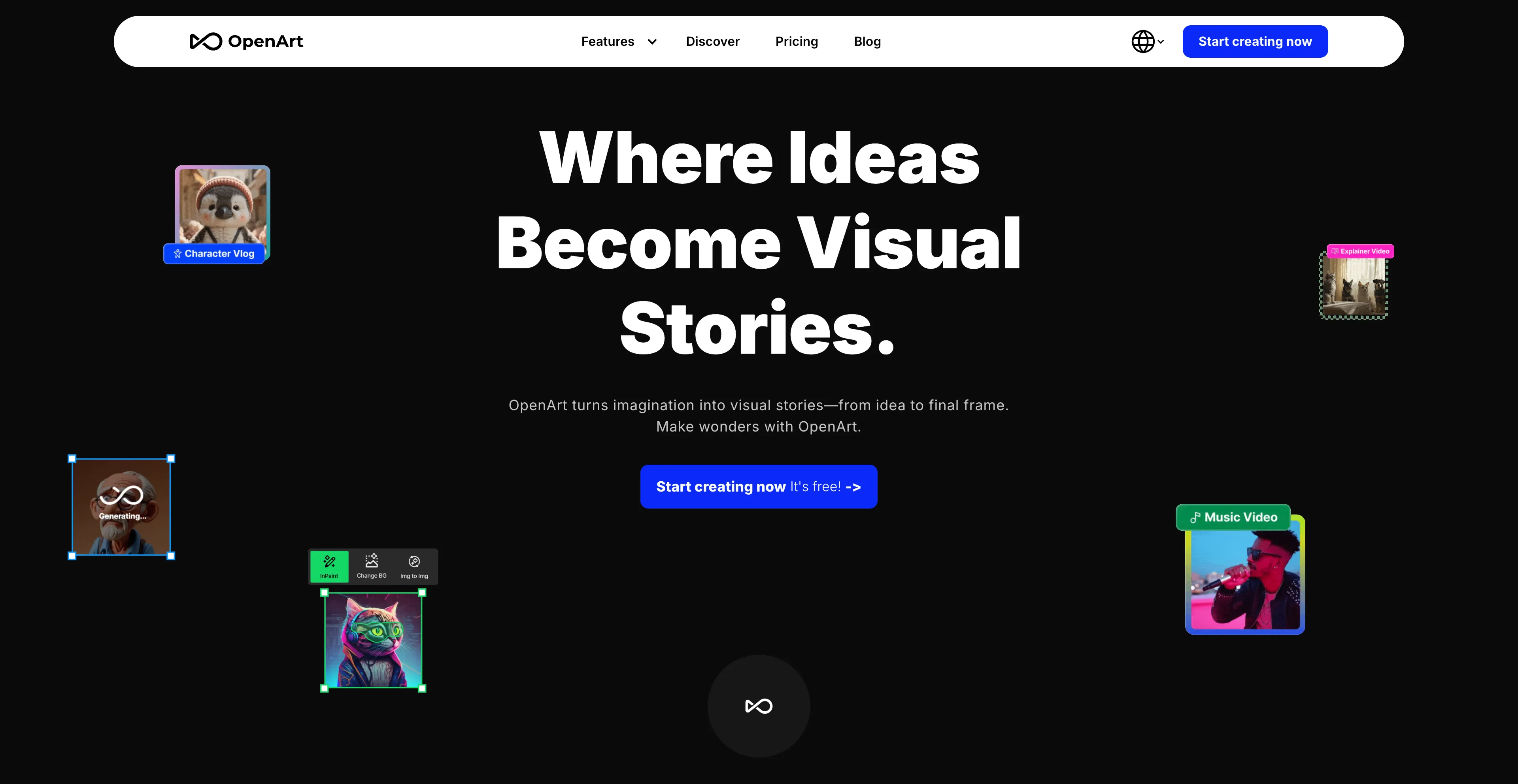
- OpenArt - An online platform for creating and editing digital art.
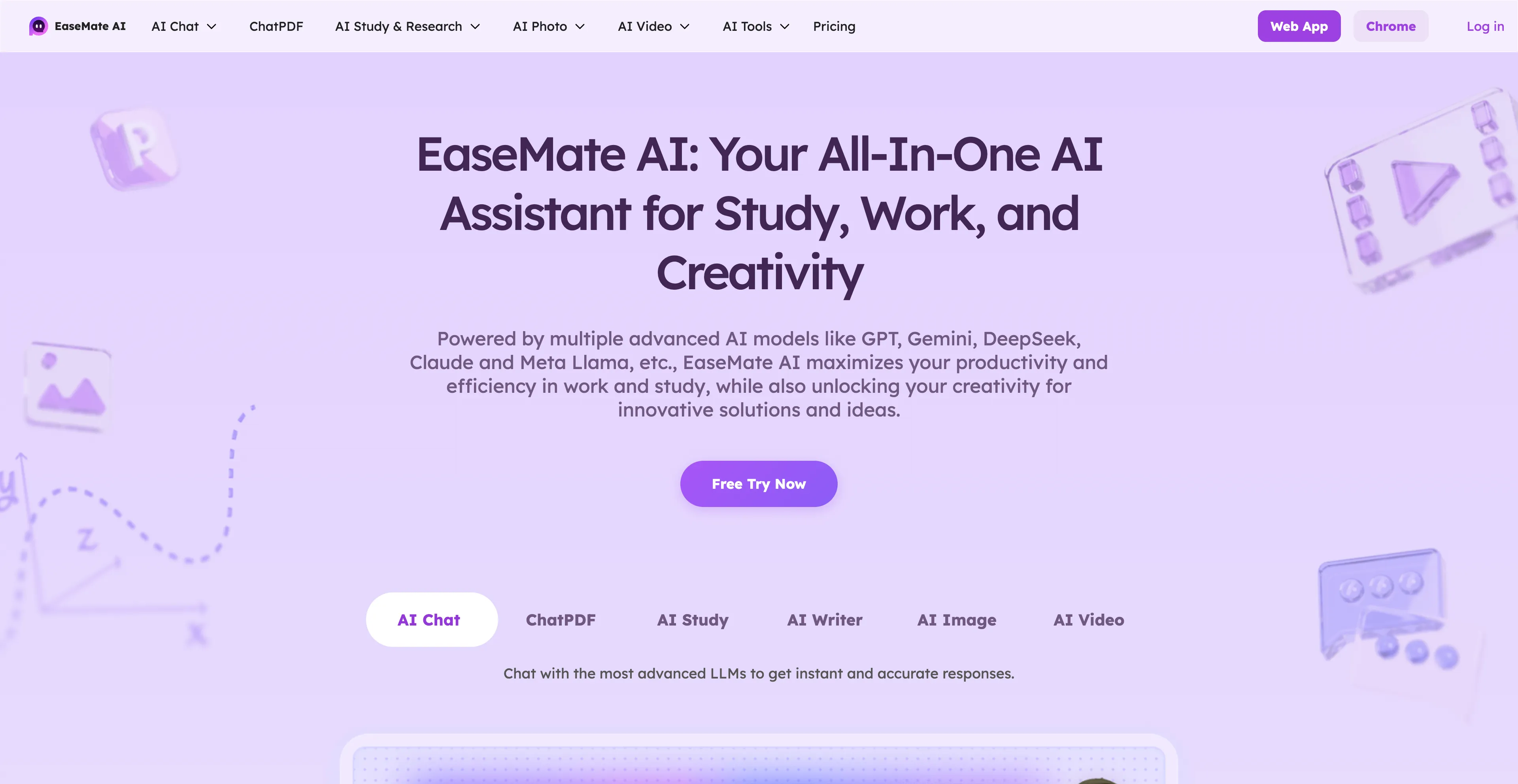
- EaseMate AI - An all-in-one AI assistant designed to improve productivity in work.
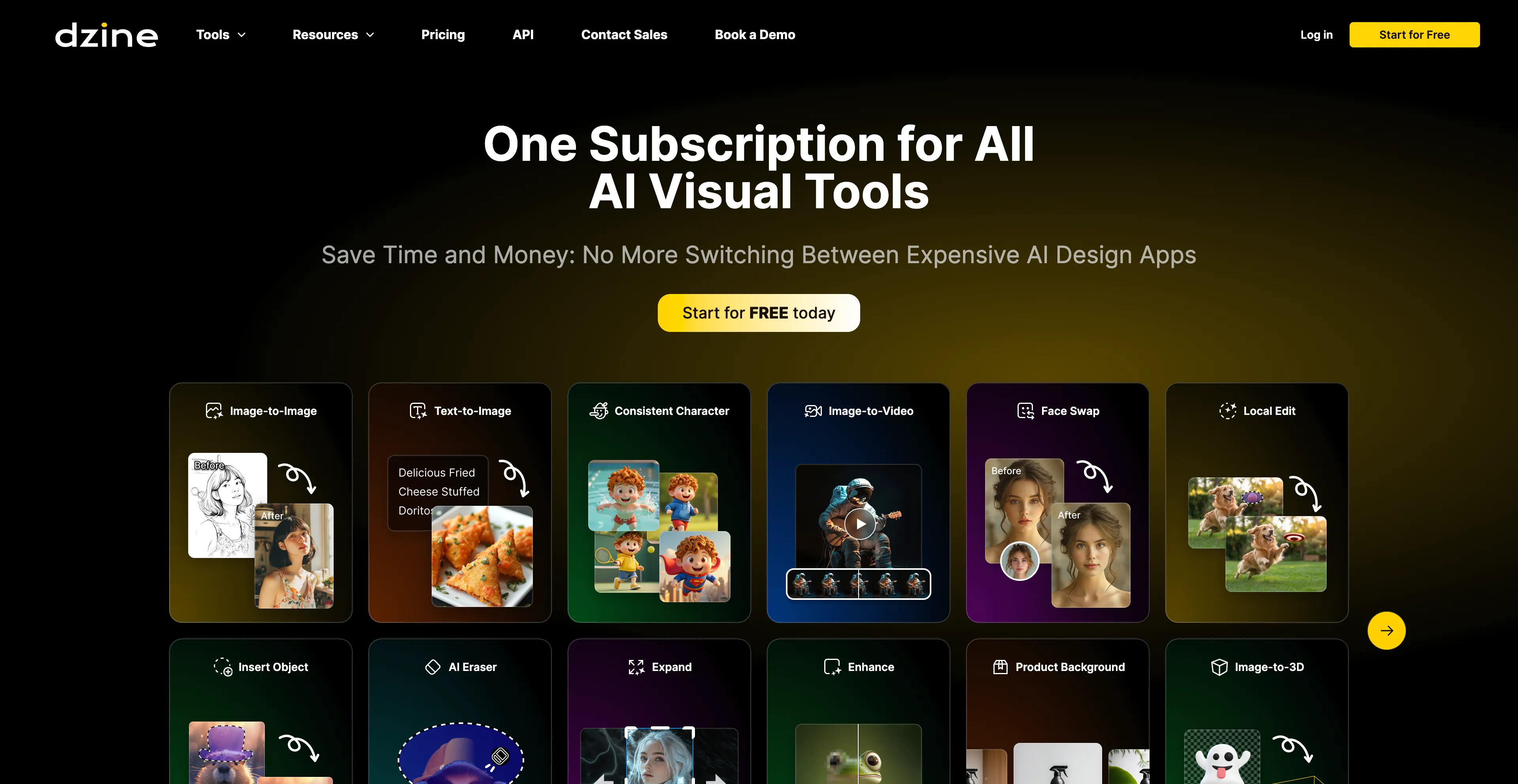
- Dzine AI - An AI-powered design platform that helps users create images.
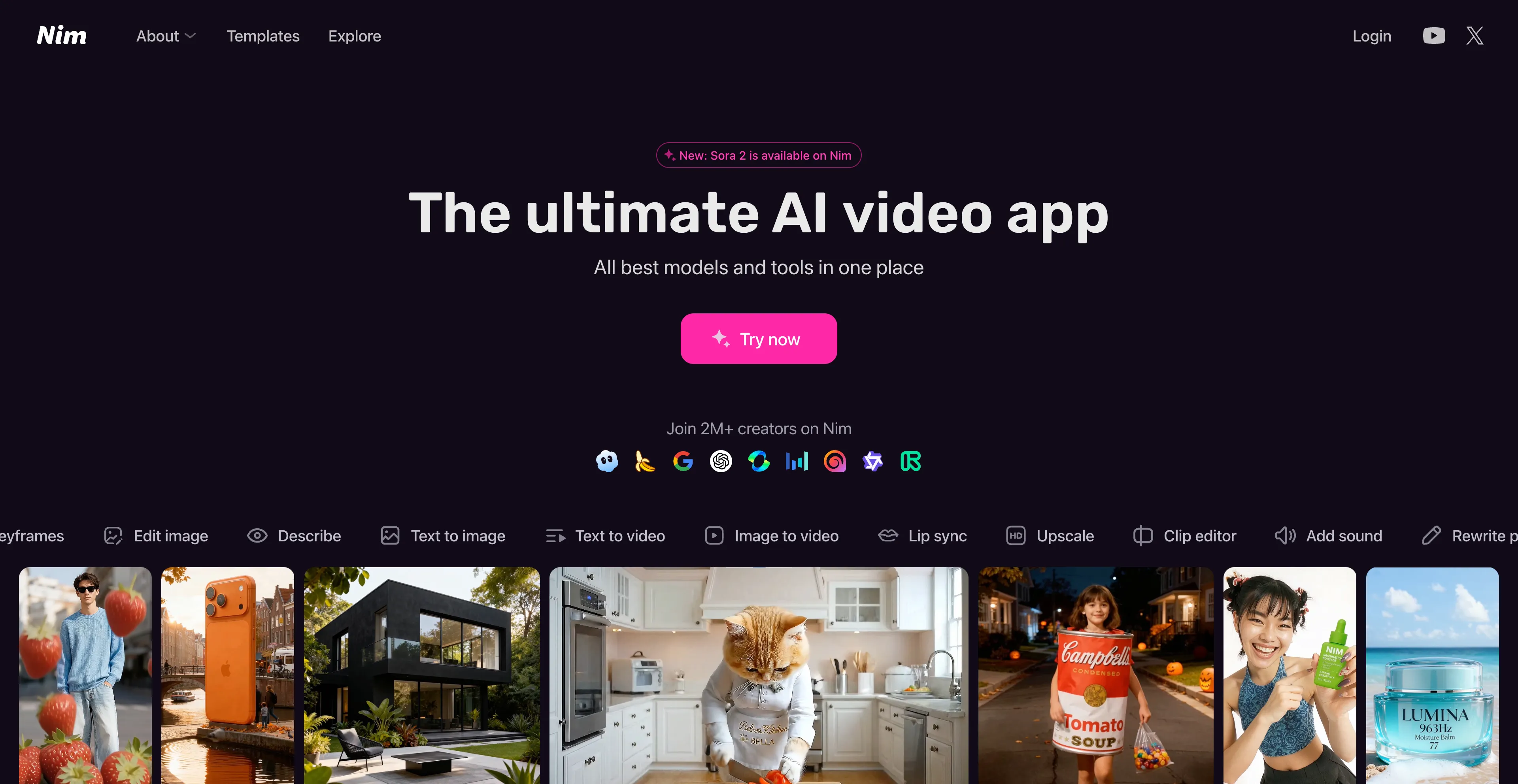
- Nim Video - An AI-powered platform that allows users to create videos.
- Ideogram - A text-to-image generator.
- Krea AI - A comprehensive AI design platform that creates, enhances, and edits.
1. Cuty AI
Cuty AI stands out as a comprehensive one-stop platform for both image and video creation, making it an excellent alternative to Seedream 4.0 for creators who need versatile AI tools. What makes Cuty AI particularly appealing is its unified approach to creative generation—you can access world-class AI models all in one place without jumping between different services. The platform excels at transforming ideas into stunning visuals through its text-to-image feature, which can produce everything from photorealistic images to artistic styles in just seconds. The image-to-image transformation capabilities are equally impressive, allowing you to remix and enhance photos while maintaining consistent details and unlocking endless creative possibilities. When it comes to video creation, Cuty AI truly shines. Its text-to-video feature converts written prompts into engaging video content that's perfect for marketing campaigns and social media posts. The image-to-video animation tool is particularly useful for bringing static images to life, whether you're working with portraits, avatars, or artwork. The platform offers a free plan that lets you explore its features and create images or videos at no cost, which is great for testing before committing. For users who need more generation credits and advanced capabilities, there are upgrade options available. The seamless integration of multiple AI models means you can handle your entire creative workflow without switching platforms, which significantly streamlines the content creation process.
2. Leonardo AI
Leonardo.Ai is a web-based platform that uses artificial intelligence to generate and edit images and videos from text prompts and other inputs, making it a powerful alternative to Seedream 4.0 for creators and marketers. It is popular among creators and marketers for producing high-quality visual assets, with features like a variety of models, fine-tuning options, real-time canvas editing, and video creation tools. The platform creates high-quality images from text prompts, with options to select from different models, apply styles, and adjust settings like contrast and resolution. It can transform images and text into dynamic video scenes, and allows users to edit images with AI, such as adding details or removing backgrounds. The platform features can automatically improve user prompts to get more interesting results, and offers granular control over the output, including aspect ratios and art styles, which sets it apart from some other AI generators. Leonardo.Ai can transform 2D creations into 3D textures, and provides a user-friendly interface with a free tier and paid options, with a range of tools and community creations to explore. It's commonly used for marketing and advertising, creating visuals for websites, social media, blogs, and ad campaigns. The platform is also useful for game development, generating game assets, interior design, helping to visualize and generate interior design concepts, creative projects, producing artwork, illustrations, and concept art, and personal use, creating unique images for social media or other personal projects. However, users find the randomness of motions from the Motion Generator frustrating and often require manual adjustments for assets. The platform can be expensive, and some users report poor results. There are usage limitations, and the credit system can be restrictive for heavy users.
3. Pika
Pika AI is an AI-powered video generator that creates videos from text or image prompts, making it an excellent alternative to Seedream 4.0 for creators who need user-friendly video generation tools. It is designed to be user-friendly, allowing users to generate videos in various styles like 3D, anime, and cinematic, or to animate images and edit existing videos. The platform uses AI to produce full-motion content and offers features like text-to-video, image-to-video, and the ability to modify existing videos with new elements. Users can generate videos from detailed text prompts that describe the desired style, action, and scene. The platform can animate still images by providing them as a prompt, and it allows users to modify existing videos by adding new elements or changing the scene. PikaFrames creates smooth video transformations by defining a start and end image, with the AI filling in the frames in between. PikaScenes creates a new scene based on multiple reference images and a text prompt. Pika Edits allows users to add new objects or elements into a pre-existing video, such as adding a person into a scene. Users can fine-tune aspects like camera behavior, aspect ratio, and other aspects of the generated video. However, another major concern is the potential for Pika AI to be misused or abused. With its ability to generate highly realistic videos from mere text prompts, it's not hard to imagine bad actors using the platform for nefarious purposes, which is an important ethical consideration.
4. PixVerse
PixVerse is an advanced AI-powered video generator that creates animated videos from text prompts or images, making it an excellent alternative to Seedream 4.0 for creators who need high-quality video generation capabilities. It uses AI to add realistic motion, depth, and cinematic camera movements to turn ideas into high-quality videos quickly. The platform includes features like text-to-video, image-to-video, special effects, and sound generation, making it a tool for both creative and professional use. You can generate videos from a text description or by animating a still image. The platform allows you to apply special effects to transform the style of a video or create unique animations. You can add real or AI-generated audio and voices to your creations. PixVerse enables you to create smooth transitions between two images or extend existing clips with AI-generated content. The platform is designed to produce high-quality videos quickly, with versions that can generate videos in seconds. It facilitates user interaction and allows for easy sharing of creations on social media platforms like YouTube, Twitter, and Discord. The tool serves a wide range of interests, from personal projects to professional video production. However, with the PixVerse AI free plan, you can only create a limited number of videos with restricted access to advanced features. Free access comes with a lack of scalability and priority support, which may be limiting for users who need to create content regularly or require advanced capabilities.
5. OpenArt
OpenArt is an online platform for creating and editing digital art using artificial intelligence, founded by former Google employees, making it a comprehensive alternative to Seedream 4.0 for digital artists and creators. It offers tools to generate images from text prompts, apply various artistic styles, and edit existing images. The platform also includes advanced features like generating videos from images or text, editing with features like inpainting and object removal, and a community to share and build upon creative work. Users can create images from text descriptions and choose from over 100 different AI models for various styles like photorealistic, anime, or fantasy art. It provides a suite of editing tools, including object removal, inpainting, upscaling, and the ability to regenerate or restyle parts of an image. The platform allows users to generate videos from images or text, with different modes for narrative-driven or abstract content. OpenArt has a community aspect where users can share their creations and learn from each other, which can help inspire and replicate results. It offers team plans with shared assets, permissions, and pooled credits, designed for studios and agencies. The platform uses a credit-based system, with different subscription plans offering varying amounts of credits for generation and other features. However, users may find their customization options restricted, impacting the uniqueness of generated artwork. The platform relies heavily on internet connectivity and advanced hardware, potentially limiting access for some users.
6. EaseMate AI
EaseMate AI is an all-in-one AI assistant designed to improve productivity in work and study through features like AI chat, summarization, translation, and writing assistance, making it a comprehensive alternative to Seedream 4.0 for users who need both productivity and creative tools. It also includes creative tools for generating images and videos from text prompts, as well as educational tools like math solvers and flashcard makers. The platform offers tools to streamline workflows, such as summarizing documents, translating text, assisting with writing, and providing an intelligent chat interface. Users can generate images from text and create videos from text or images, with additional features like face swapping. The platform includes a variety of academic support tools, such as a math solver, mind map generator, and quiz generator. It is powered by a range of advanced AI models, including GPT-4o mini, DeepSeek, and Claude 3 Haiku. EaseMate AI aims to make premium AI tools accessible for free, with some features requiring daily credits or other options for use. However, there are some considerations to keep in mind. There's a potential for overreliance on AI, which might impact critical thinking skills. There's also a risk of inaccuracies in responses, so it's important to verify important information. The platform may be misused in academic settings, which is an important ethical consideration for students and educators.
7. Dzine AI
Dzine AI is an AI-powered design platform that helps users create images, graphics, and websites from text prompts or existing images, making it a powerful alternative to Seedream 4.0 for designers and content creators. Previously known as Stylar AI, it offers a suite of tools for tasks like image generation, photo enhancement, and video creation, making it accessible to both beginners and professionals. Key features include AI-powered editing like background removal, image expansion, and specific tools like an AI anime filter and an AI logo designer. Users can create images from text prompts and explore various styles, such as Pixar, anime, or painted looks. The platform includes tools like Generative Fill to expand images, remove backgrounds, and edit specific objects within a photo. It offers one-click enhancements to improve the quality of photos, fixing issues like blur and low resolution. Dzine AI can convert images into short video clips using different AI models, and it allows users to train the AI to create consistent characters from a set of images or text prompts. The platform can generate new logos or refine existing ones using text and image-to-image functions. However, the advanced features and AI integrations require significant time and effort to master, potentially overwhelming for new users. While AI automates many tasks, professionals might find the lack of detailed manual controls restrictive.
8. Nim Video
Nim Video is an AI-powered platform that allows users to create videos from text prompts or images, and includes features like lip-syncing and video style transfer, making it a comprehensive alternative to Seedream 4.0 for content creators. It acts as an all-in-one tool for content creators by combining various AI models and tools into a single interface, simplifying the video generation process for those without technical skills. The platform can also be used to animate existing images and add voiceovers, music, and effects, which makes it incredibly versatile for various content creation needs. You can generate videos from written text prompts, transform still images into dynamic videos, and animate an AI avatar's mouth to match a voiceover in real time. The platform allows you to change the style of a video using generative models, and you can use pre-made or custom AI avatars as on-screen narrators for a consistent look. Nim Video can improve the resolution and clarity of videos using models like Topaz, and it provides a unified interface that allows you to access a variety of AI models and tools from one place without needing multiple subscriptions. However, users find the setup process complex with a steep learning curve, requiring significant time and effort to complete. The learning curve can be difficult, and there are complexity issues that may frustrate beginners. Some users also report password issues that can be problematic.
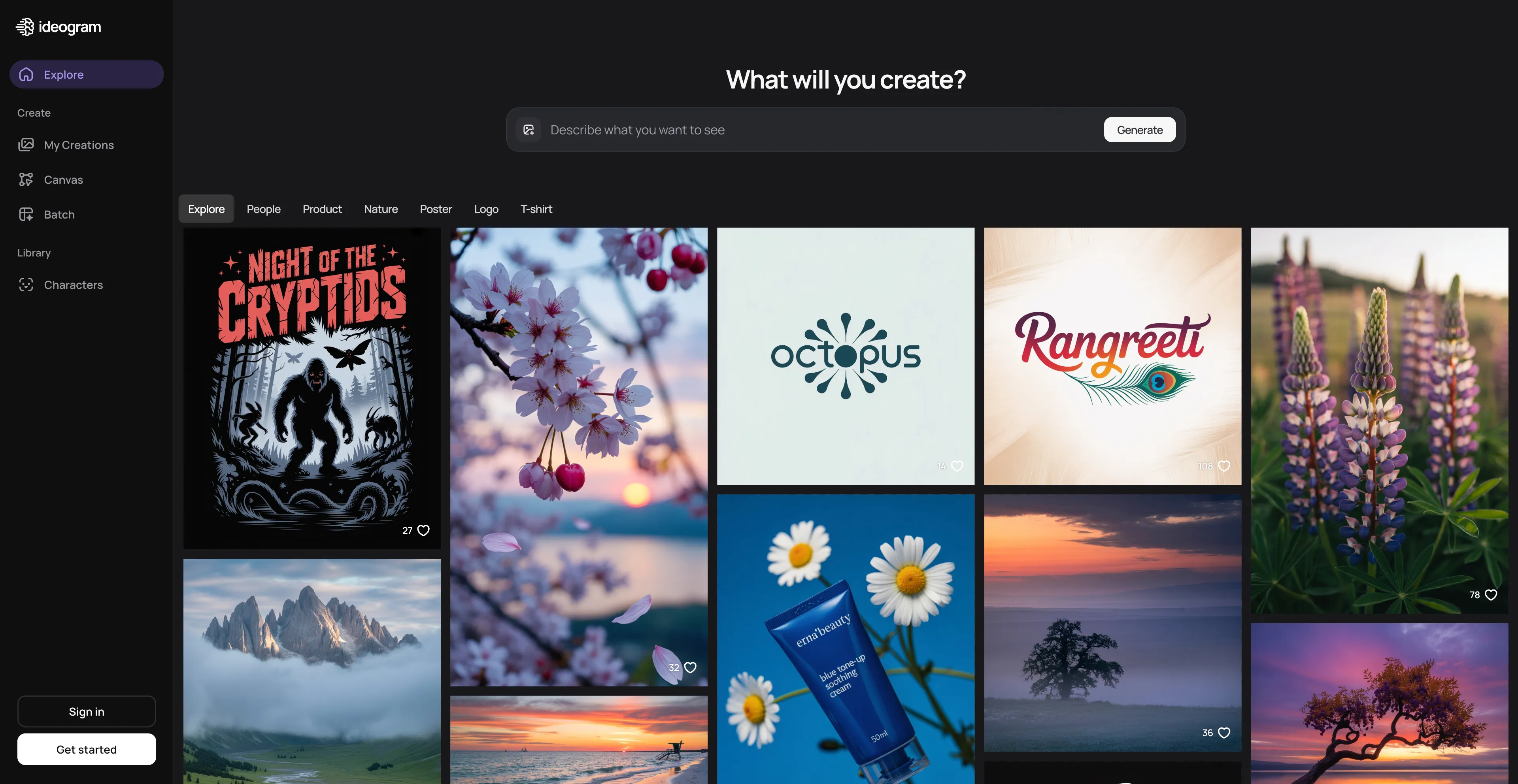
9. Ideogram
Ideogram is an AI image generator that creates images from text prompts, known for its ability to render readable text within images, making it an excellent alternative to Seedream 4.0 for creators who need text rendering capabilities. The platform excels at accurately placing and stylizing text within generated images, such as logos, posters, or stickers. It includes features like creating realistic images, editing and remixing images, removing backgrounds, and generating images in bulk. The platform offers a free tier with daily limits, and paid subscriptions provide more features and faster generations. The platform is particularly useful for creating designs that require text elements, which is a significant advantage over many other AI image generators that struggle with text rendering. This makes Ideogram ideal for creating logos, posters, social media graphics, and other designs where text is a key component. However, the generated images depend on AI's ability to interpret prompts accurately, so results may vary. If you're looking for ultra-specific adjustments, the customization options might not fully meet your needs, which can be limiting for users who need precise control over their designs.
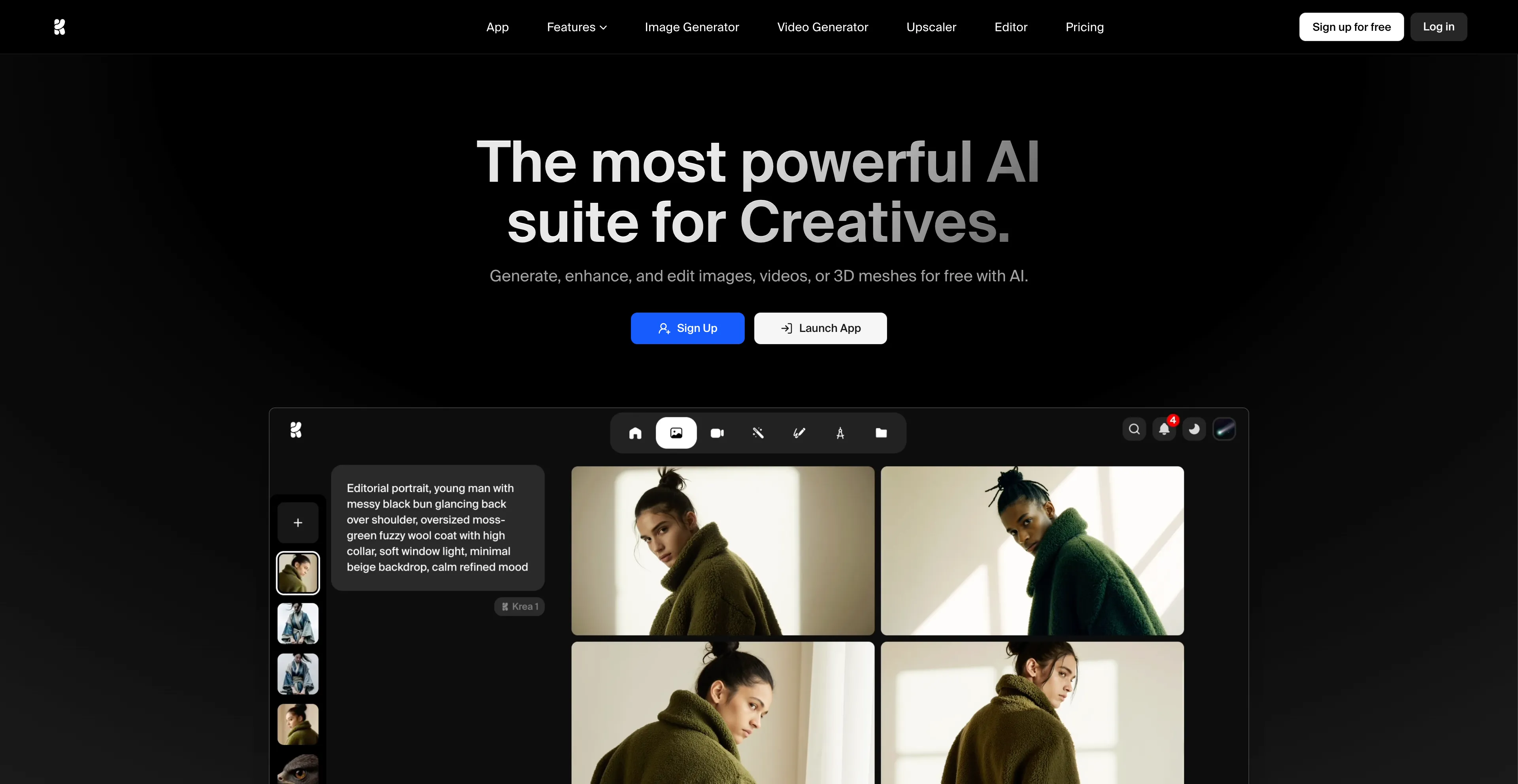
10. Krea AI
Krea AI is a comprehensive AI design platform that creates, enhances, and edits visual content like images and videos, making it an excellent alternative to Seedream 4.0 for designers and content creators. It offers tools for real-time image generation, which allows users to draw or upload elements on a canvas and see an AI-generated preview develop instantly. Krea AI also includes features for image upscaling and enhancement, video generation, and 3D object creation, providing a wide range of creative capabilities in one platform. Users can interact with a canvas, drawing or uploading images, and the AI generates a corresponding image in real-time based on a text prompt and the canvas elements. The "AI strength" slider controls how much the canvas influences the final image. It offers generative editing tools to add or remove objects, change expressions, or merge images. It also has video generation capabilities using integrated models. The platform can improve the quality of low-resolution images, increasing resolution, sharpness, and clarity. Users can create 3D models from images or text prompts, and the platform allows users to train their own custom models by uploading images, which can then be used for generating new visuals. The platform provides access to a variety of different AI models for both image and video generation, including some of the latest models from external providers. However, the free version has restricted access to advanced tools. While easy to use, advanced features may take some time to master, which can be a barrier for users who want to quickly access all capabilities.