







Kaze AI
Kaze AI is a browser-based AI image studio best known for context-aware watermark and object removal powered by diffusion-model inpainting. Click the input box below to use similar features on Cuty AI.
Key Features of Kaze AI
- Context-Aware Watermark & Object Removal: Brush over watermarks, logos, text, or unwanted objects and Kaze rebuilds the area with diffusion-based inpainting.
- AI Headshot Generator: Turn a few selfies into studio-style portraits in different outfits, lighting setups, and backgrounds.
- Photo Restoration & Unblur: Repair scratches, tears, and noise in old photos and recover detail in motion-blurred shots.
- Image Upscaler & Enhancer: Push images to higher resolution while restoring detail in skin, hair, and small text.
- Background Remover & Uncrop: One-click cutouts plus AI uncrop that extends image borders with generative fill.
- Chat Edit for Conversational Image Changes: Describe an edit in natural language — change an outfit, swap a background, fix lighting — and Kaze applies it.
- Body Editor & Hair Changer: Adjust body shape, change hairstyle and color, and restyle outfits without leaving the photo editor.
Context-Aware Watermark & Object Removal
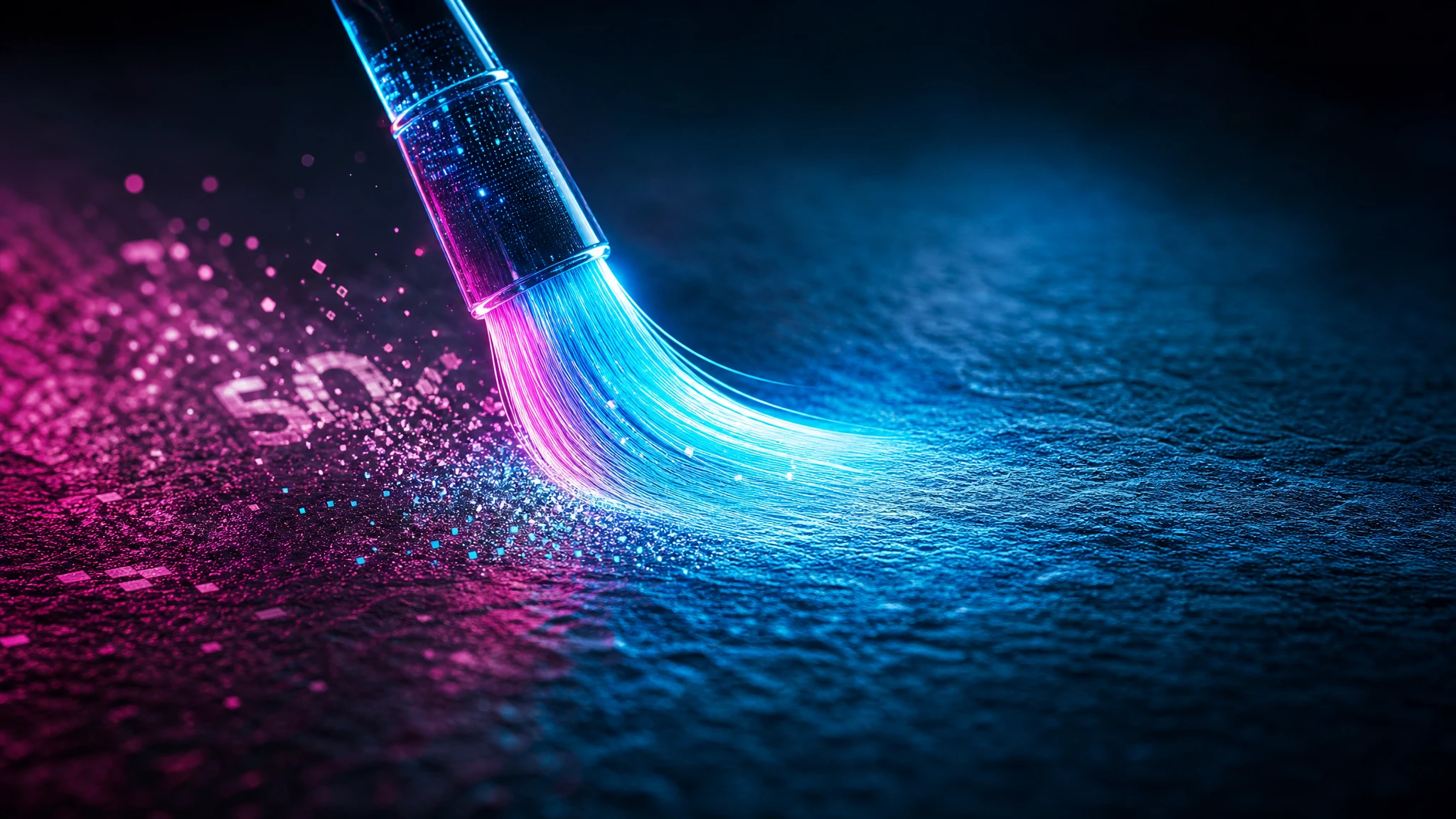
Kaze AI's flagship tool uses generative inpainting instead of clone-stamp tricks, so it analyzes the full image — lighting, structure, and surrounding context — before painting in a replacement. Drag and drop a photo, paint over watermarks, stickers, logos, or stray objects, and the model renders a clean fill that holds up even on busy or textured backgrounds.
AI Headshot Generator
Upload a handful of reference photos and Kaze produces professional-looking headshots in seconds — corporate, casual, fashion, or themed looks. The generator keeps facial likeness consistent while varying wardrobe, lighting, and backdrop, which makes it useful for LinkedIn profiles, resumes, and team pages.
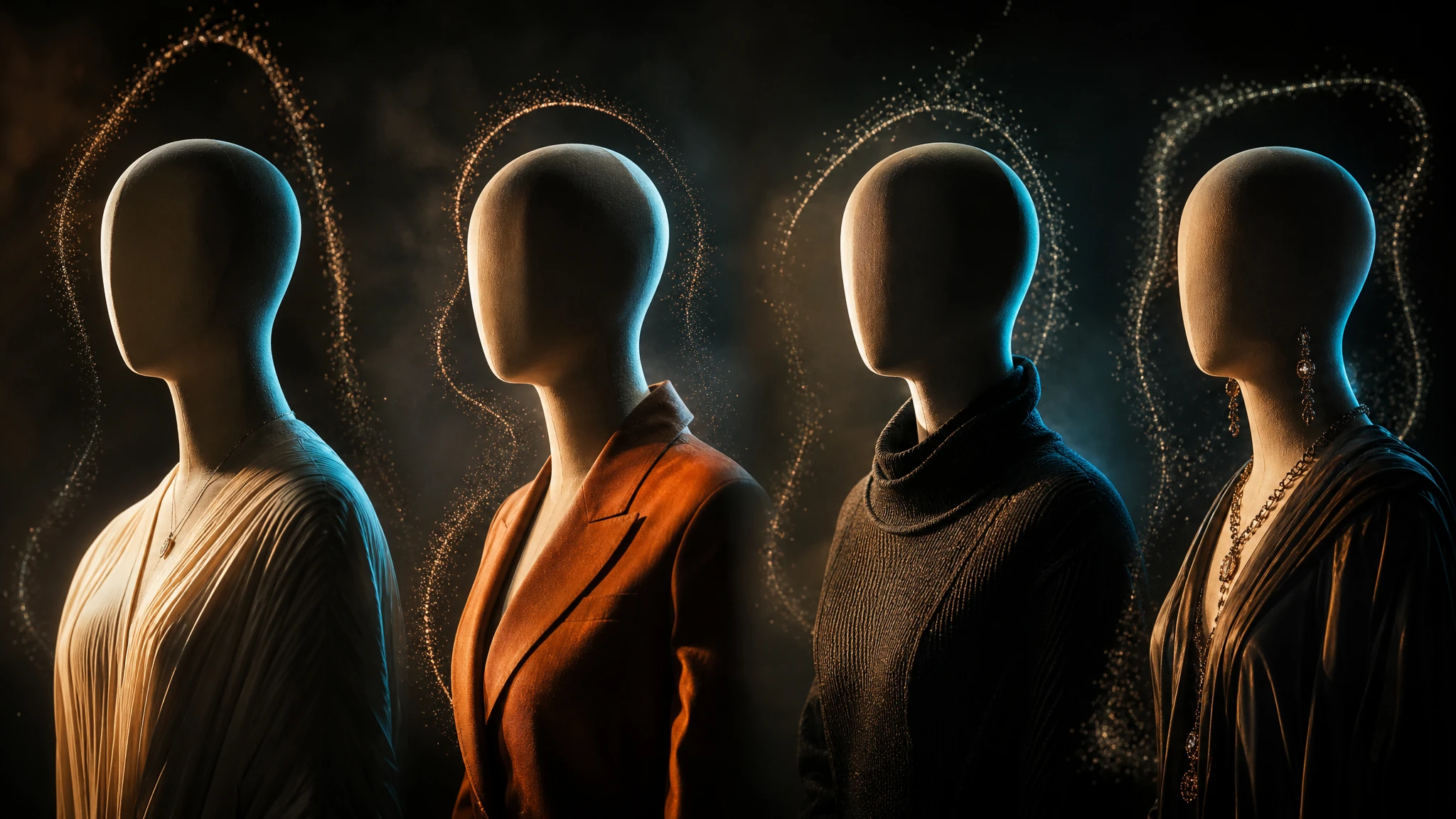
Photo Restoration & Unblur
Kaze's restoration model targets cracks, dust, color fading, and missing patches in scanned prints, then layers face-aware sharpening on top. The same pipeline works as an unblur tool — feed in shaky phone snaps or low-light captures and it rebuilds edges and facial features without smearing texture.
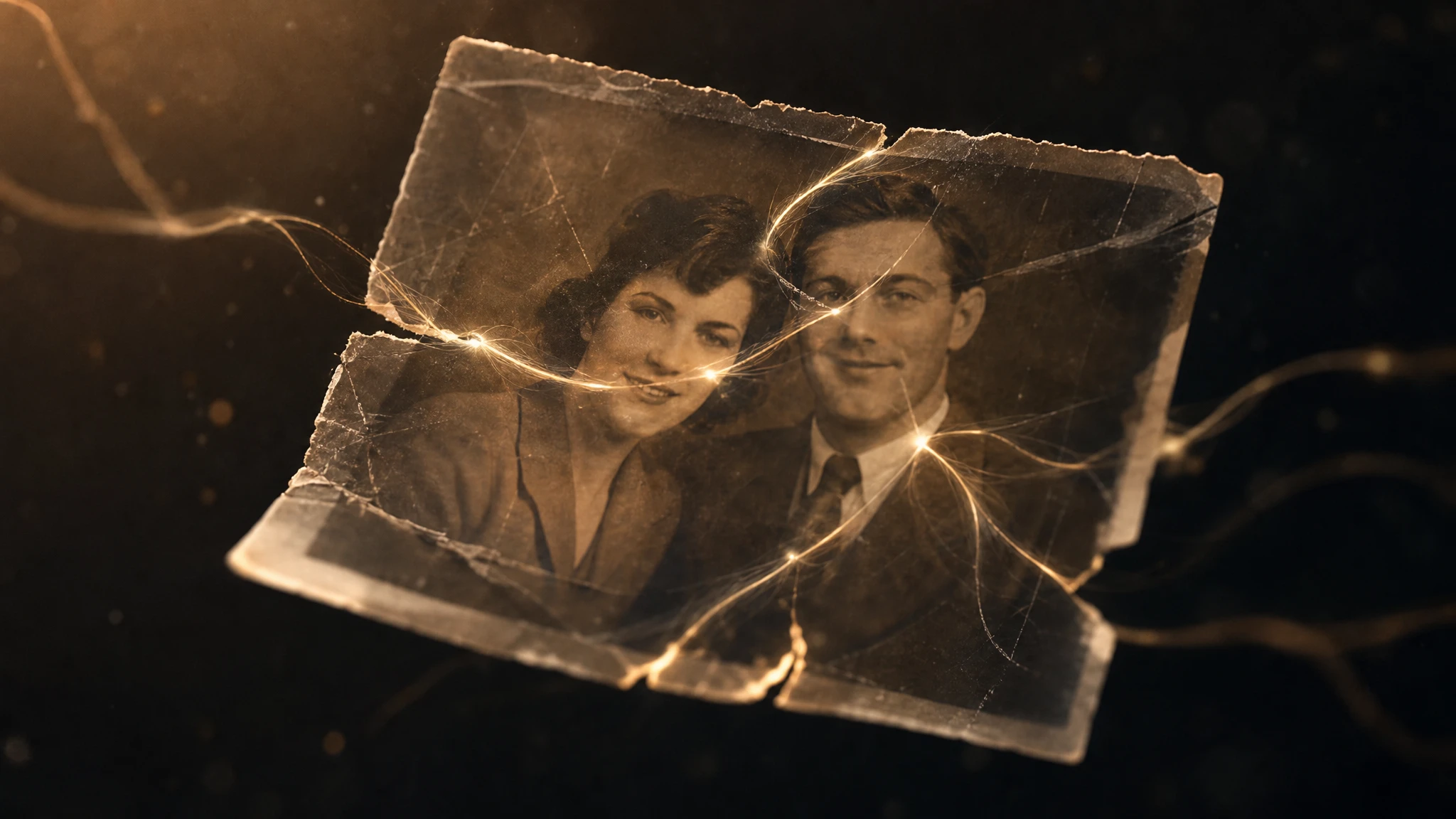
Image Upscaler & Enhancer
Kaze's upscaler enlarges photos several times their original size and uses a diffusion enhancer to reconstruct fine detail rather than just stretching pixels. It's tuned to preserve faces and text, which makes it suitable for enlarging product shots, e-commerce thumbnails, or older social posts for print.
Background Remover & Uncrop
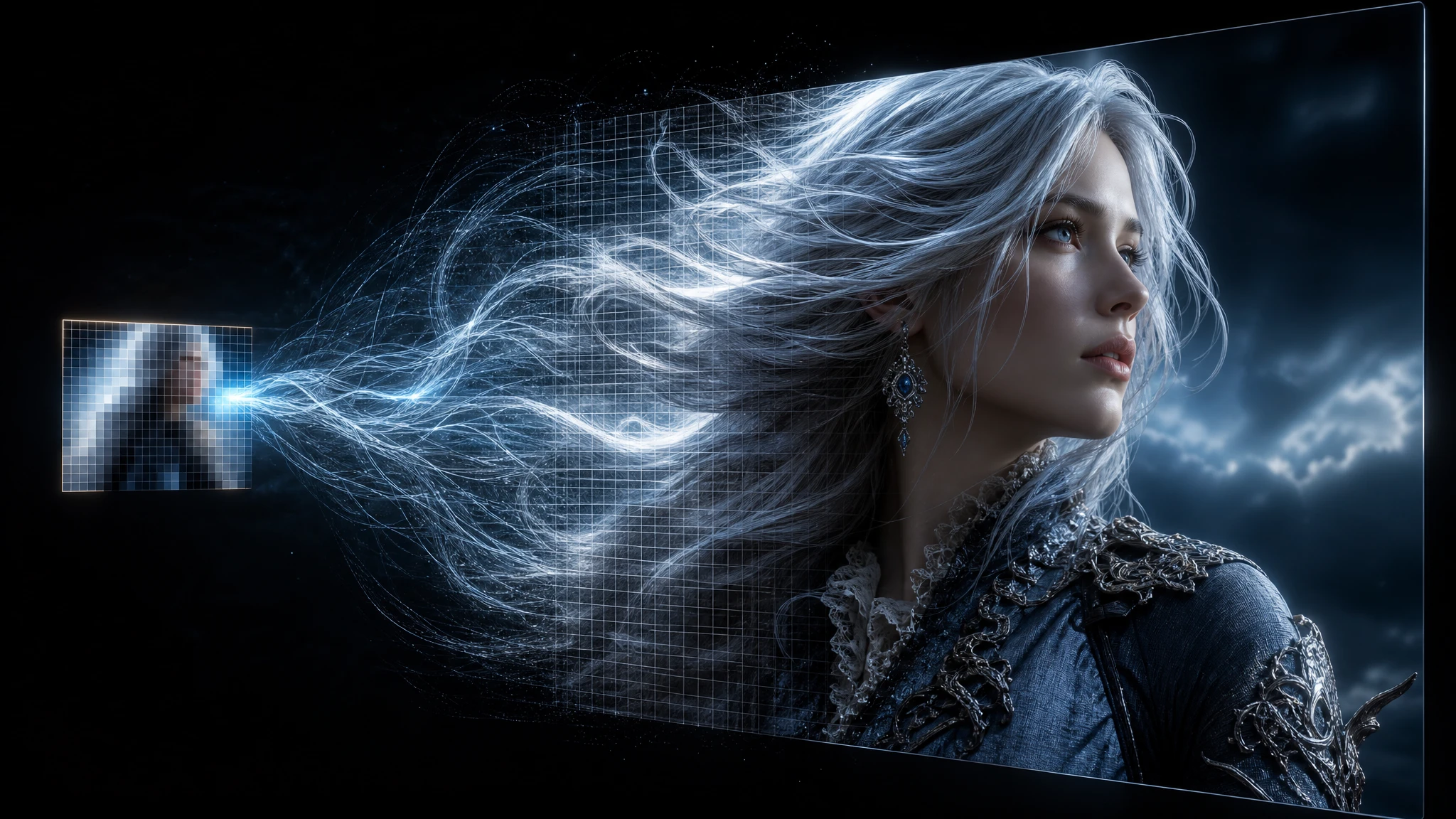
The background remover isolates the subject with clean alpha edges in a single click, and the uncrop tool extends the canvas in any direction by generating new content that matches the lighting and perspective. You can swap to a transparent background, drop in a solid color, or generate a brand-new scene for product or portrait shots.
Chat Edit for Conversational Image Changes
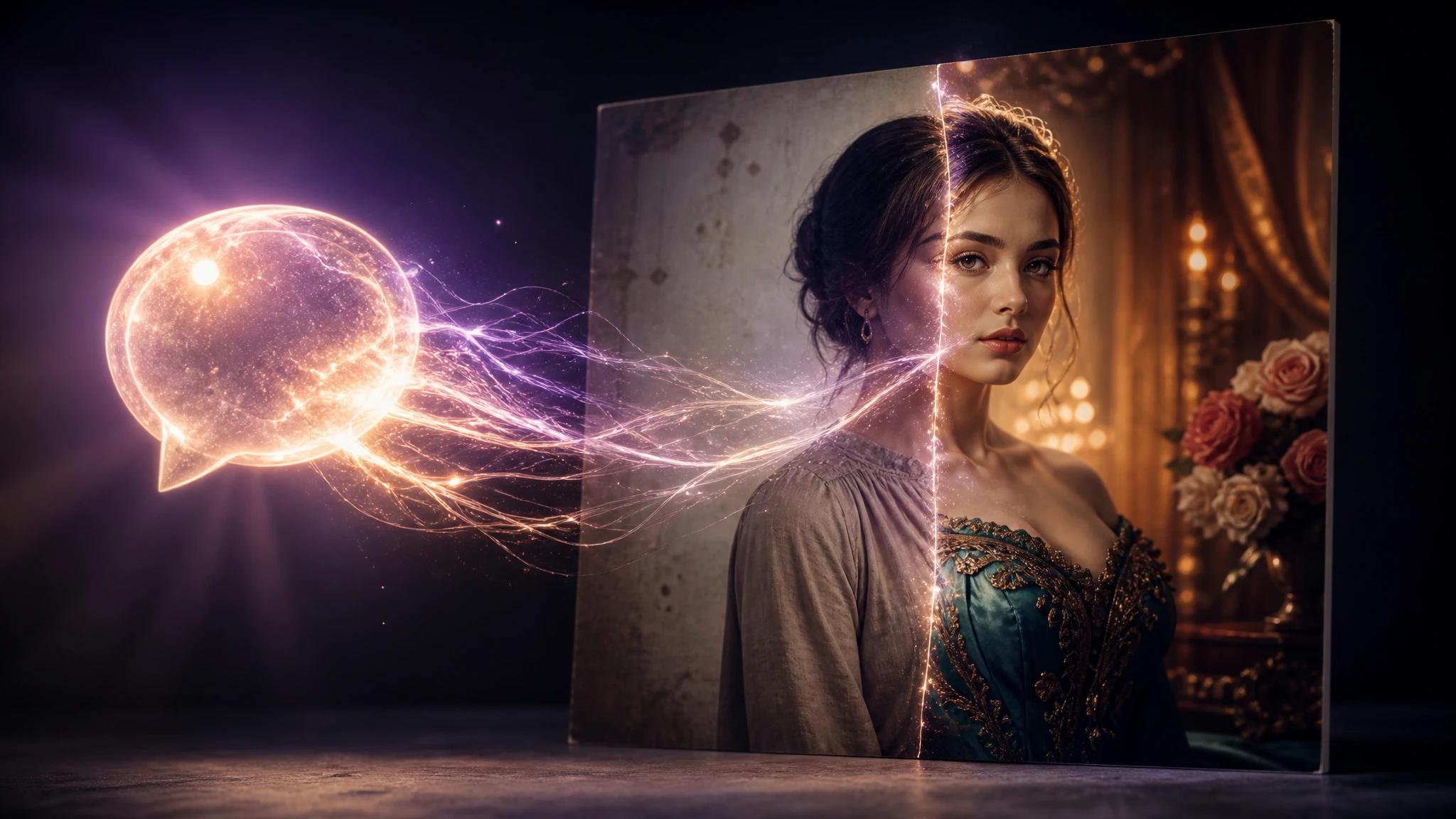
Chat Edit replaces brush-and-mask workflows with plain-language instructions like "change the shirt to a blue blazer" or "replace the background with a beach at sunset." The model interprets the request, runs the appropriate inpainting or relighting pass, and shows you the edited image alongside the original so you can iterate quickly.
Body Editor & Hair Changer
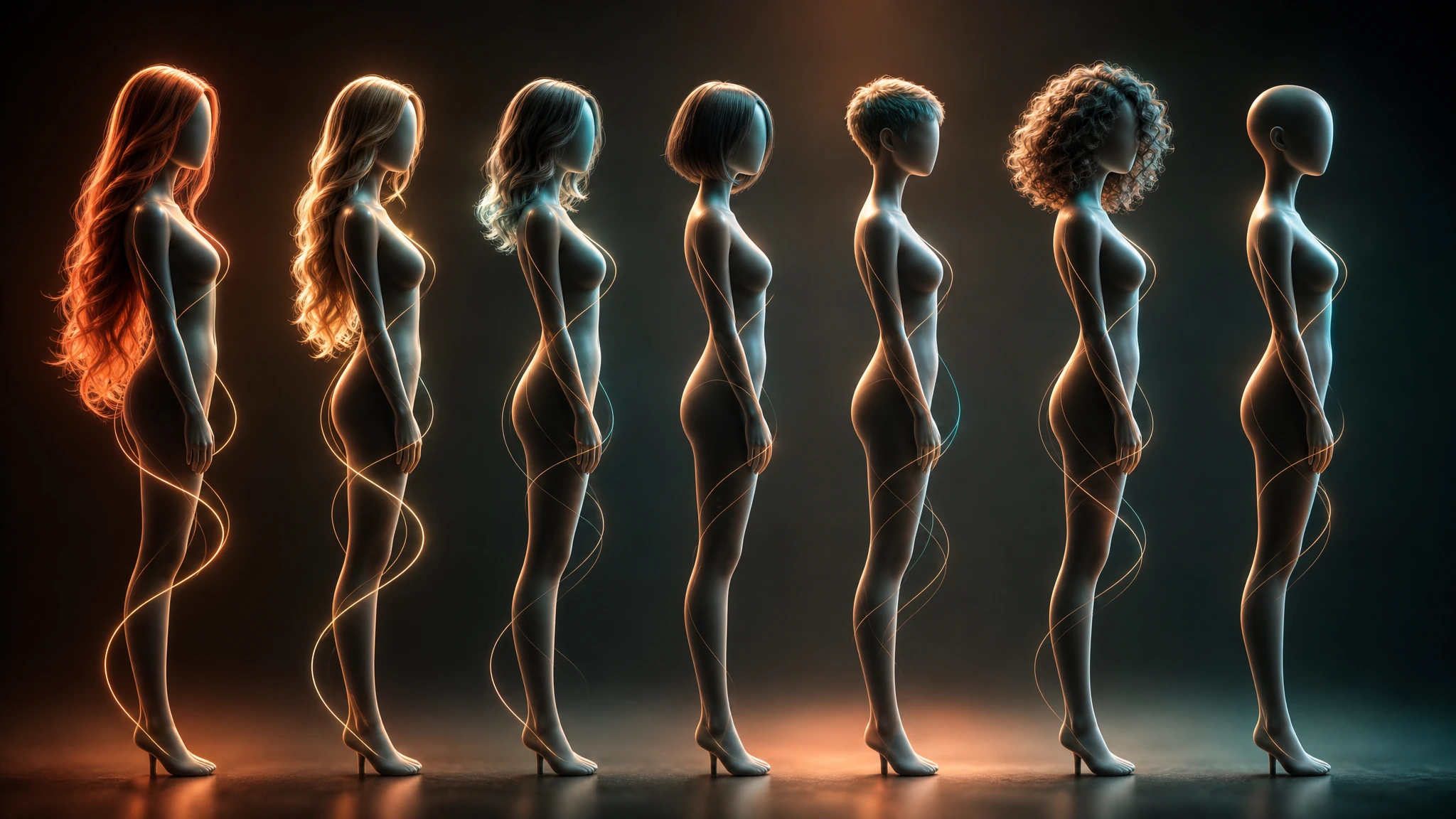
Beyond core retouching, Kaze ships a Body Editor for slimming, posture, and proportion tweaks and a Hair Changer that swaps hairstyles and colors while keeping facial likeness intact. Both tools work on full-body photos and are paired with creative editing options to restyle complete looks before exporting.
Frequently Asked Questions
Everything you need to know about kaze-ai
Kaze AI is an all-in-one AI image studio that runs in any modern web or mobile browser. It combines watermark removal, headshot generation, photo restoration, upscaling, background editing, and conversational chat-based image editing in a single workspace.
You upload an image, paint over the watermark, logo, or stray object, and click generate. Kaze's diffusion-based inpainting model studies the surrounding pixels — color, lighting, and structure — and reconstructs the masked area so the fill blends in naturally instead of leaving smudges.
Yes. Kaze AI runs on a freemium model with a Free plan for trying the tools, then paid tiers — Kaze Pro at $4.95/month, Pro Plus at $9.95/month, and Max at $19.95/month — that unlock more credits and higher-quality output. There is also a pay-as-you-go option at roughly $0.50 per credit.
Paid Kaze plans grant commercial usage rights for the images you generate or edit, which makes them suitable for marketing assets, product photography, and client work. Free-plan users should check current terms before publishing commercially.
Most users start by uploading a photo, picking a tool such as Watermark Removal, Headshot, or Background Remover, and then refining the result. From there you can chain edits — for example, remove the background, run an upscale, and finish with a Chat Edit instruction — before downloading the final image.
The differentiator is its use of diffusion models with context-aware generative inpainting instead of clone-stamp or pixel-copy techniques. That means cleaner watermark removal on textured backgrounds, more realistic uncrops, and edits that preserve lighting and structure across the whole image.